What it does
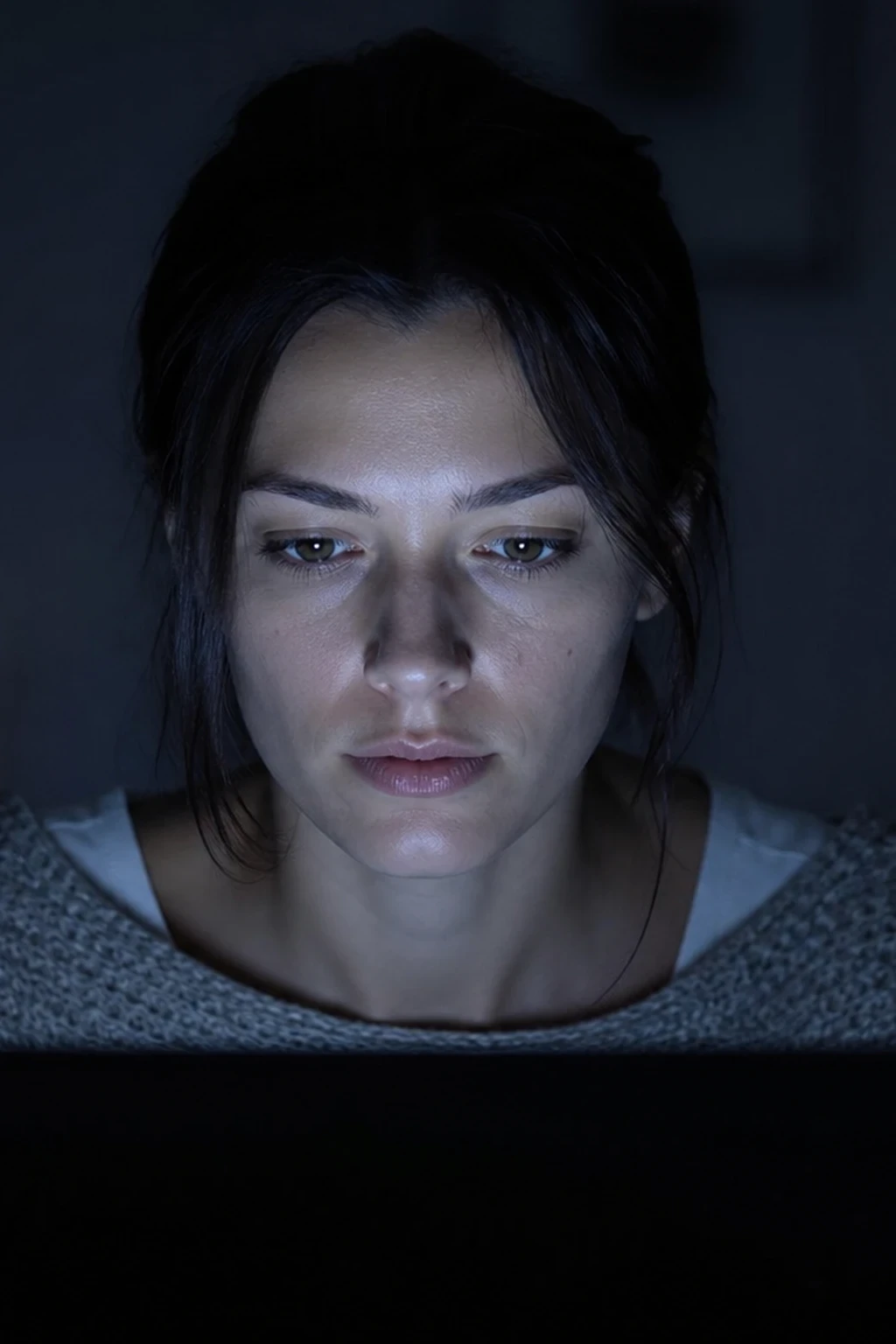
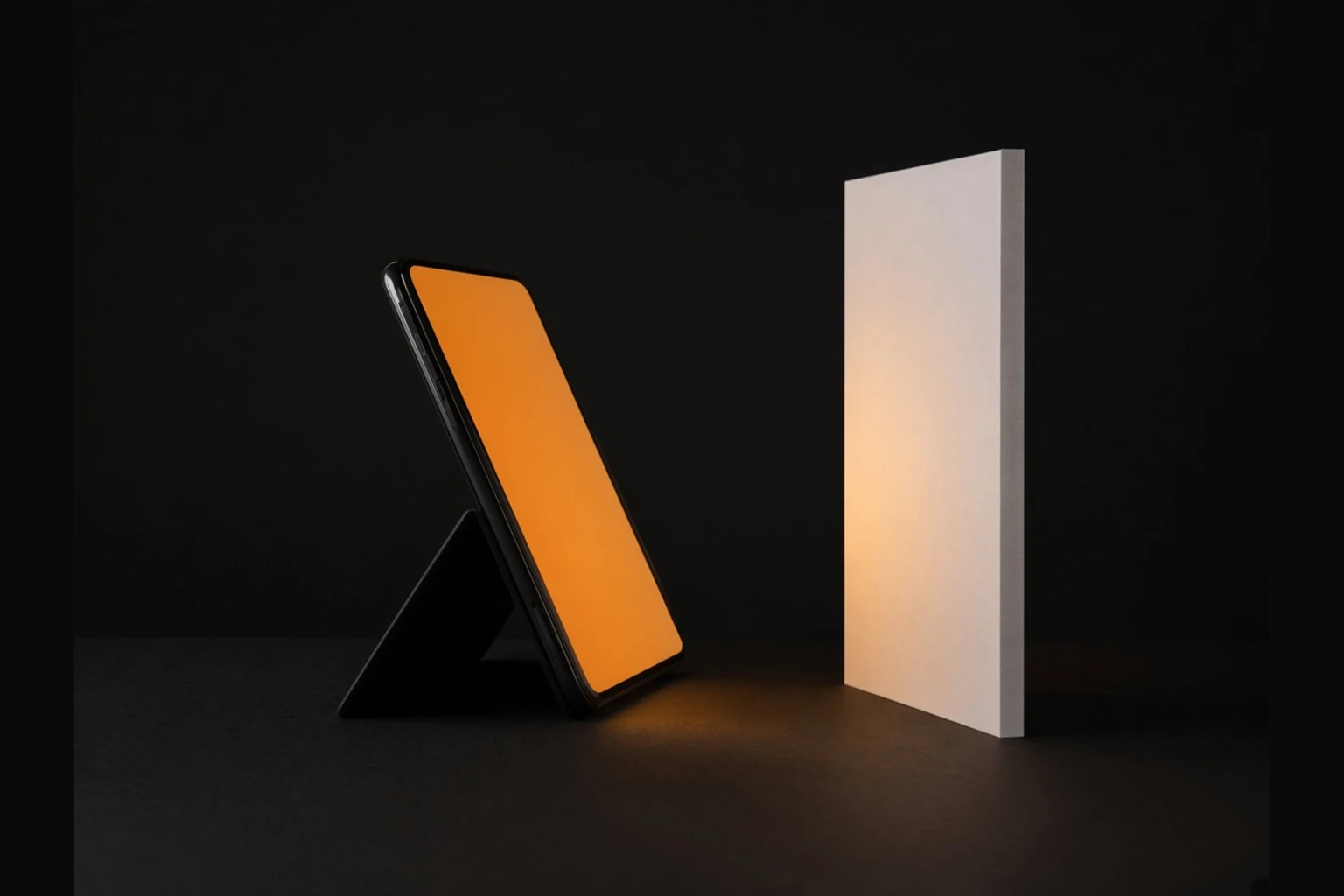
The display becomes a small soft source. White or warm white for fill; green, blue, or any solid for a coloured accent. RGB sub-pixels are not a continuous spectrum, so skin can render slightly off versus a true LED panel — correct WB or treat it as a creative cast.
When to use it
Under-chin or cheek fill within centimetres, macro accents, creator setups without a panel, and teaching colour without gels.
What to look for in the photo
Soft rectangular catchlight when close; fast falloff past half a metre; colour matches the on-screen solid.
Placement basics
Full-screen solid image, brightness max, phone just off frame. Feather like a tiny softbox. Do not leave UI chrome or wallpaper as the emitter.
Distance & power
Output collapses with distance. Stay contact-close or raise ISO/open aperture. It will not replace a 60 cm softbox at portrait distance.
Common mistake
Shooting at arm's length and blaming the phone. Fix: move in until the screen fills the shadow, or accept underexposure.
Pro tip
Save a folder of full-screen solids (3200 K warm, 5600 K white, CTO orange, teal) so you can switch Kelvin without apps mid-shoot.
Practice on set
- Subject in ambient only; note shadow side.
- Warm-white full screen under the chin — watch the lift.
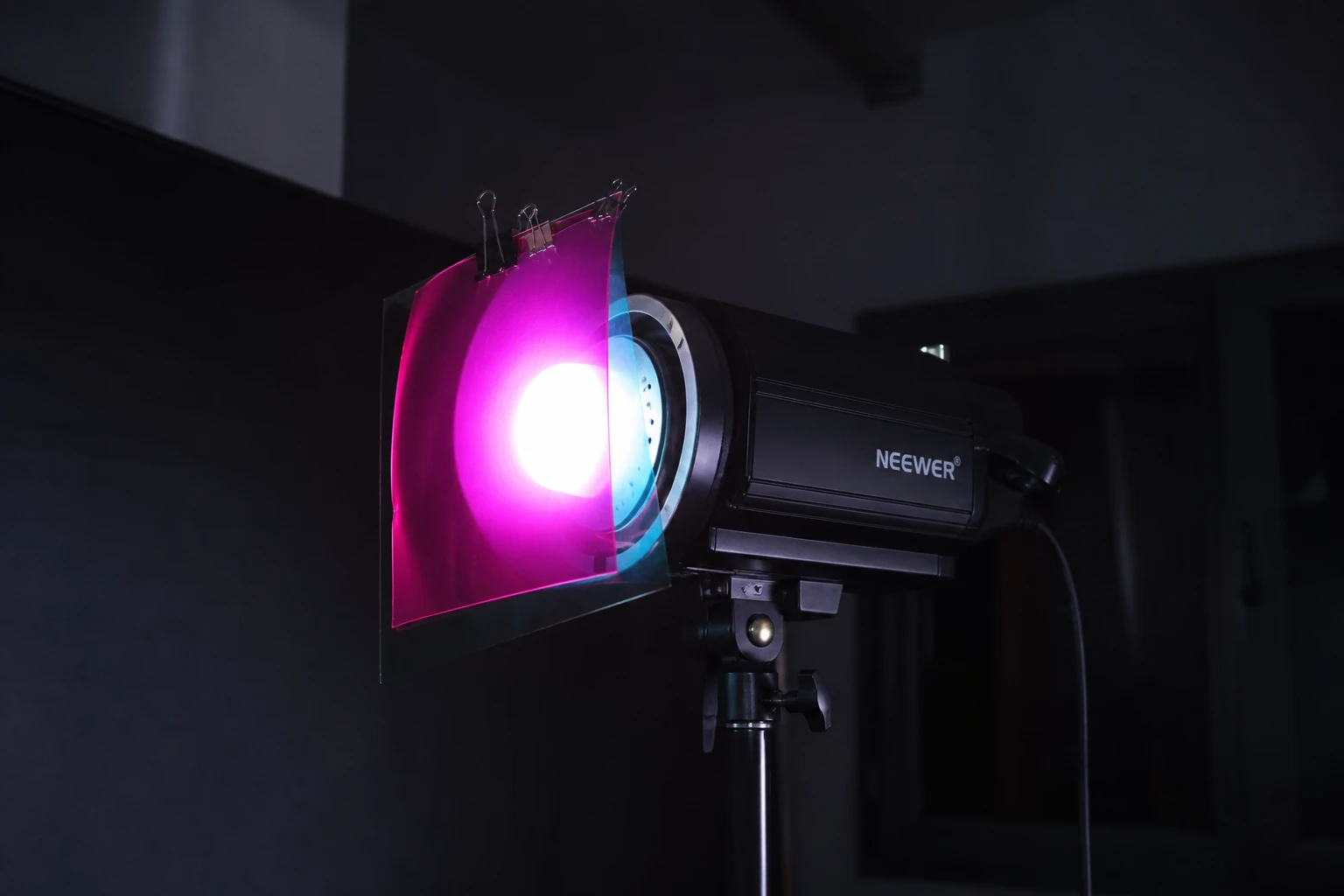
- Swap to a coloured solid; compare cast on skin vs a gelled LED panel if you have one.
Pairs well with