What it does
Stop spill from hitting background, lens, or shadow side of face. Can carve slash of light when paired with hard source. Distance to subject dramatically changes strength.
Control tools
Flags (cutters, barn doors, black flats) block light — they subtract instead of add.
See it in a real setup
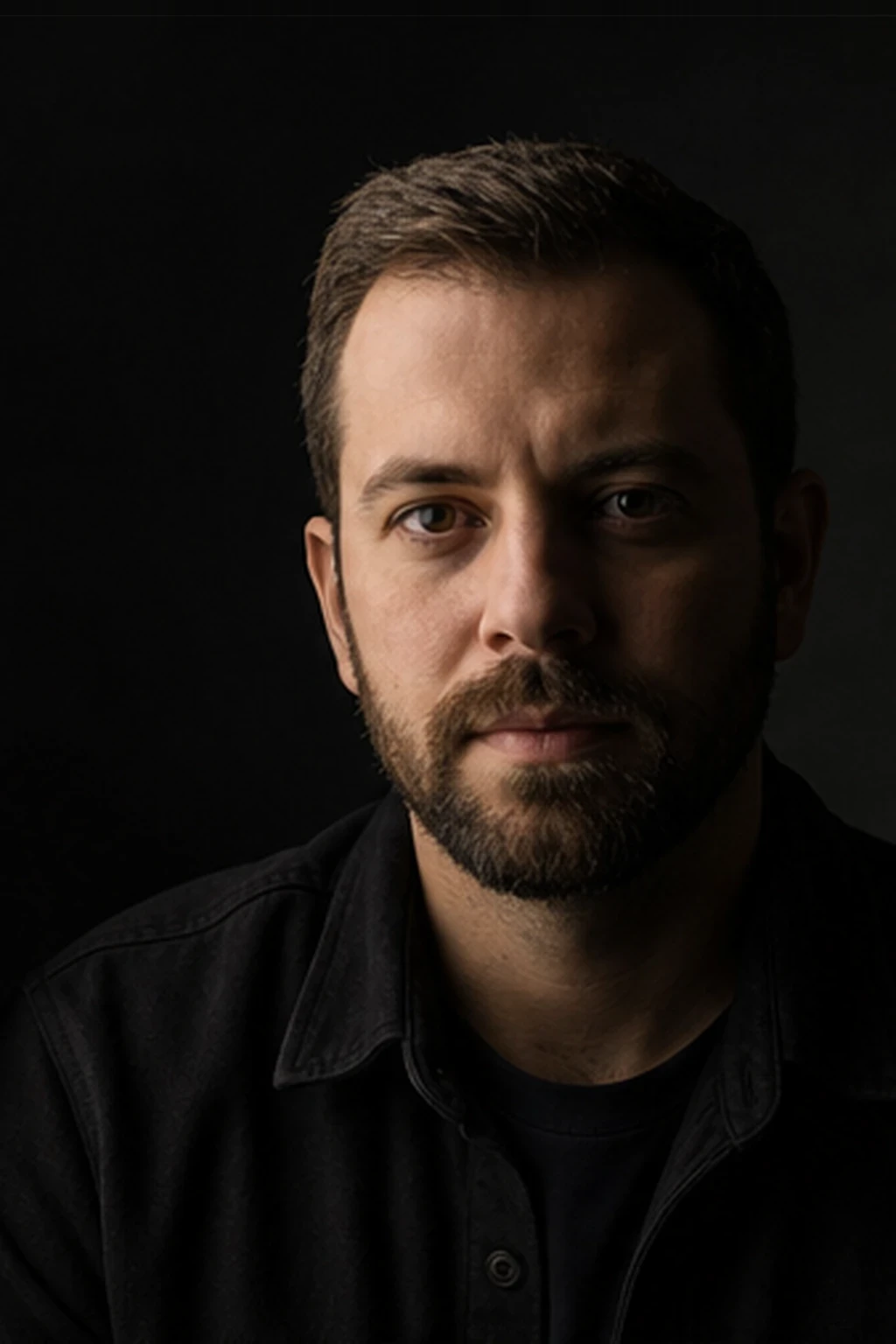
Best example in this library
A soft portrait key paired with a close black flag to absorb spill and deepen the shadow side without changing the key light.
Open setup board →
What it looks like
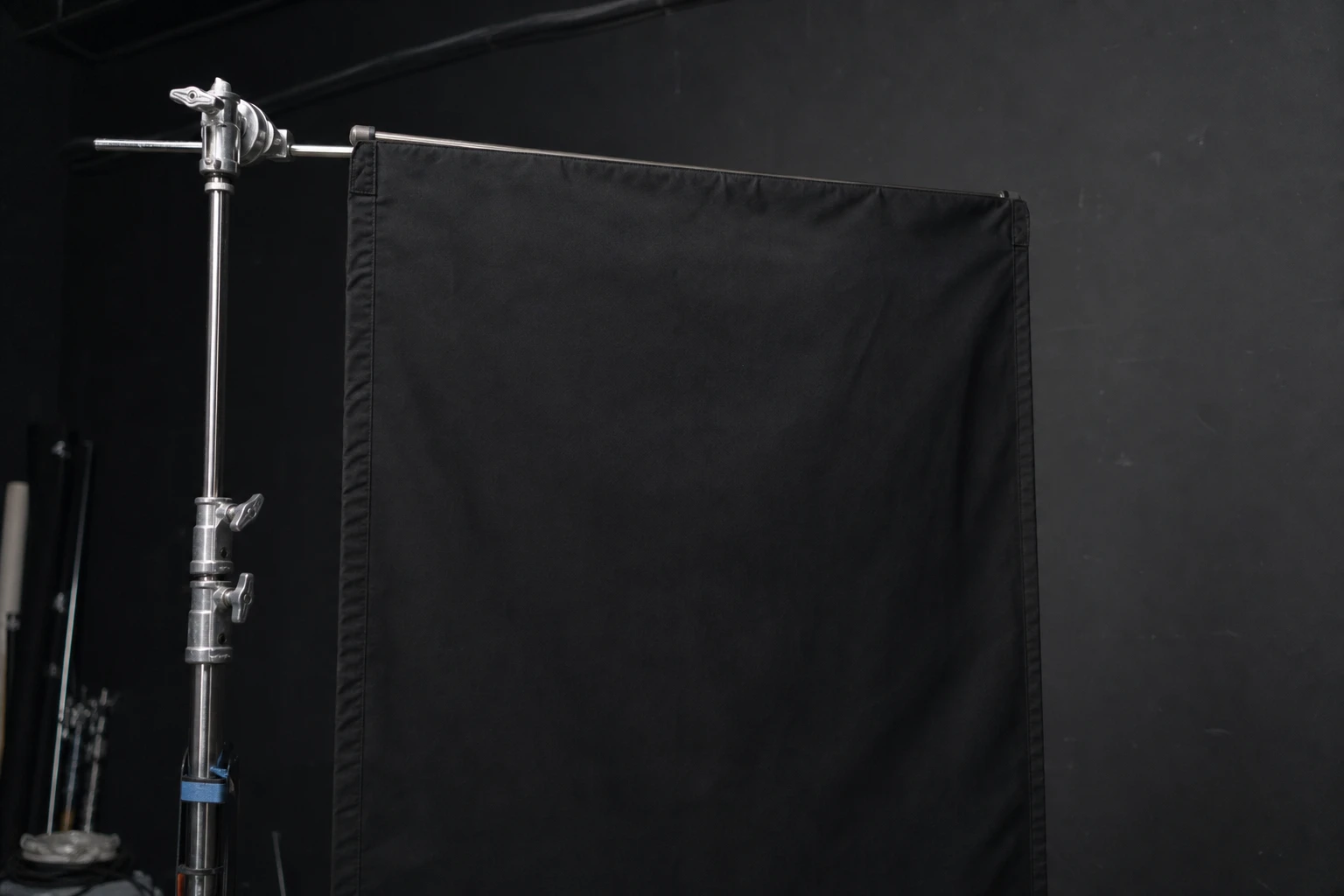
Stop spill from hitting background, lens, or shadow side of face. Can carve slash of light when paired with hard source. Distance to subject dramatically changes strength.
Every advanced portrait/product setup; essential for dark backgrounds and controlled rims.
Darker background near flag; deeper shadow cheek; cleaner lens (less flare); sharper beam edges when cutting hard light.
Close to subject (30–60cm) for shadow control; closer to light for beam shaping. Black side toward subject; don’t accidentally reflect if using shiny flag materials.
Flag 2m away does almost nothing on face — move in. For backgrounds, flag between light and wall even if far from subject.
Flag too far to deepen portrait shadows. Fix: move flag until effect visible on tether, then hold.
Assistant should watch tether, not flag — small moves change ratio noticeably.
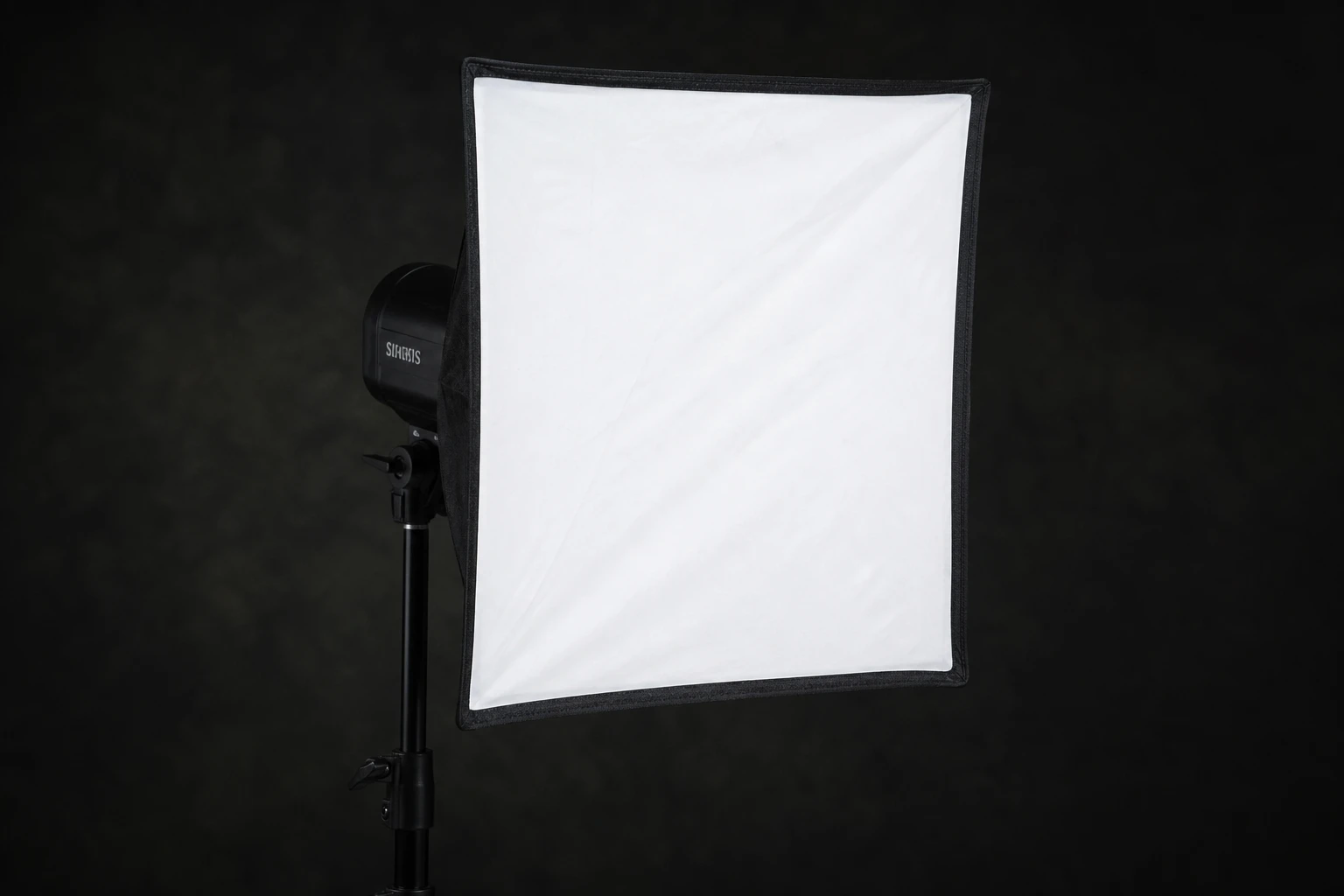
A softbox is the default directional soft modifier — rectangular or square diffusion in front of flash with controlled spill compared to umbrellas.
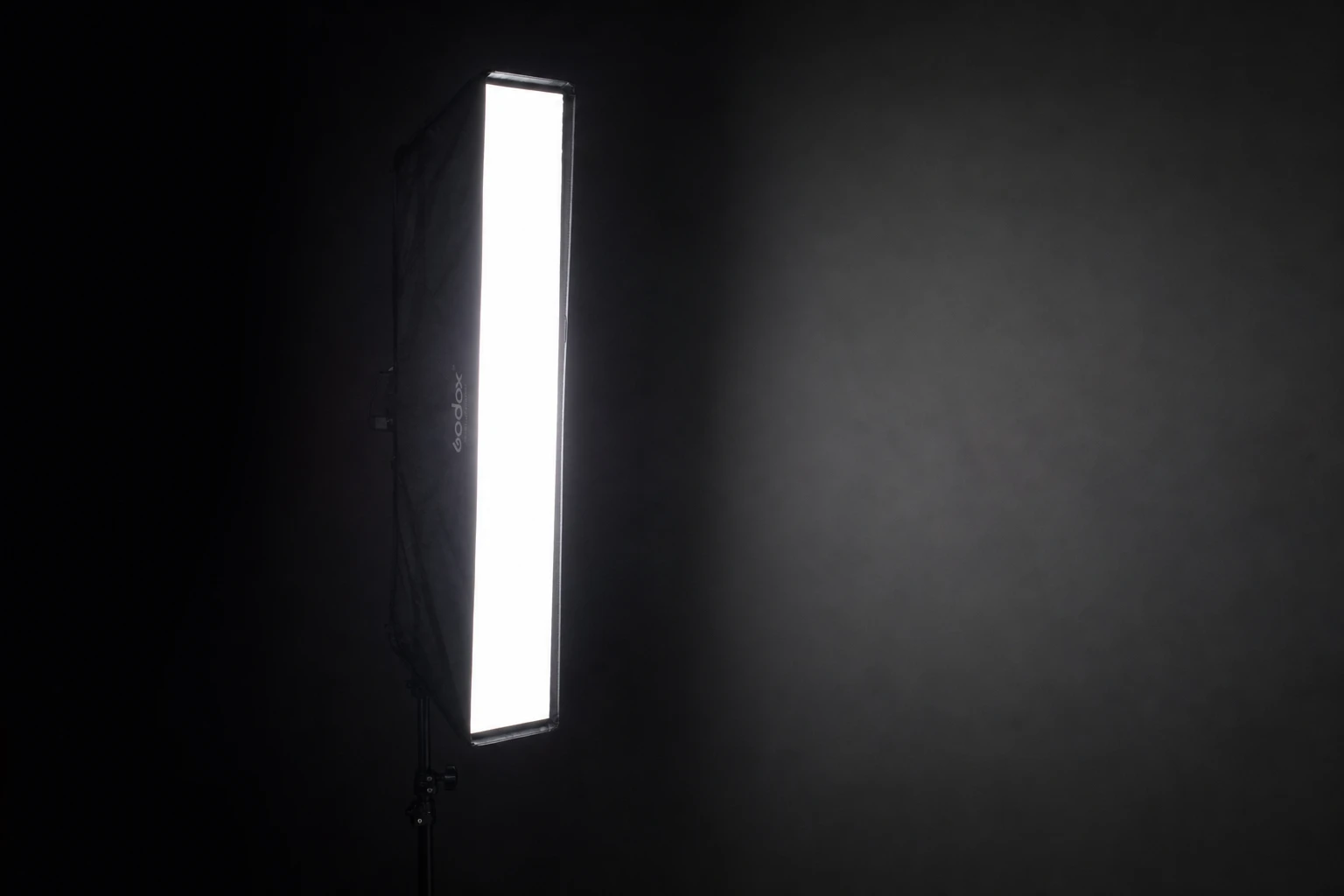
Stripboxes are tall, narrow soft sources — perfect for edge lines on faces, bottles, and packaging.
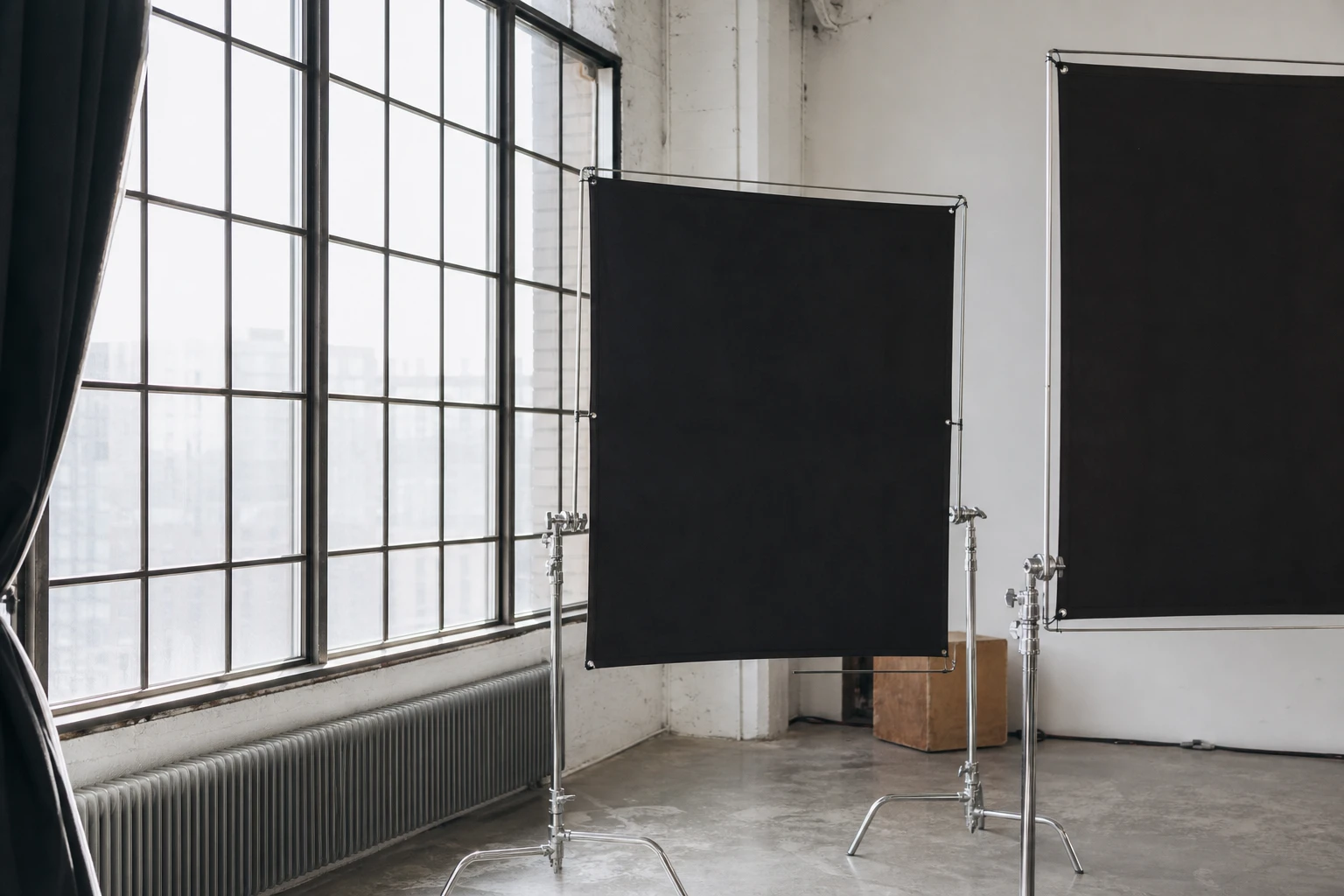
Window light and sun are the original large soft sources — free, directional, and highly dependent on time of day, sky, and what you place opposite the shadow side.
Strongest matches for this tool — 8 of 40 shown. Browse all in the library →
Food
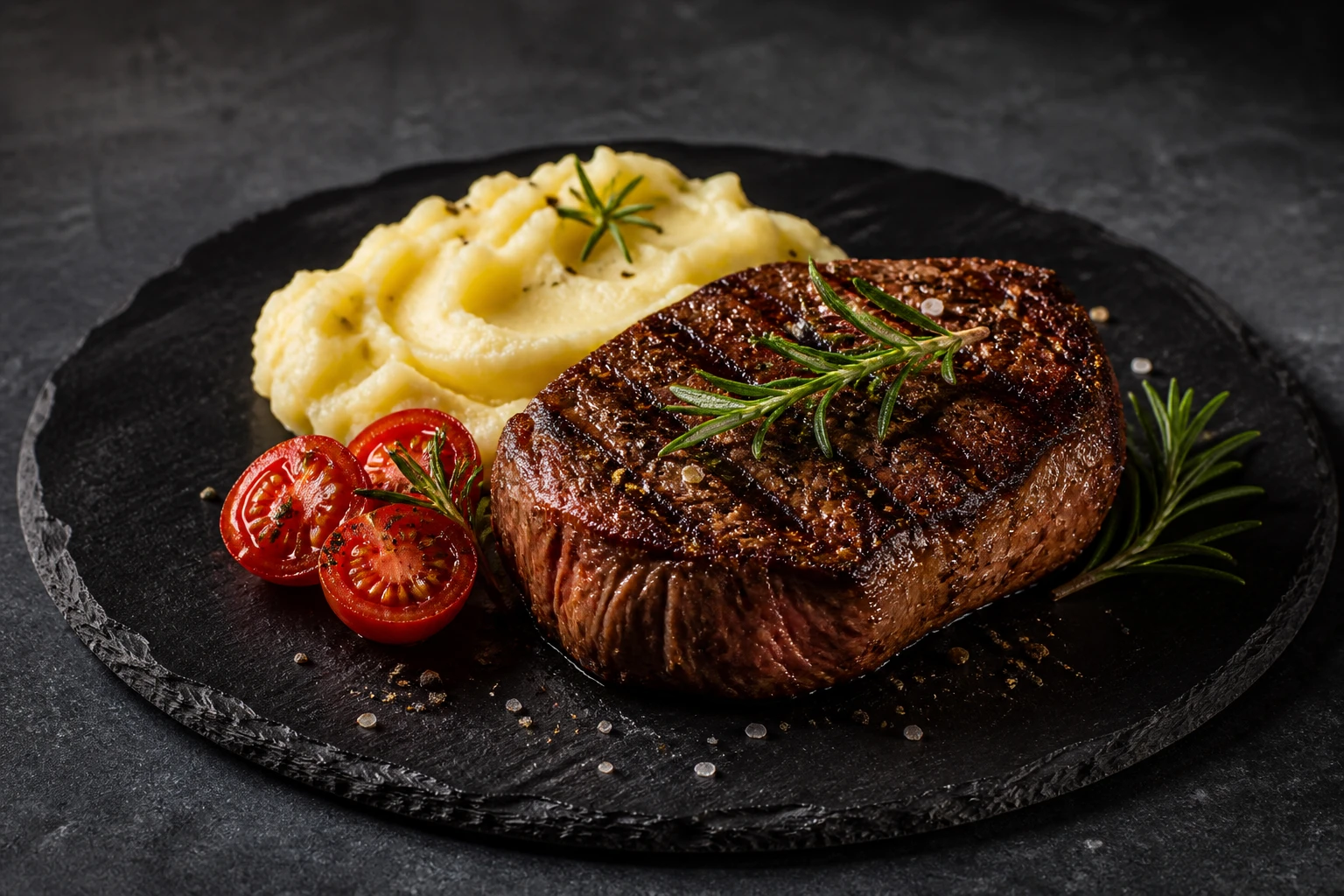
A rustic food hero on a dark surface keyed by a side strobe through softbox or diffusion, with a black flag close on the shadow side to deepen contrast and reveal surface texture.
1 lights
Cinematic
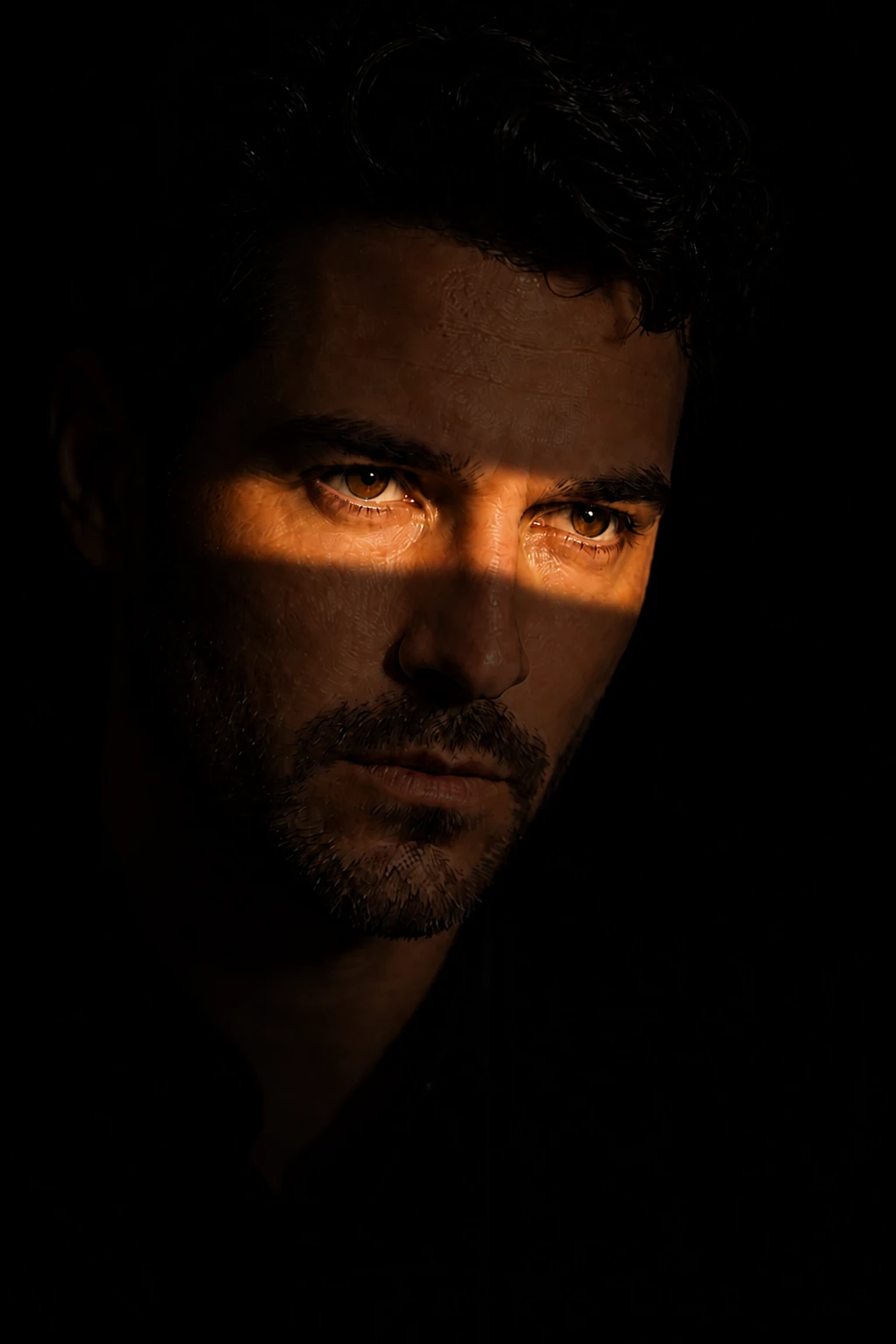
A hard Fresnel beam shaped by flags into a narrow slash across the face for noir-style cinematic drama.
2 lights
Advanced
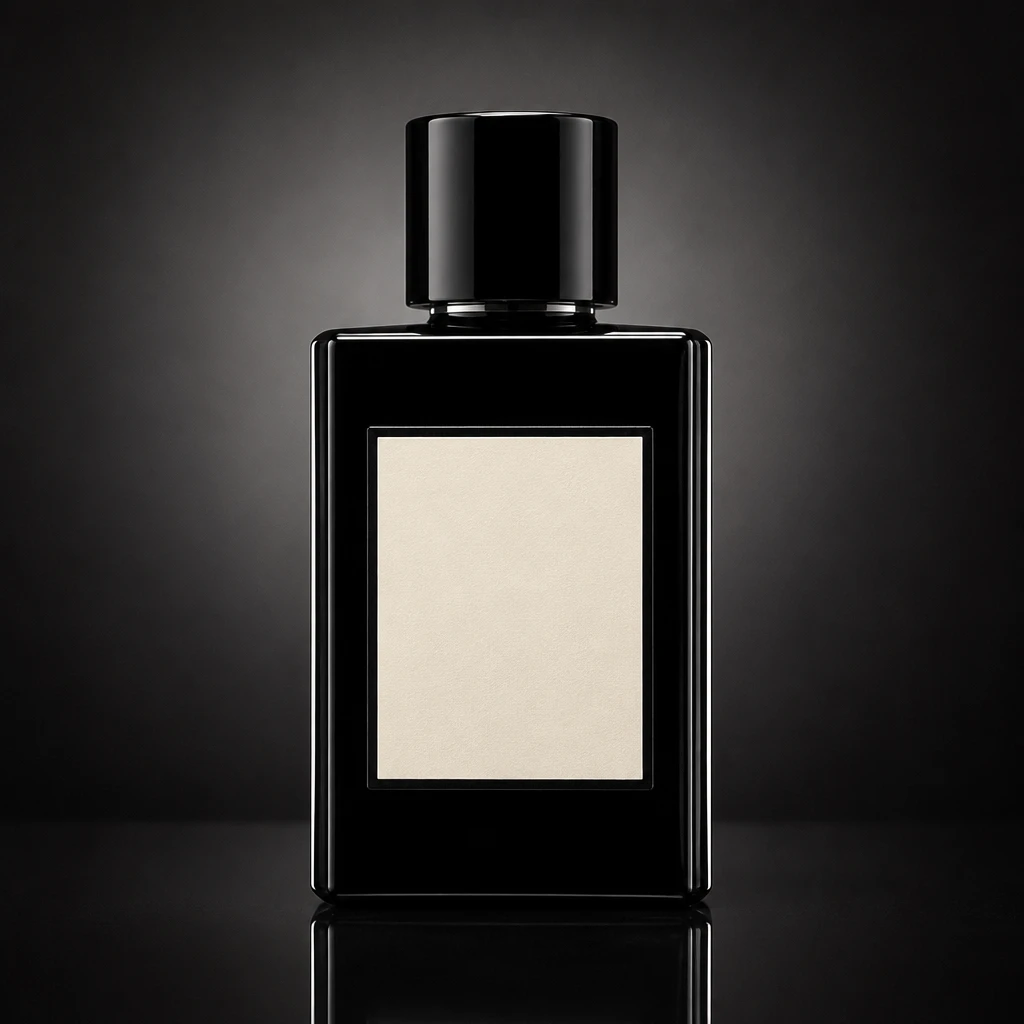
A complex product hero using key, dual edge strips, background gradient, and flags/black cards on every reflection surface — advanced because each plane fights the others.
4 lights
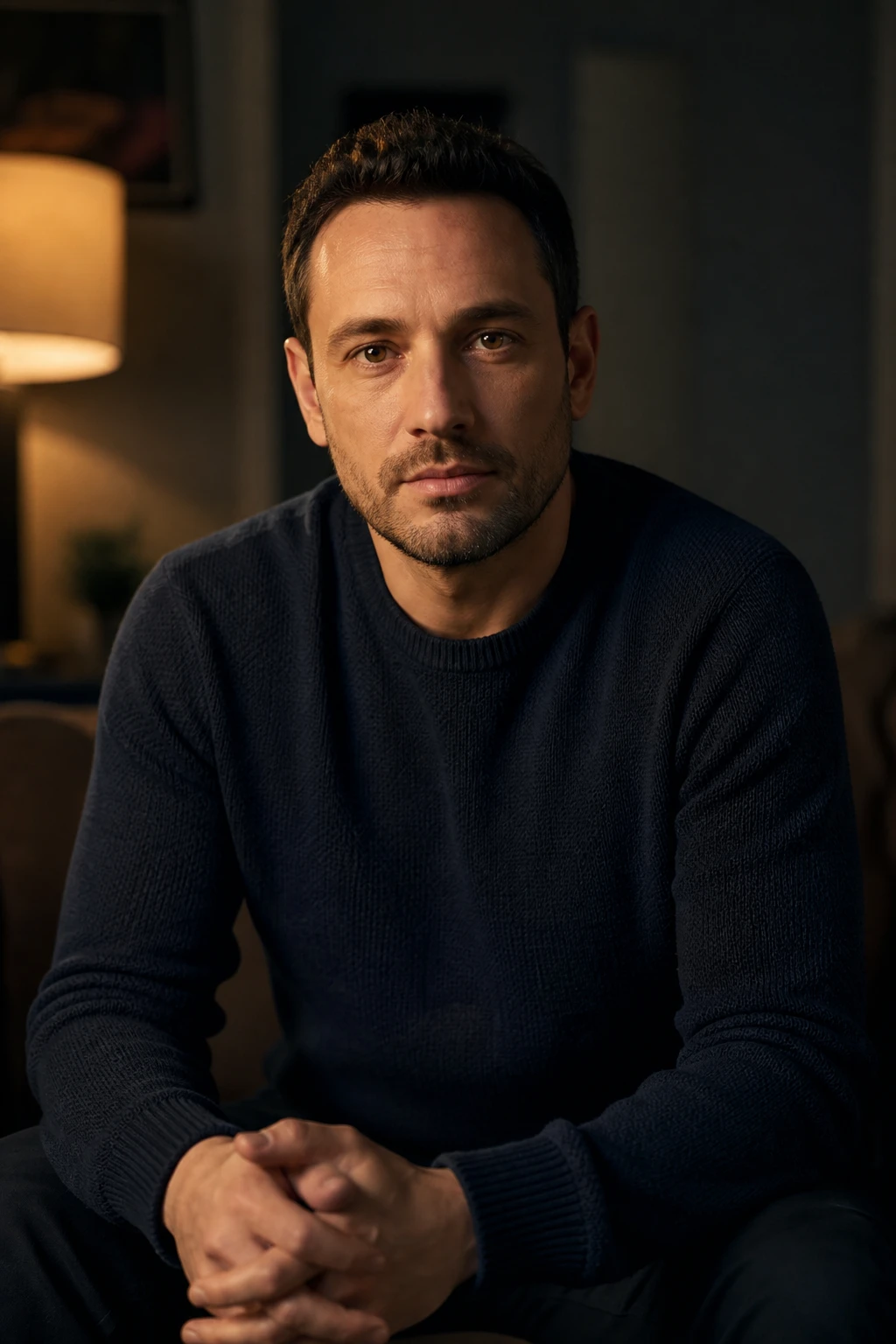
Cinema
A continuous tungsten or LED Fresnel motivates an interview key with barn-door control — cinema-style motivated light you can dim and see live on set.
2 lights
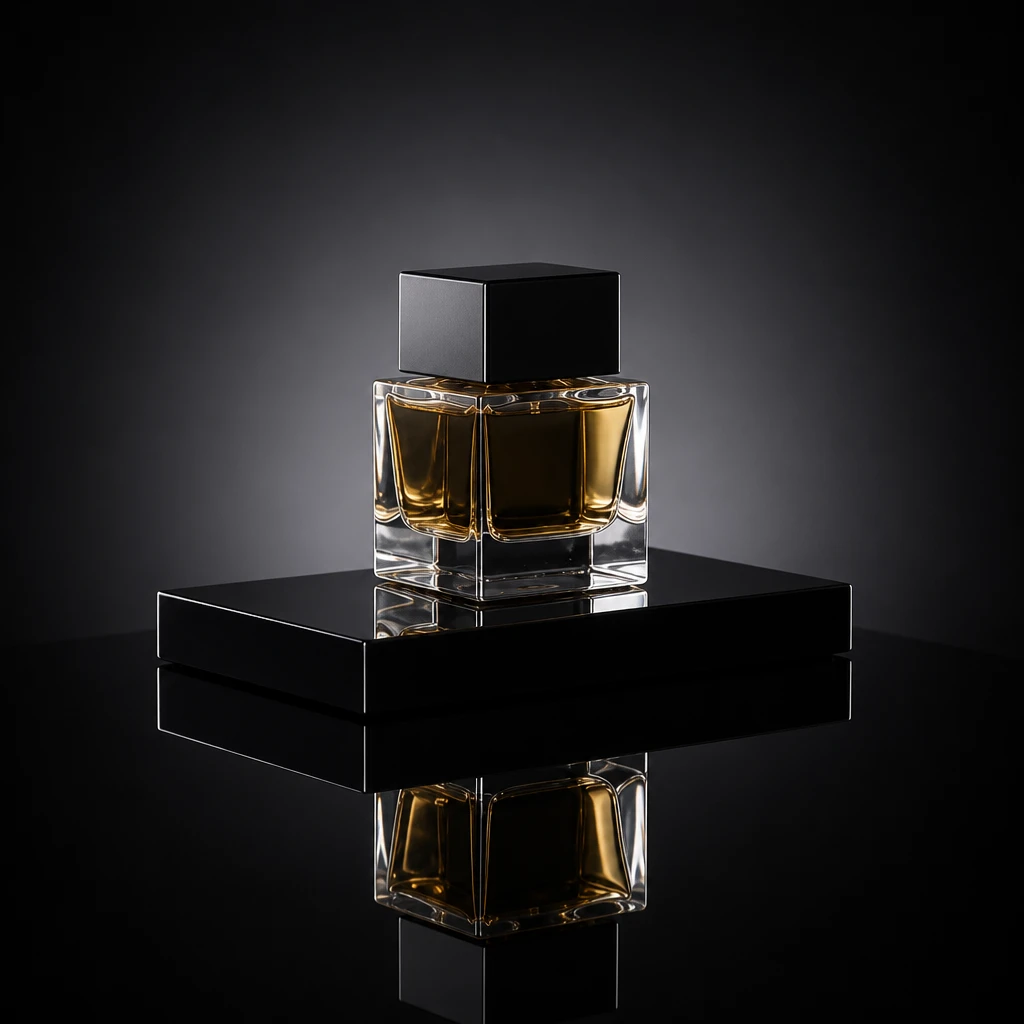
Product
A premium product on black acrylic with controlled strip highlights and a mirror reflection beneath the hero object.
2 lights

Cinematic
A portrait lit by motivated practical lamps inside a room, balanced with a soft fill and negative fill, for the filmic interior look creators use for narrative and vlog content.
2 lights
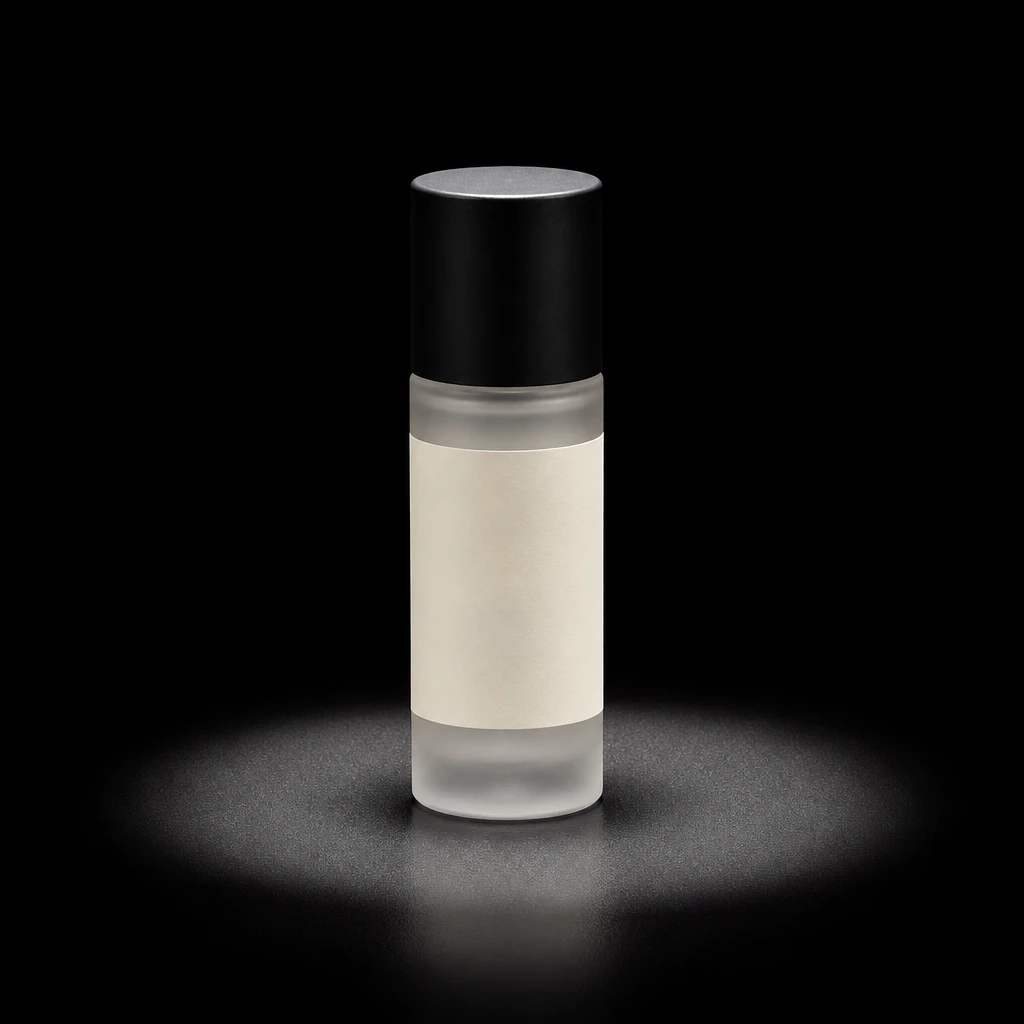
Product
A dark-surface product hero lit by a spotted Fresnel strobe — a controlled, soft-edged wash that defines the bottle or jar while the background stays deep and dark and the label plane stays readable.
1 lights
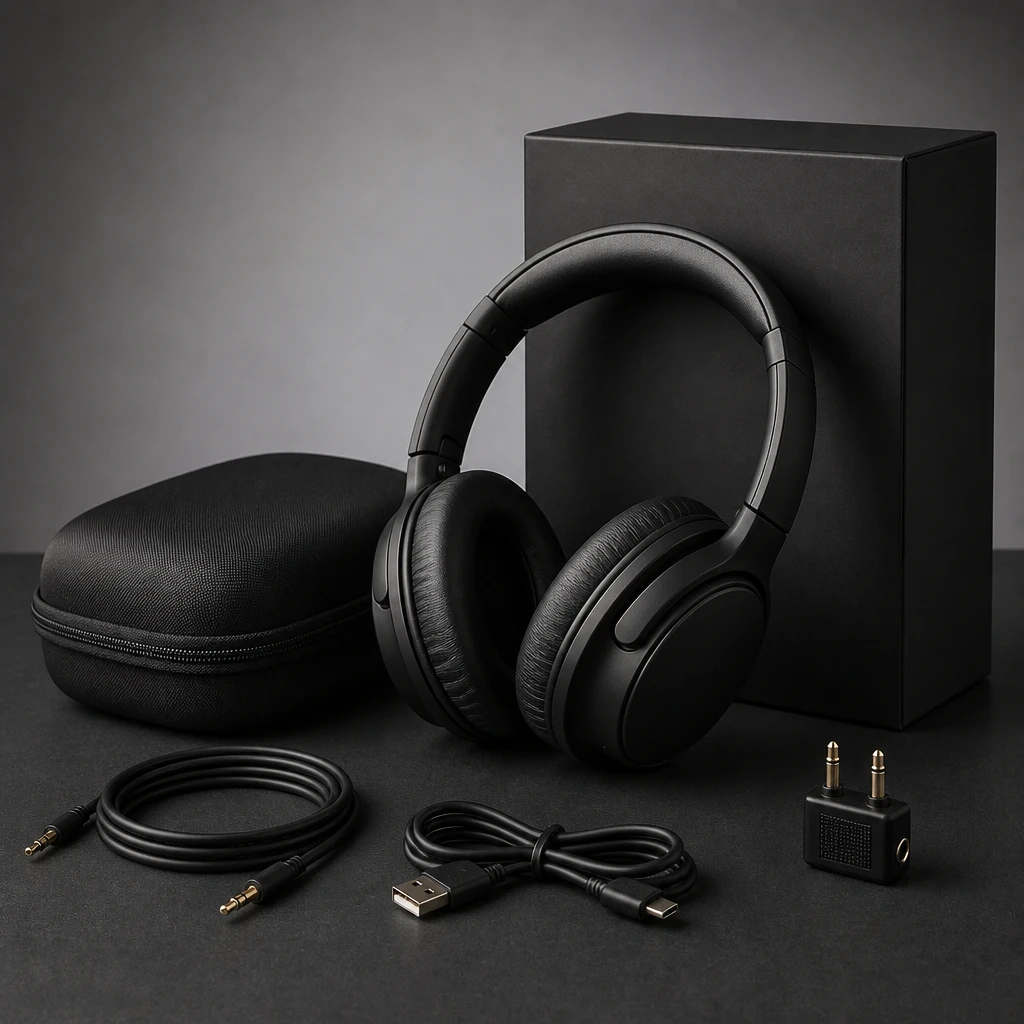
Commercial
A continuous LED panel rakes across a small product to reveal texture, with a flag and reflector shaping the highlights and a clean or colored background completing the commercial still life.
2 lights