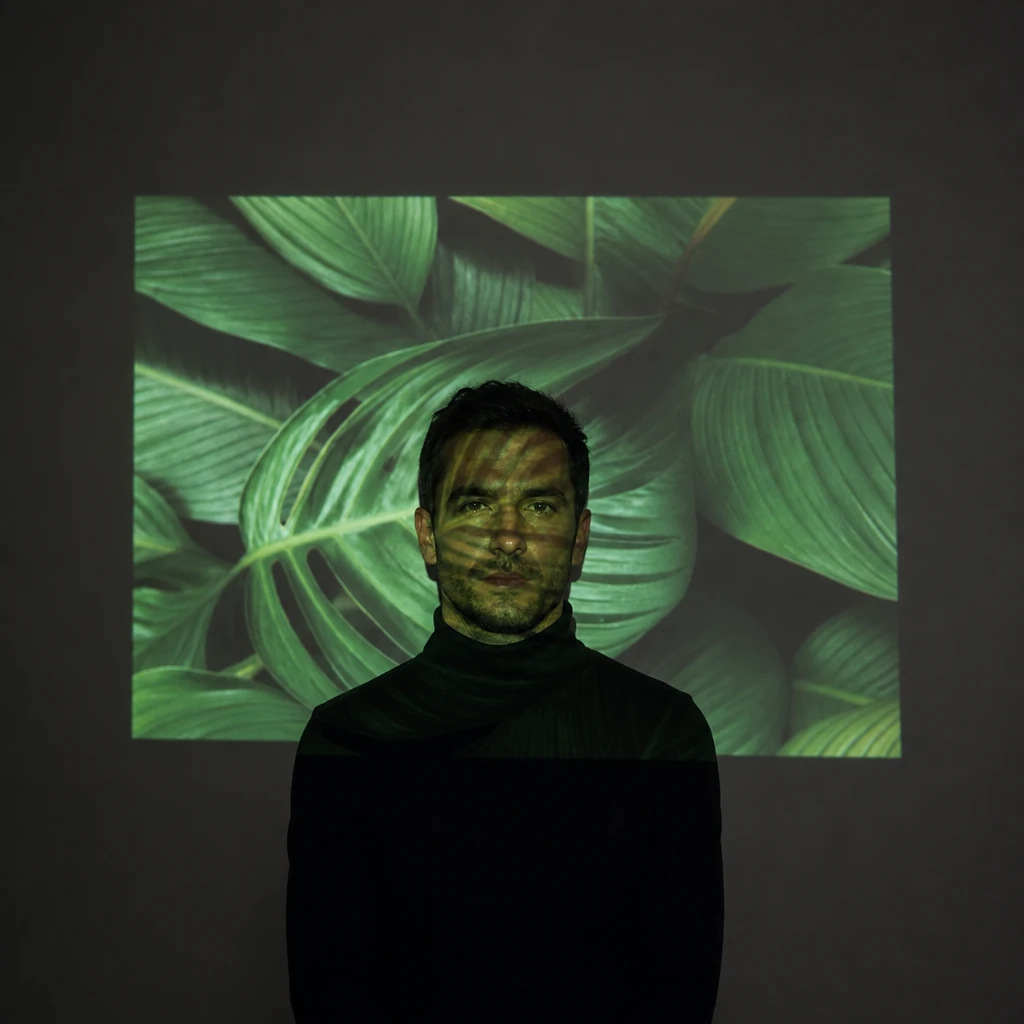
What it does
The beam is a picture. White slide = hard rectangular source with straight edges and exact inverse-square falloff. Image slide = colour, texture and shape carried by the light itself.
Light sources
A digital projector throws a rectangular field of continuous light — plain white for hard key, or a photograph that lands on skin and set at once.
What it looks like
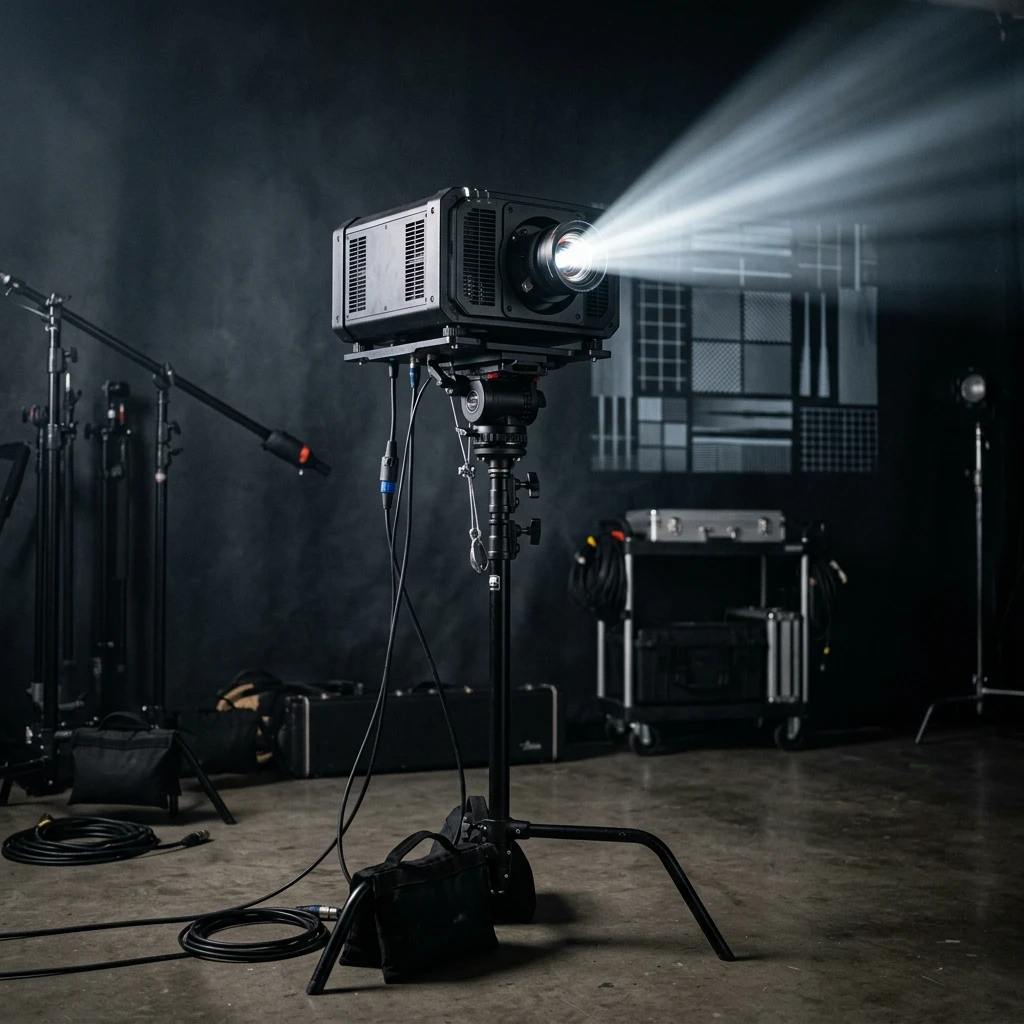
The beam is a picture. White slide = hard rectangular source with straight edges and exact inverse-square falloff. Image slide = colour, texture and shape carried by the light itself.
Editorial and music portraits where the light is the image; gradient or texture washes; any lesson where changing a file changes the whole look without moving a stand.
Same slide on wall and subject proves one continuous field; rectangular edge visible on backdrop; nose shadow hides on camera axis.
Tape throw distance — width scales with distance. Keep camera near projector axis for legible Mode B; step off axis only when form matters more than flat picture.
Halve distance → halve rectangle width and gain two stops. Meter on full-white slide first; every tone in the image sits below that top of scale.
Face-only overlay that never reaches the wall — that is compositing, not projection. Fix: kill room light, verify pattern on backdrop behind the head.
Mechanical shutter at or below sync speed — a short shutter samples the colour wheel and records bands that are not in the slide.
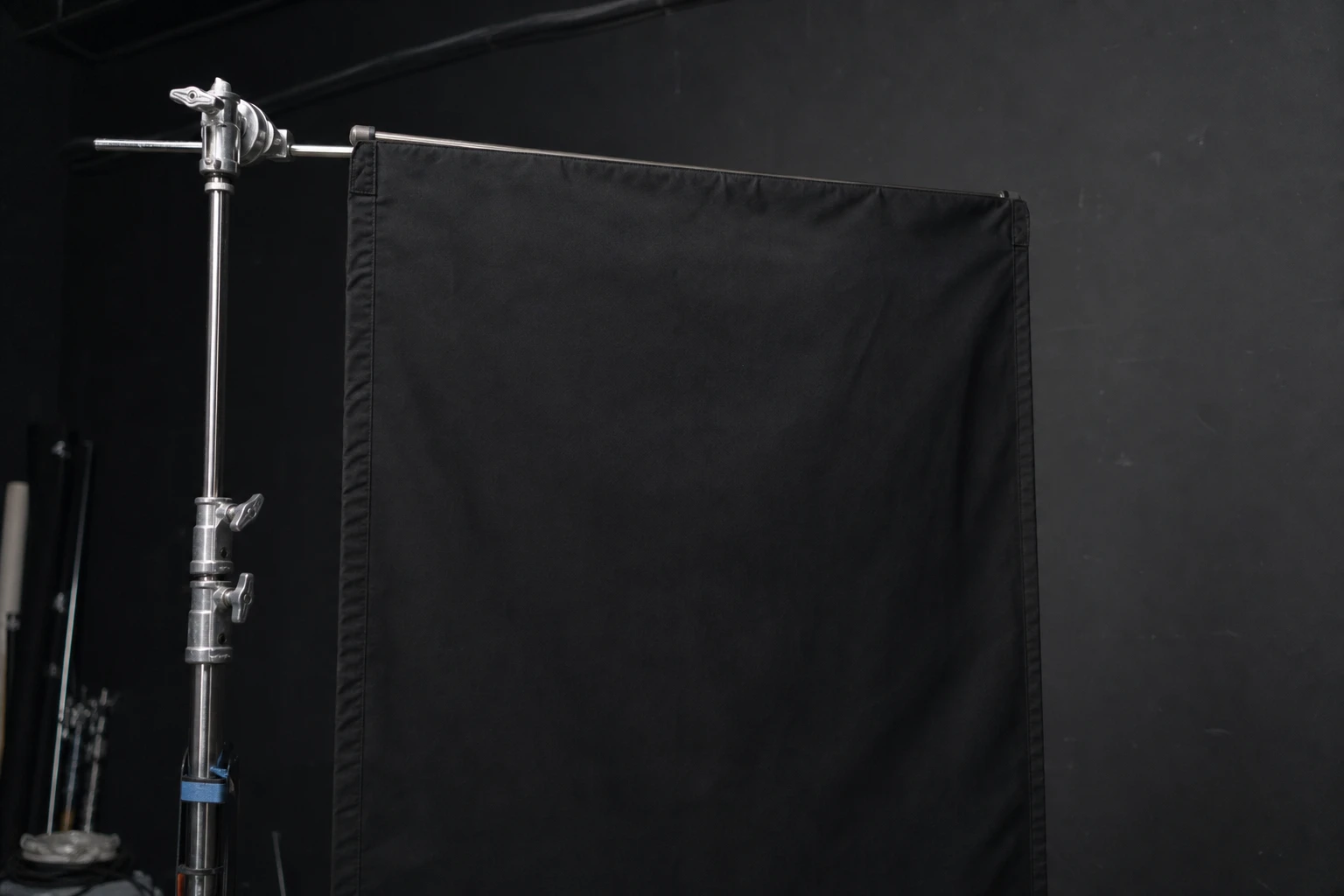
Flags (cutters, barn doors, black flats) block light — they subtract instead of add.
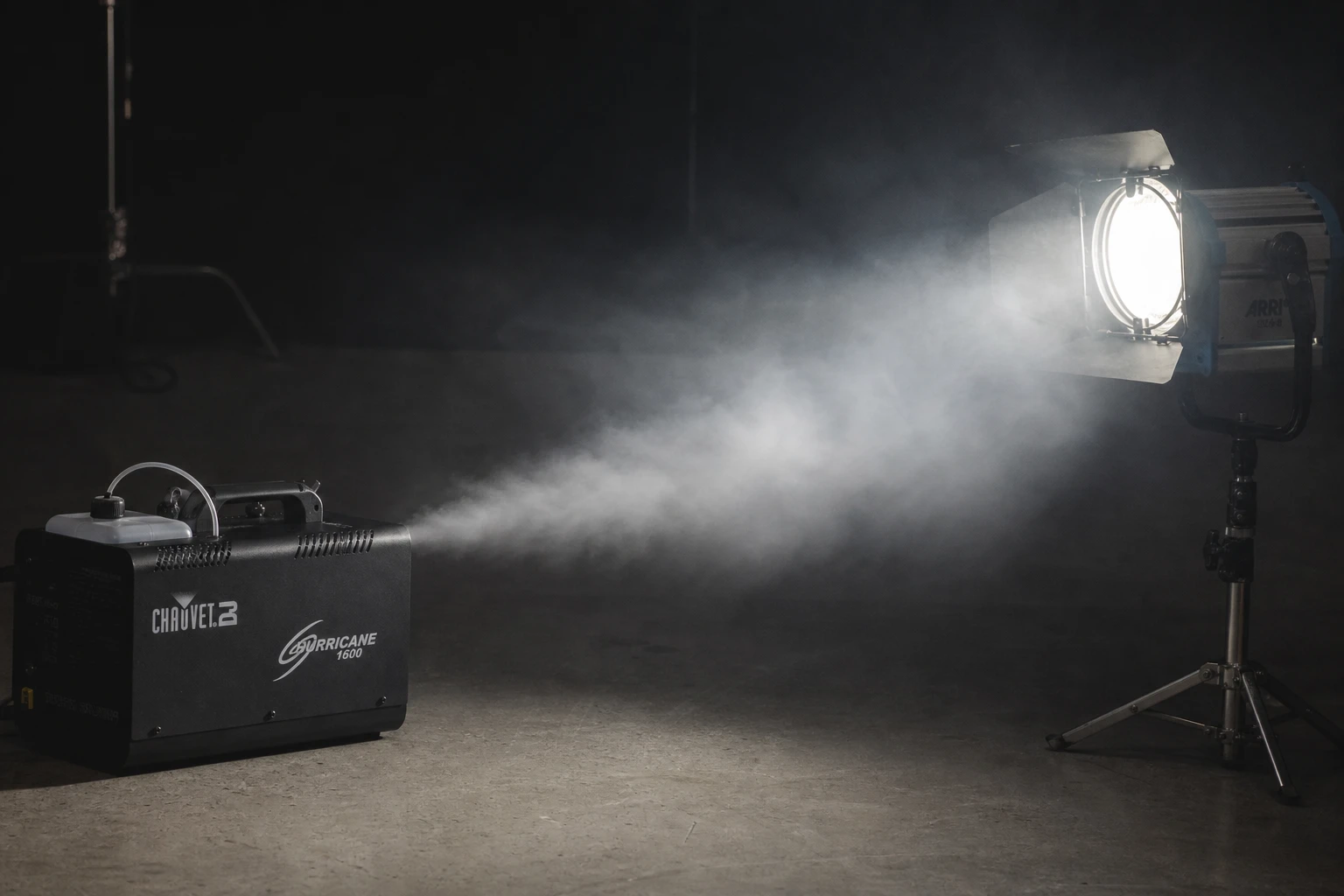
Haze (fog oil, hazer, light smoke) scatters light so beams become visible volumes — advanced atmosphere.
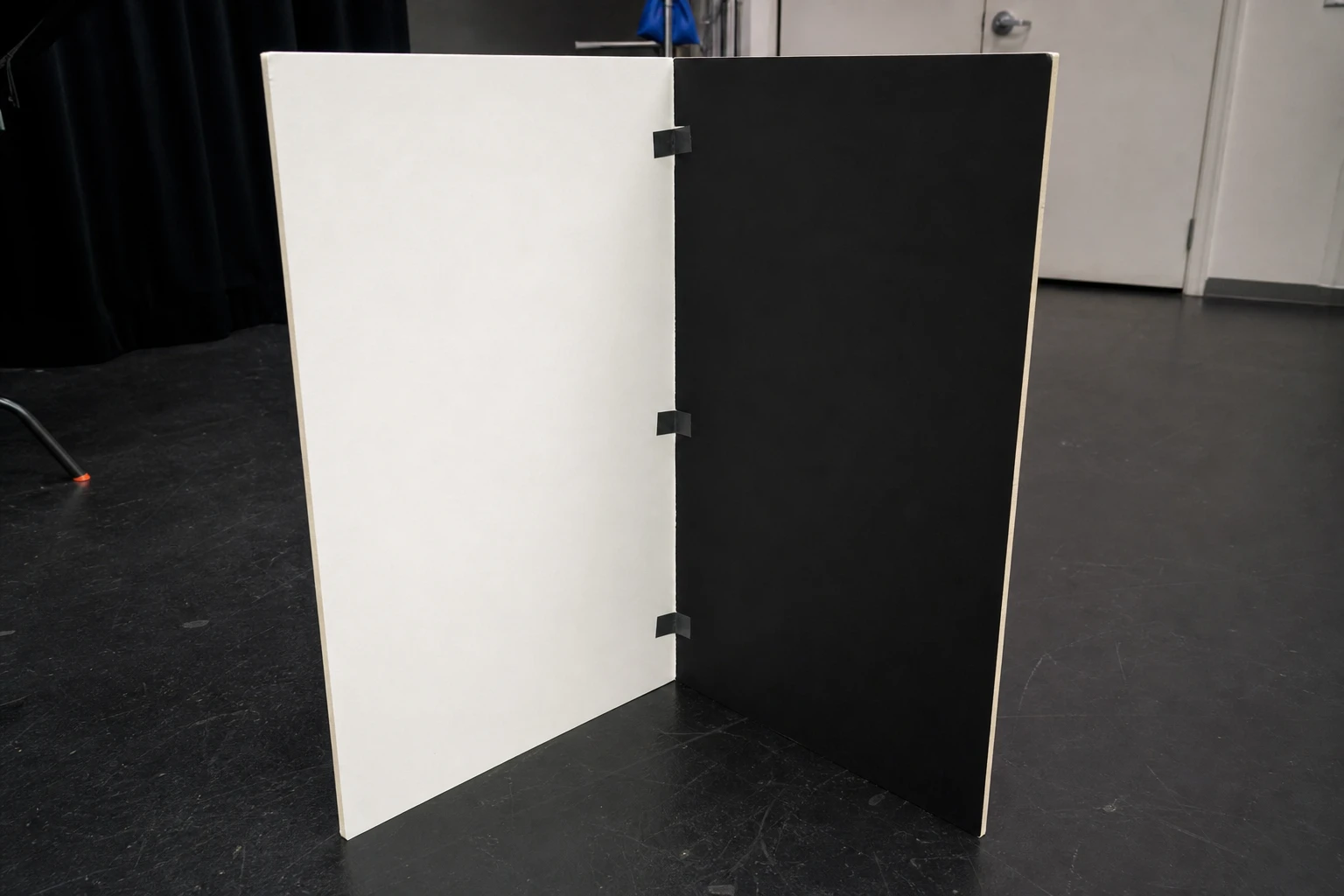
V-flats are large folding panels — white bounce one side, black negative fill the other.
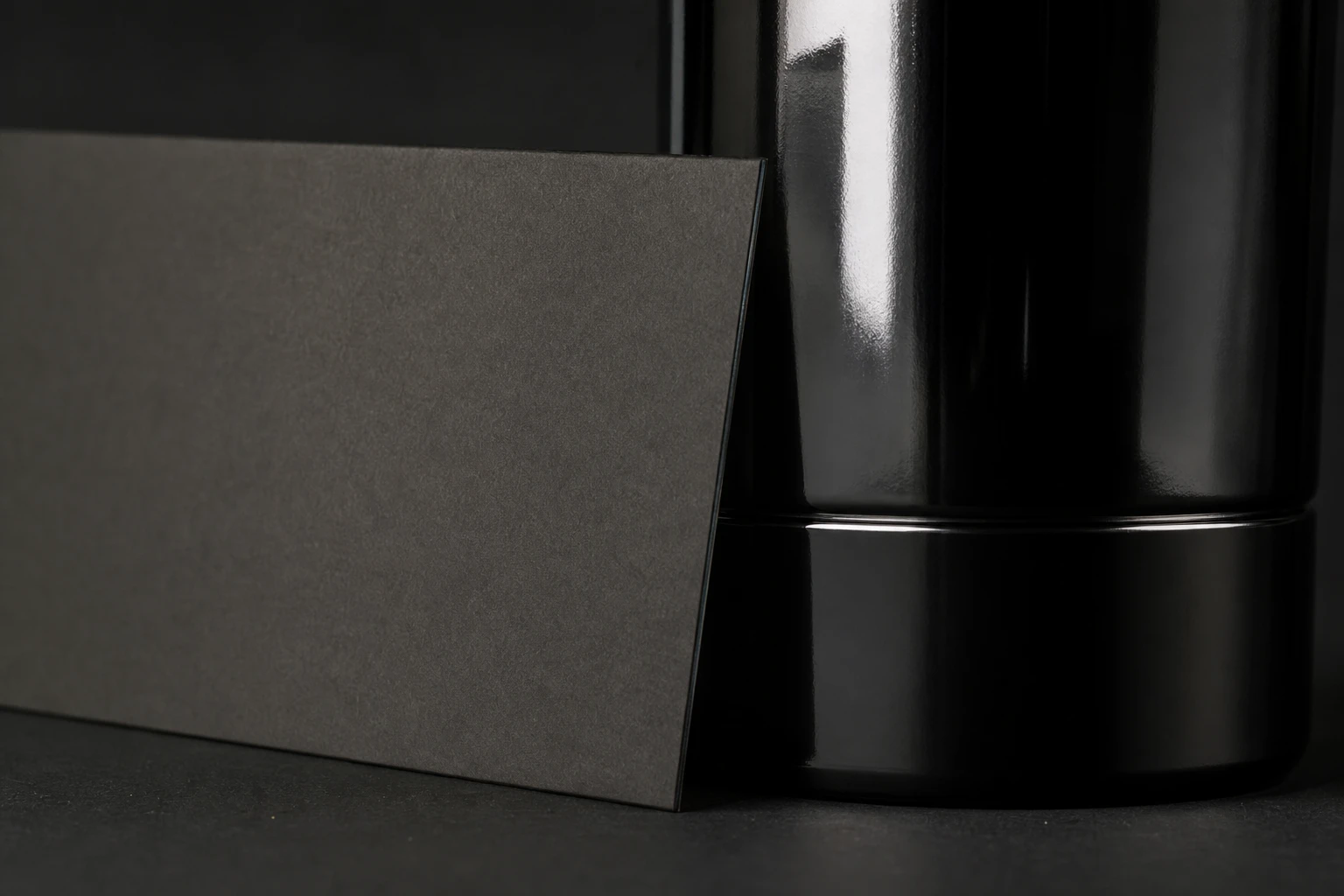
Black cards beside glossy packaging carve dark reflection bands — shape without changing lights.
Every matched setup is already shown above. Browse the library →