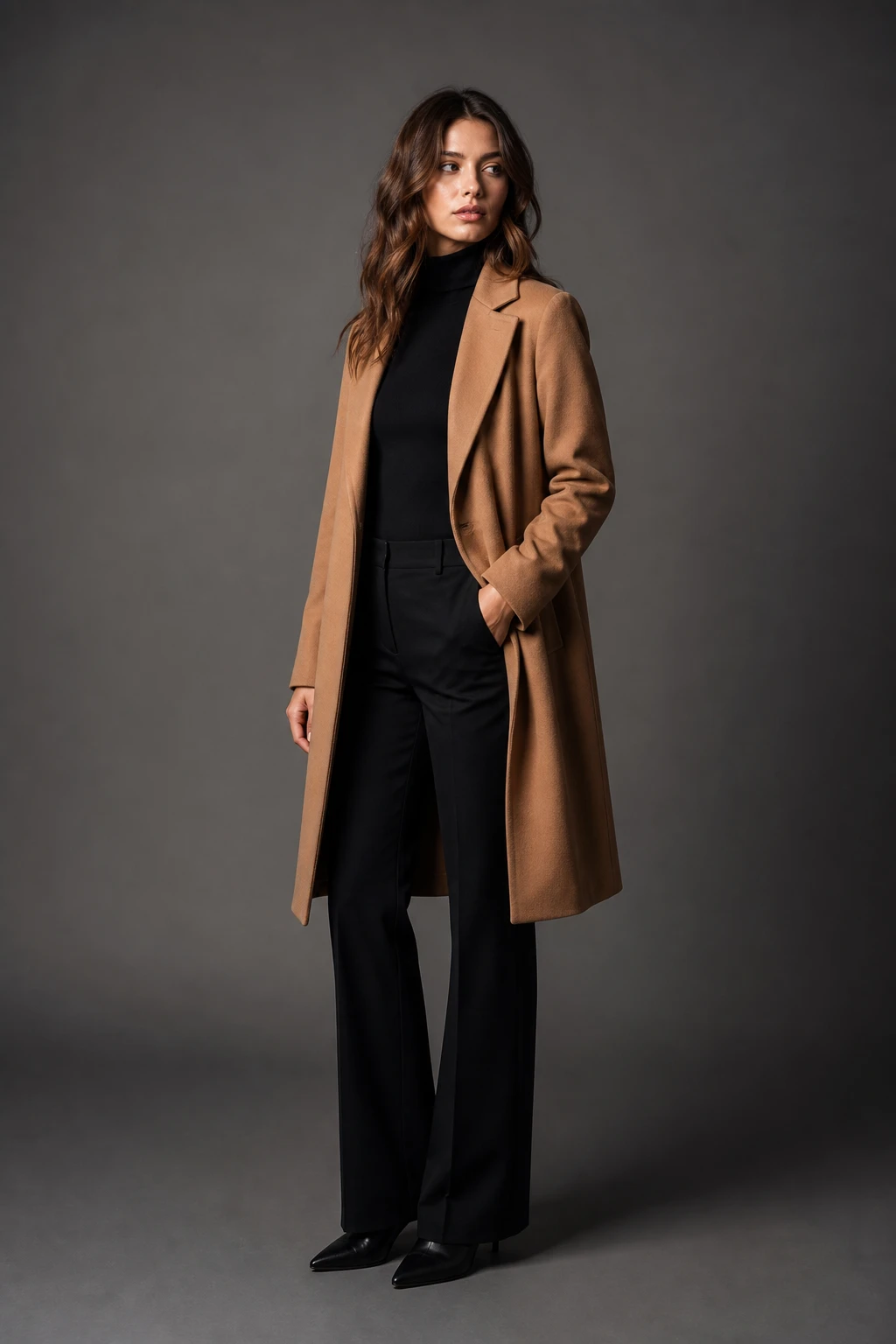
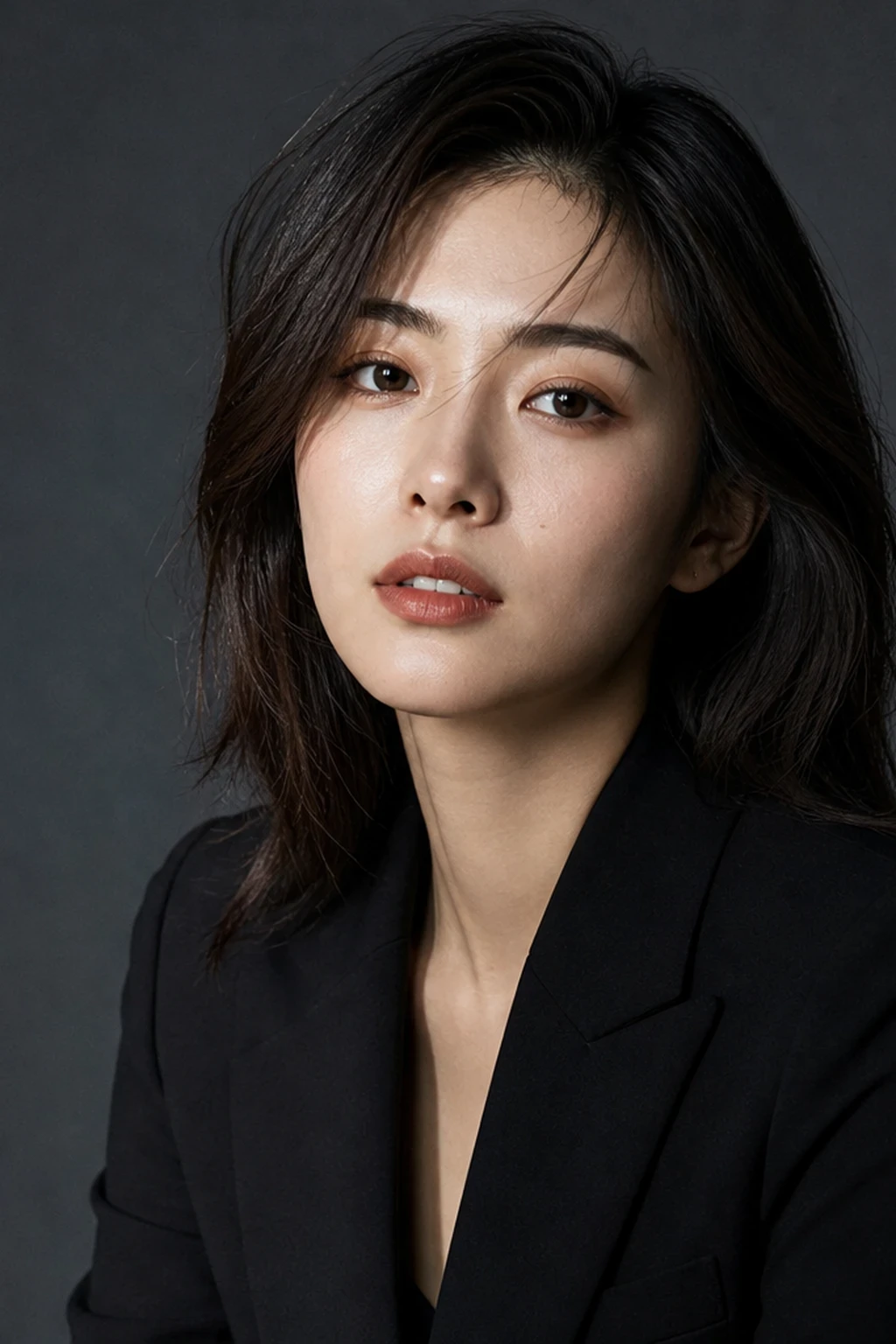
Editorial
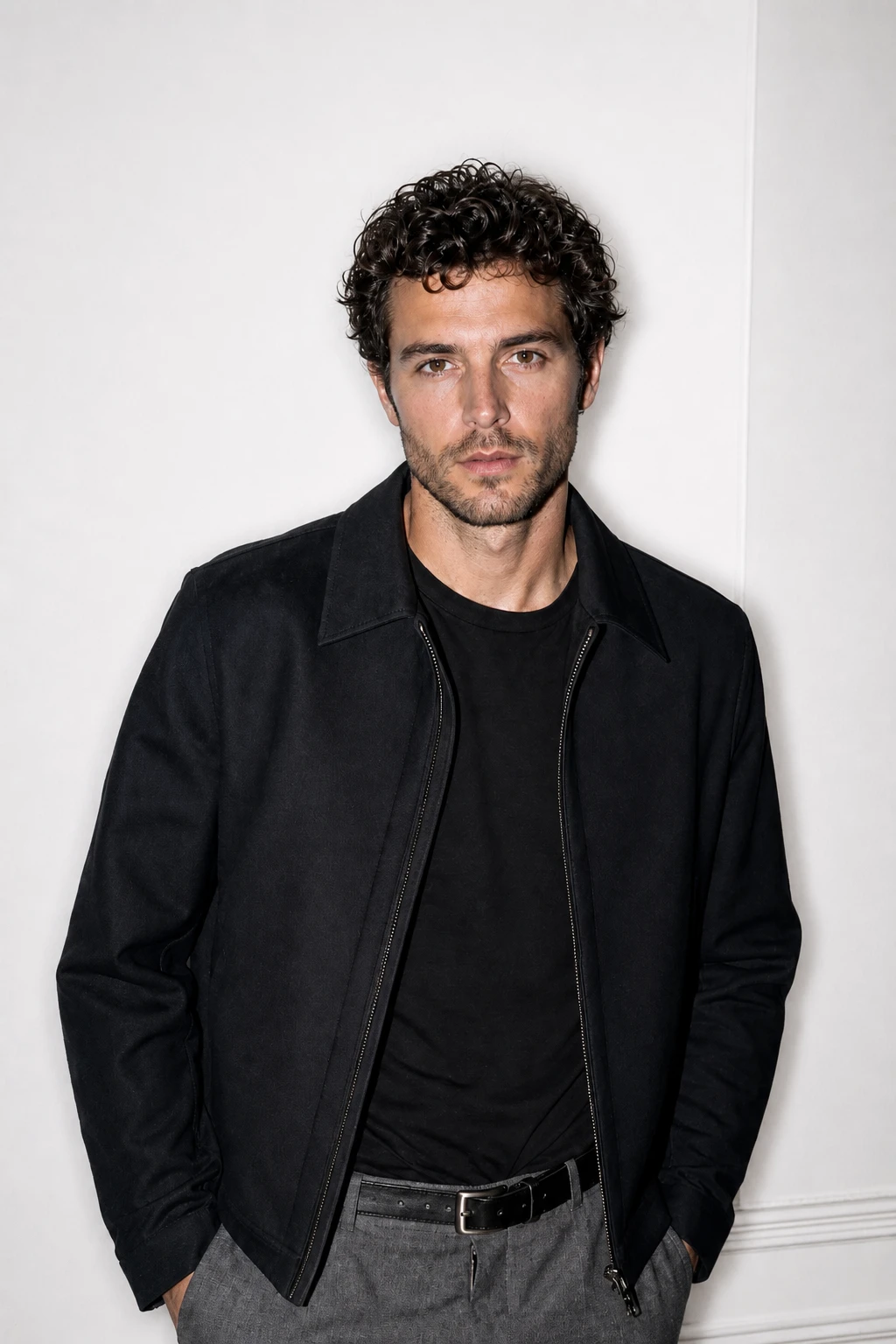
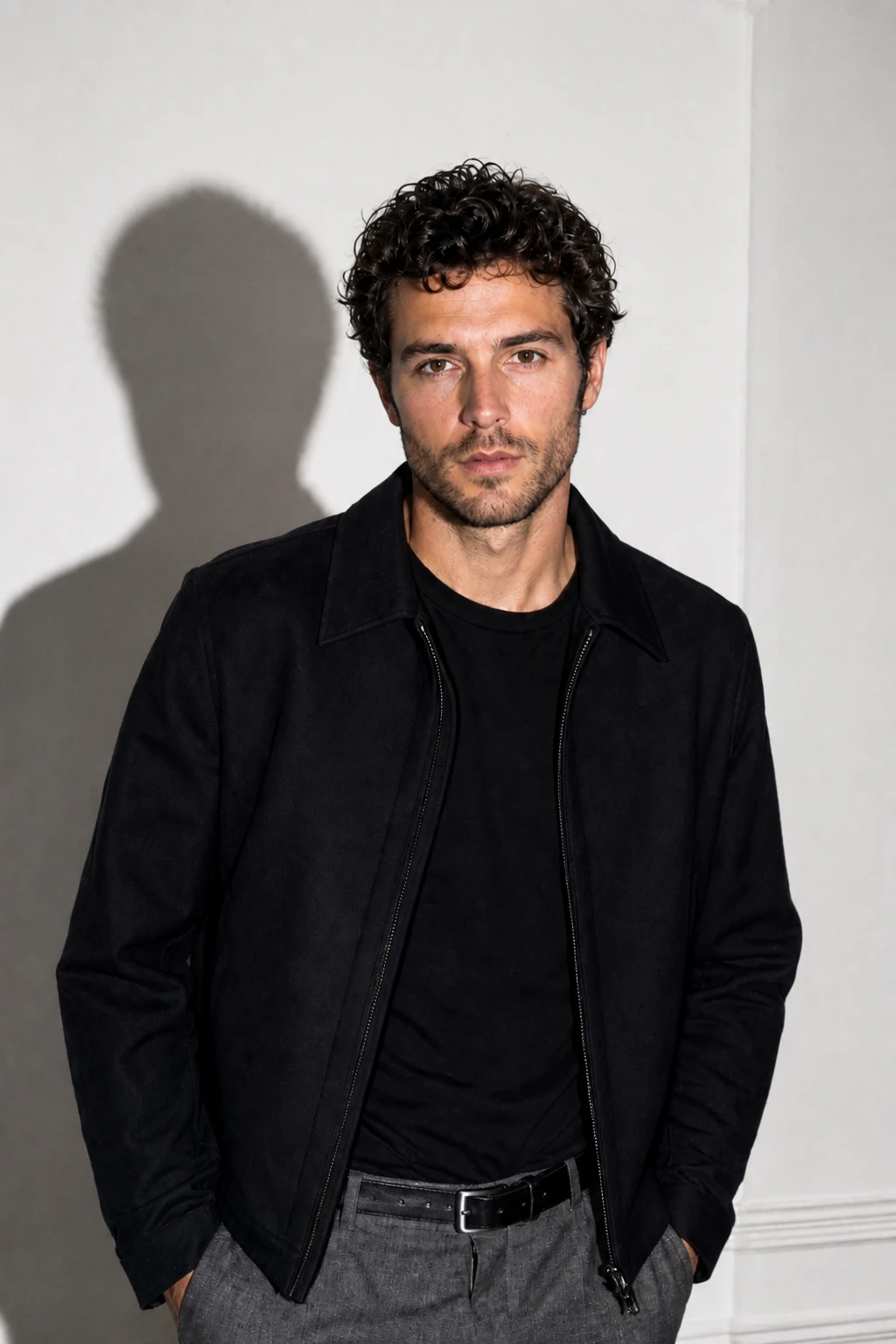
On-Camera Direct Flash Fashion
Lighting setup
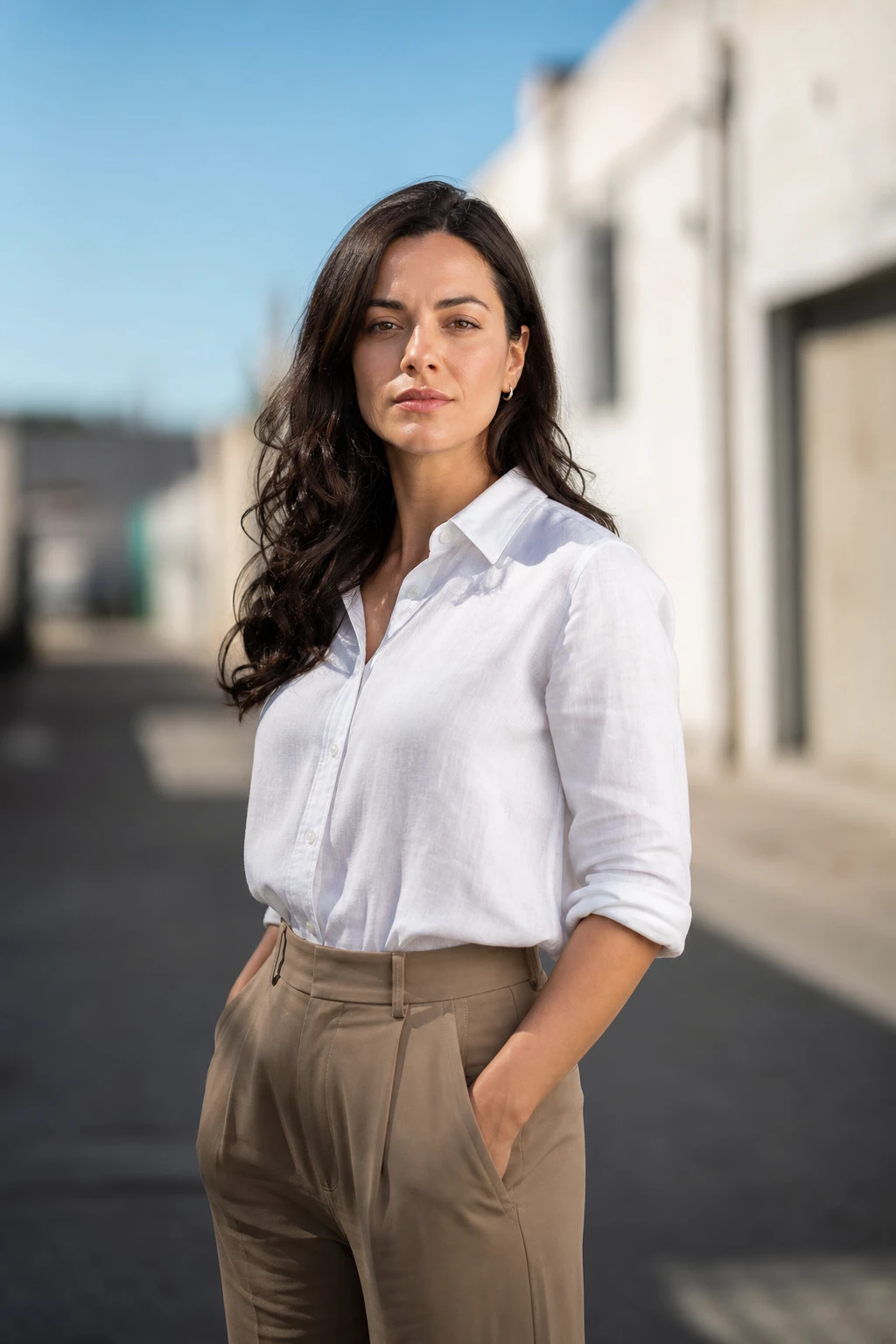
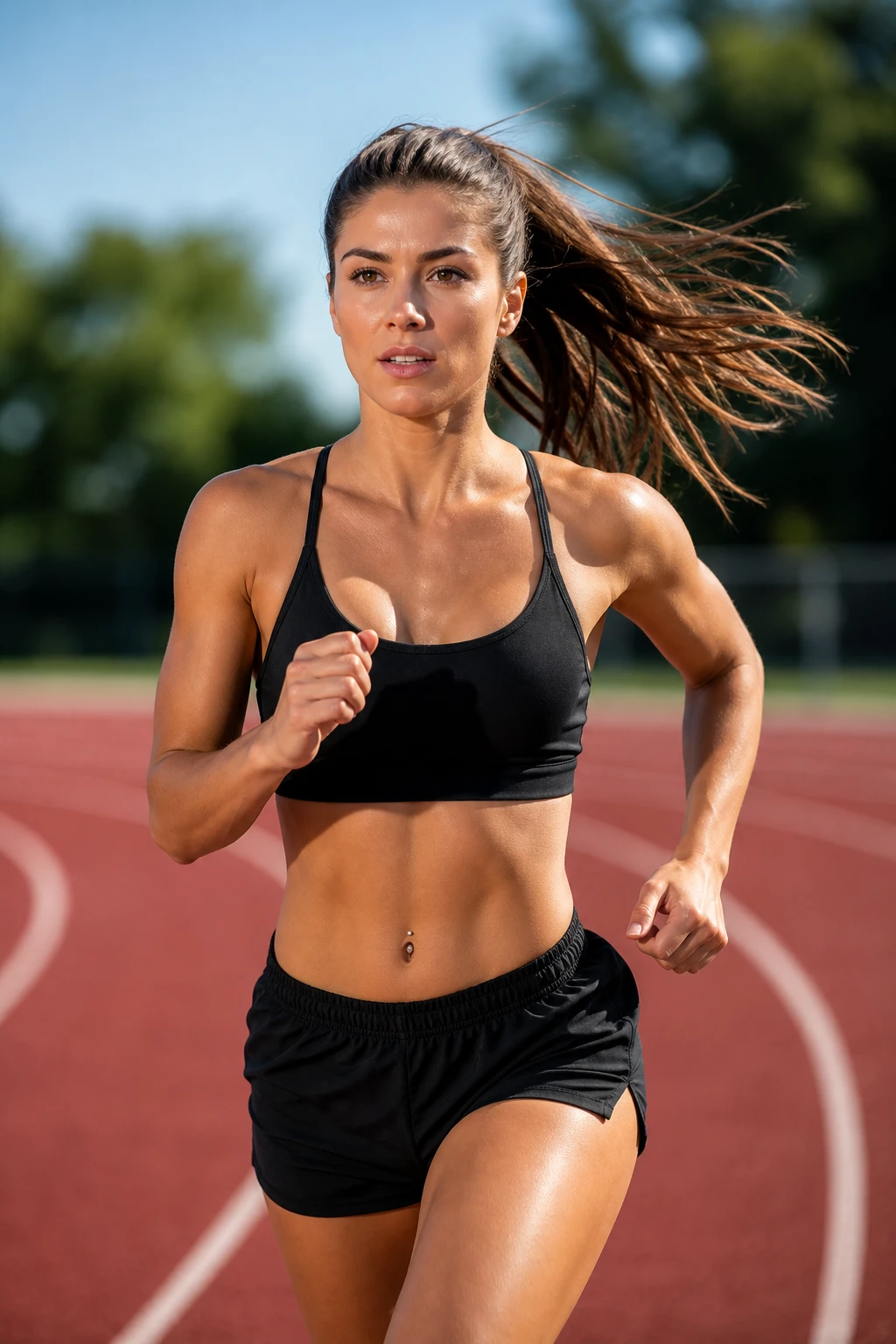
Bare frontal flash for paparazzi punch; the Flash + Drag tab shows creative panning — flash freezes the face while the world streaks.
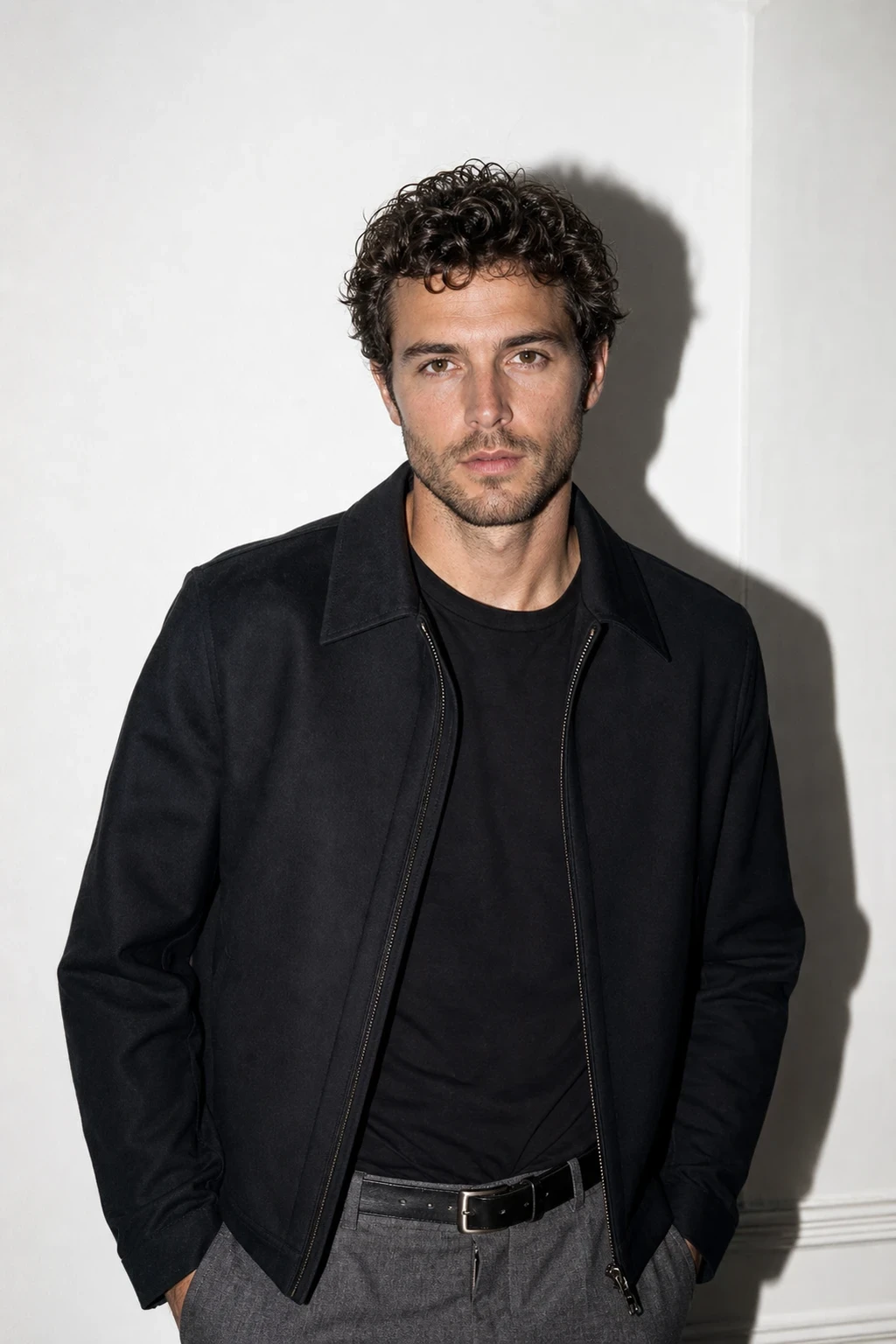
Raw flash on-axis — then drag the camera and make light trails.
Learning path
This setup appears in curated assignments — continue the sequence when you are ready.
- Step 1/8Speedlight on location
Direct flash for paparazzi punch — then **Camera Drag + Flash**: pan on a slow shutter while flash freezes the face (creative technique, not a recipe).
- Step 1/7Creative flash & camera craft
Direct on-axis flash reads flat on purpose — then open **Camera Drag + Flash**: pan on a slow shutter while the strobe fires once; the face locks sharp, the background streaks. The lesson is the collision of time and flash, not copying this exact pan speed.
- Lights
- 1
- Contrast
- 6:1
- Catchlight
- Small bright dot
- Key position
- On-axis at camera
- Light quality
- Hard light
- Mood
- Aggressive / Commercial / Fashion
- Quality
- Hard Light / Direct Flash
- Subject
- Fashion
- Environment
- Studio
Mood variations
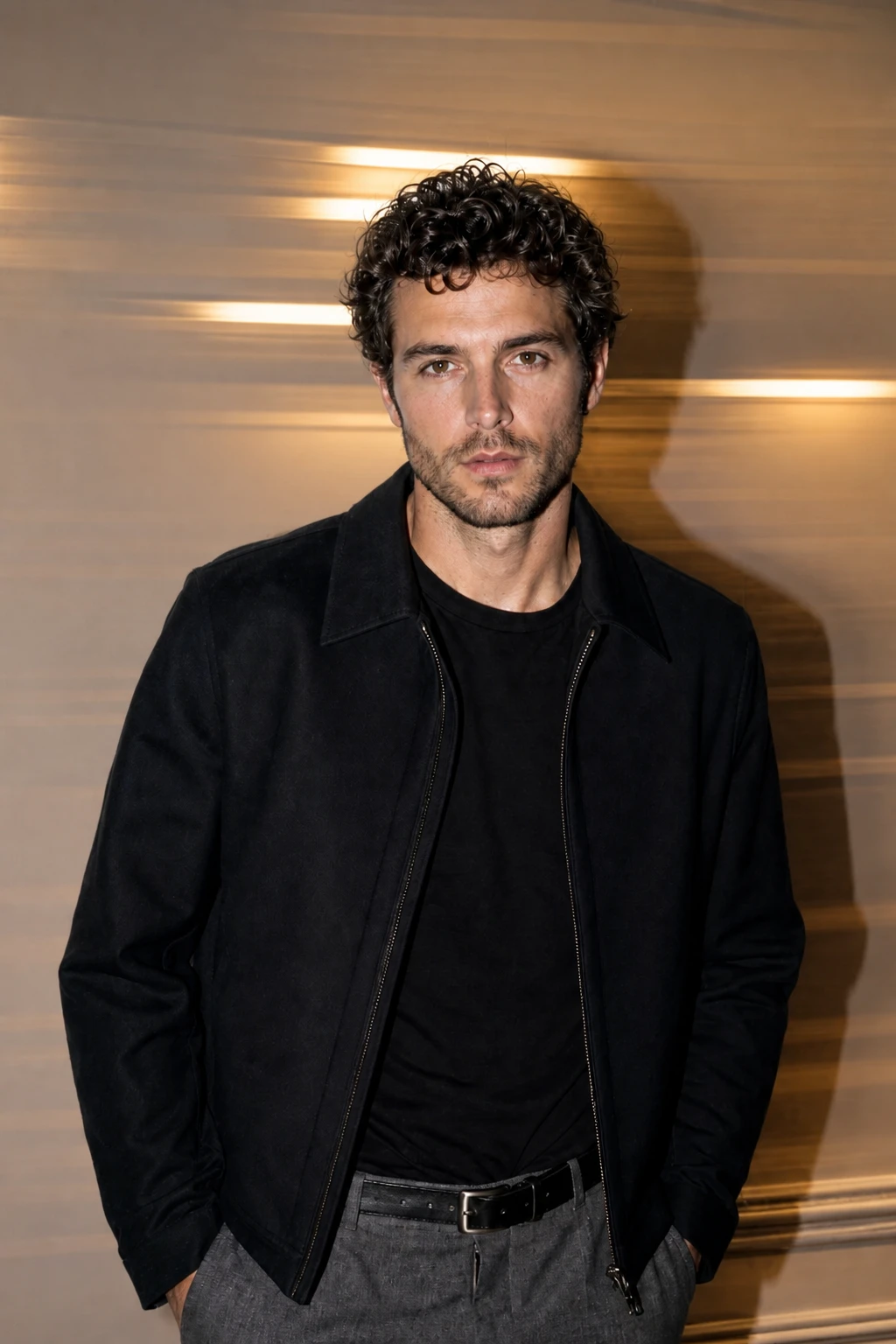
Camera Drag + Flash
Slow shutter (~1/15s) and pan the camera while the speedlight fires — the face stays frozen, the background streaks into trails. Creative flash art: an idea to take to clubs, streets, and receptions, not a one-off example.
Ring-Flash Beauty
Swap the bare flash for a ring light on-axis: the shadow wraps into a thin even halo for a glossy, e-commerce-fashion finish.
Off-Axis Hard
Move the flash ~30° off the lens for a single hard shadow to one side — still raw, but with a touch more shape on the face.
Final look
Base setup
Direct flash flattens texture and throws a hard drop-shadow behind the subject — confident campaign energy. Slow shutter plus a pan turns the same speedlight into **photographic art**: frozen subject, streaking background. That drag frame is an idea to borrow, not a recipe to copy.
Camera & framing
ISO
ISO 100
Shutter
1/200s
Aperture
f/8 – f/11
Exposure
Lens
50 – 85mm
Camera height
Chest to eye level
Framing
Three-quarter to full body, wardrobe readable
Lens & framing
Star / cross screen
Composition: star filter on background practicals — flash key position stays direct on axis.
Read guide →
On lens
Key notes
- 1Put the flash on or right beside the lens and aim it dead-on — the centered hard shadow behind the subject is the whole aesthetic.
- 2Stop down to f/8 – f/11 and keep ISO low; let the flash, not the ambient, define the exposure on the Base frame.
- 3Place the subject close to the wall for a tight, graphic drop-shadow; move them away to let it fall off.
- 4For **Camera Drag + Flash**: drop shutter to ~1/15s, pan horizontally while you fire — flash duration freezes the face; ambient becomes streaks. Tripod optional; the lesson is the technique, not this exact wall.
- 5Lean into the flatness on Base — direct flash kills texture on purpose, so styling and attitude carry the frame.
Gear alternatives
Same lighting job — budget, mid, and pro tools. Highlighted cells match what this setup names.
Portable flash
speedlight
Battery flash for bounce, OCF, and small modifiers
- Budget · this setup
- Single speedlight
- Mid · this setup
- Speedlight + small softbox / umbrella