What it does
They limit off-axis light rays so walls and floors stay darker. Unlike snoot, frontal skin can still be soft if the diffusion panel is large.
Modifiers
Honeycomb grids snap onto softboxes and strips to kill spill while keeping the modifier’s soft character on-axis.
See it in a real setup

Best example in this library
A gridded softbox keeps portrait light soft on the face while stopping spill from lighting the background and floor.
Open setup board →
What it looks like
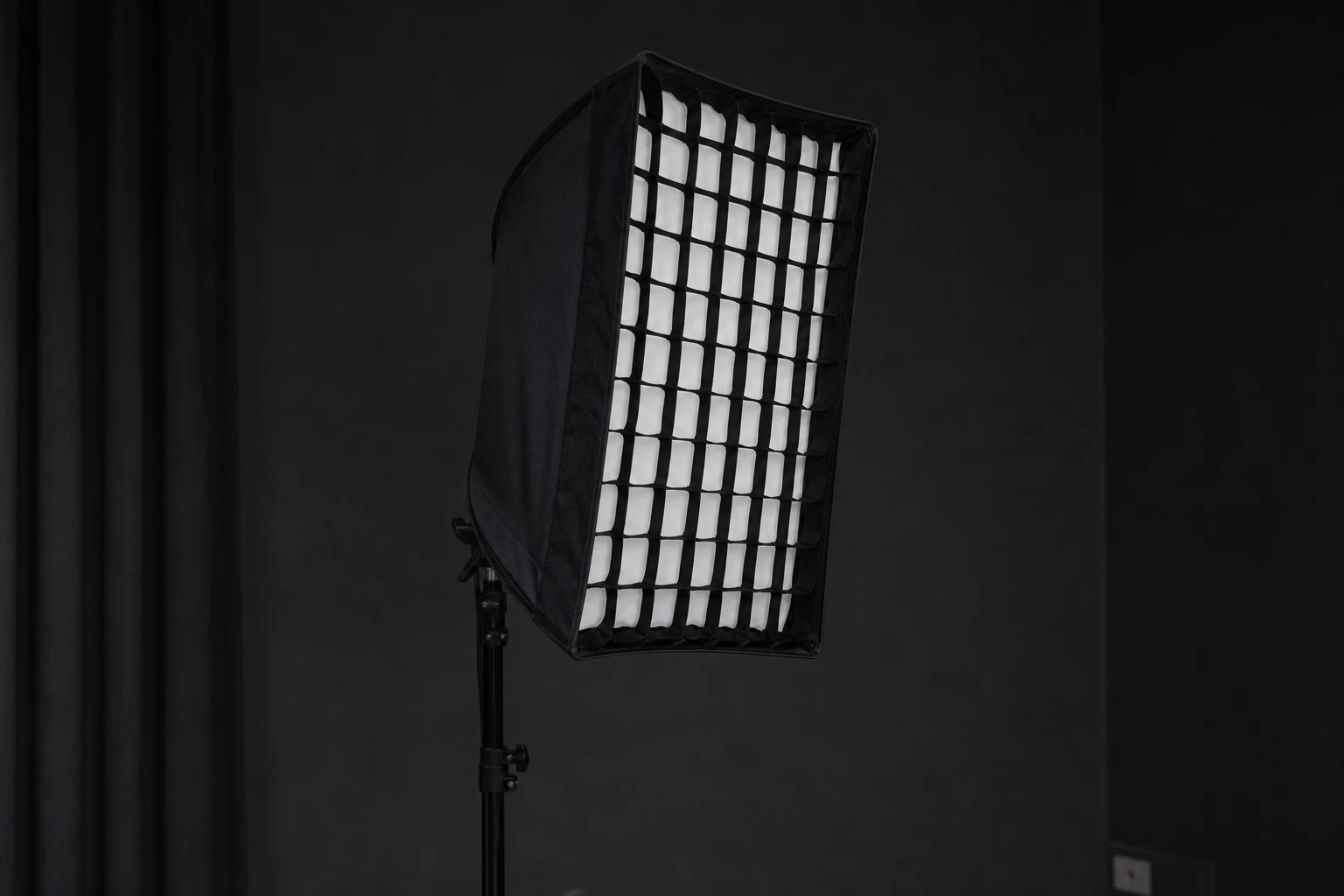
They limit off-axis light rays so walls and floors stay darker. Unlike snoot, frontal skin can still be soft if the diffusion panel is large.
Dark grey backgrounds, controlled rims, product tables near walls, portrait lessons about spill vs hardness.
Subject still soft; background noticeably darker at same power; rim lines stay crisp on strips with grids.
Shoot comparison frame without grid at identical power/settings. Feather same as non-grid — grid does not replace feathering.
Expect ~0.5–1 stop loss — raise power or open aperture. Deeper grids = more loss + more control.
Thinking grid makes light hard on skin like snoot. Fix: compare skin texture — grid mainly eats spill.
Grid on background hair light only — subject soft, environment controlled.
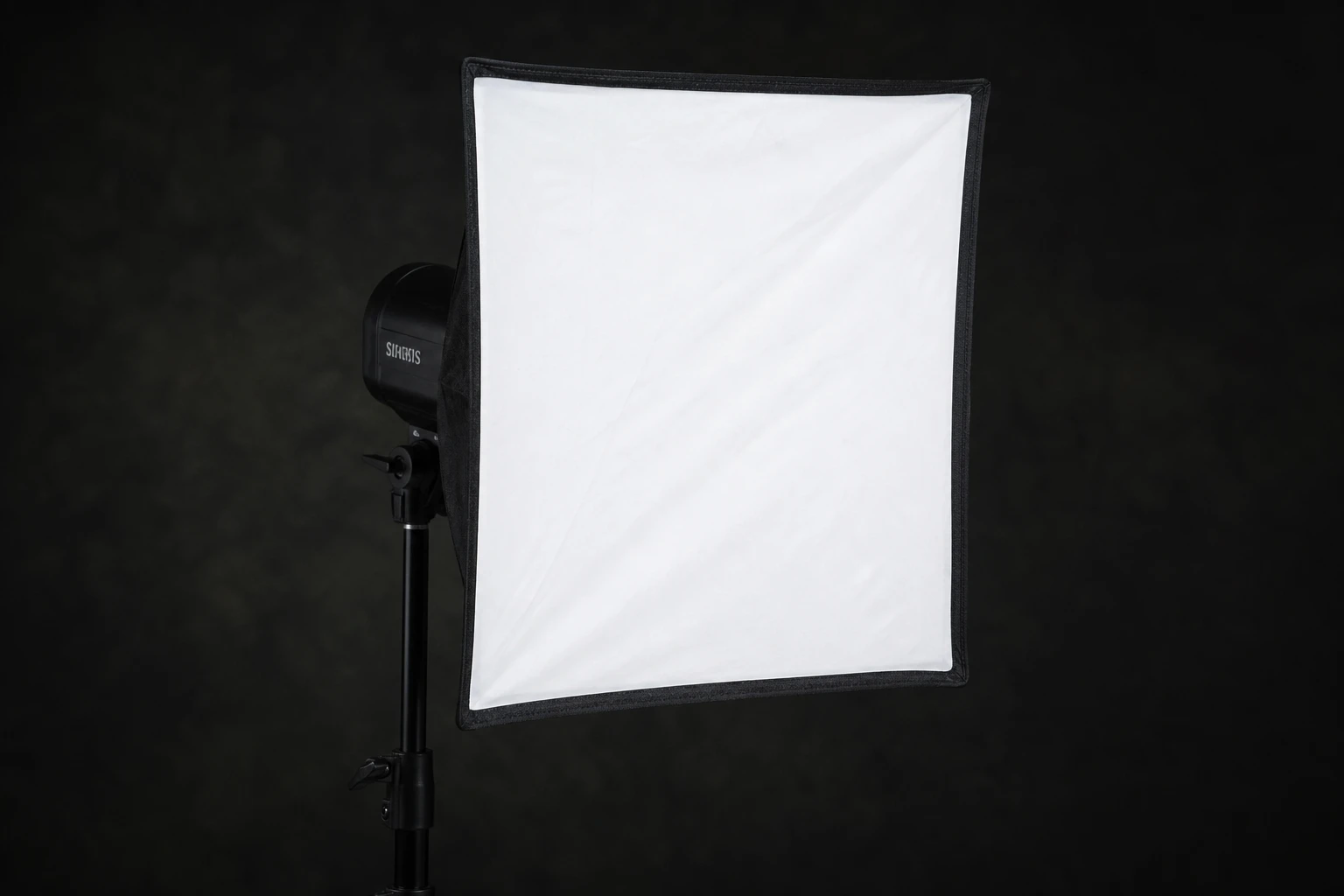
A softbox is the default directional soft modifier — rectangular or square diffusion in front of flash with controlled spill compared to umbrellas.
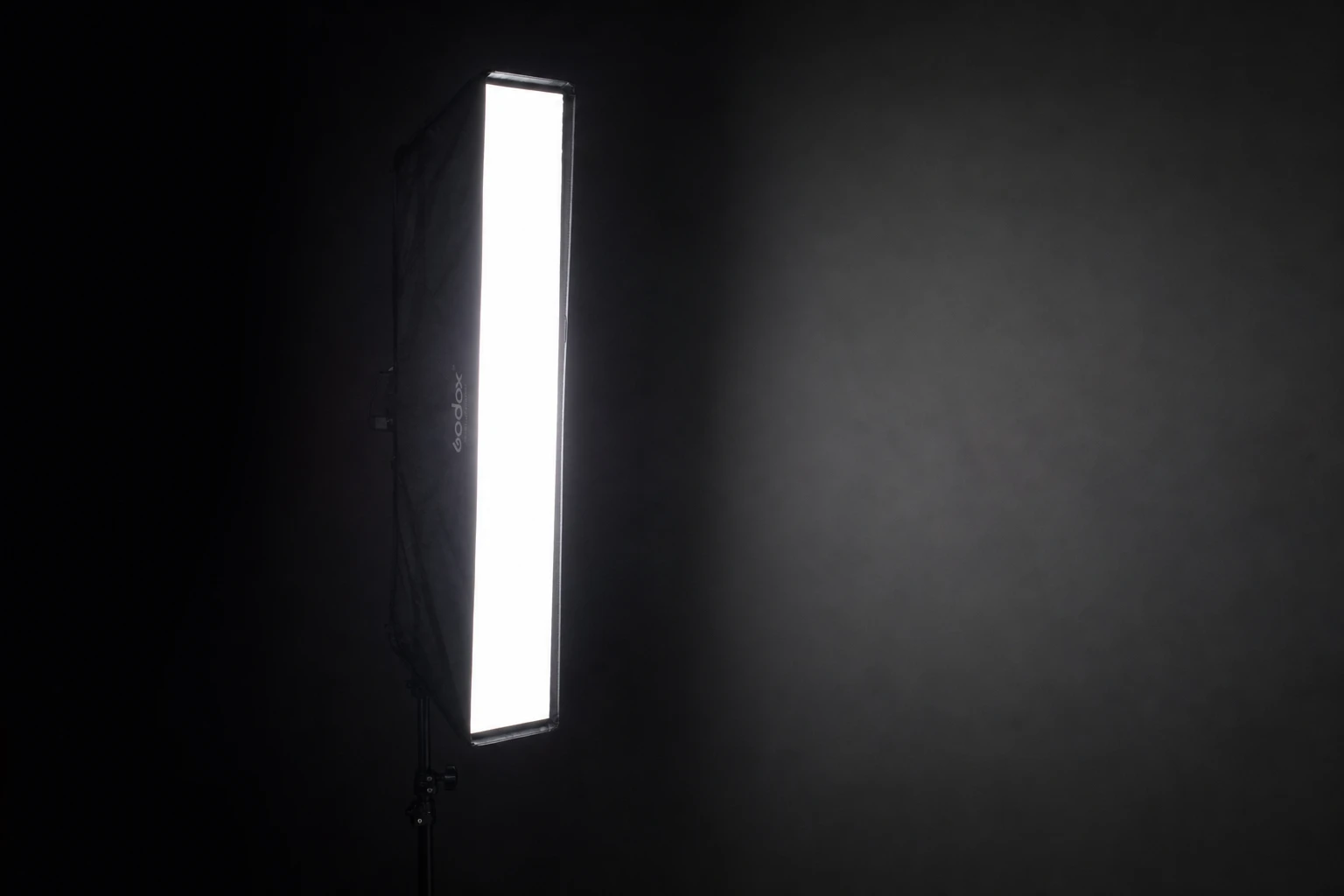
Stripboxes are tall, narrow soft sources — perfect for edge lines on faces, bottles, and packaging.
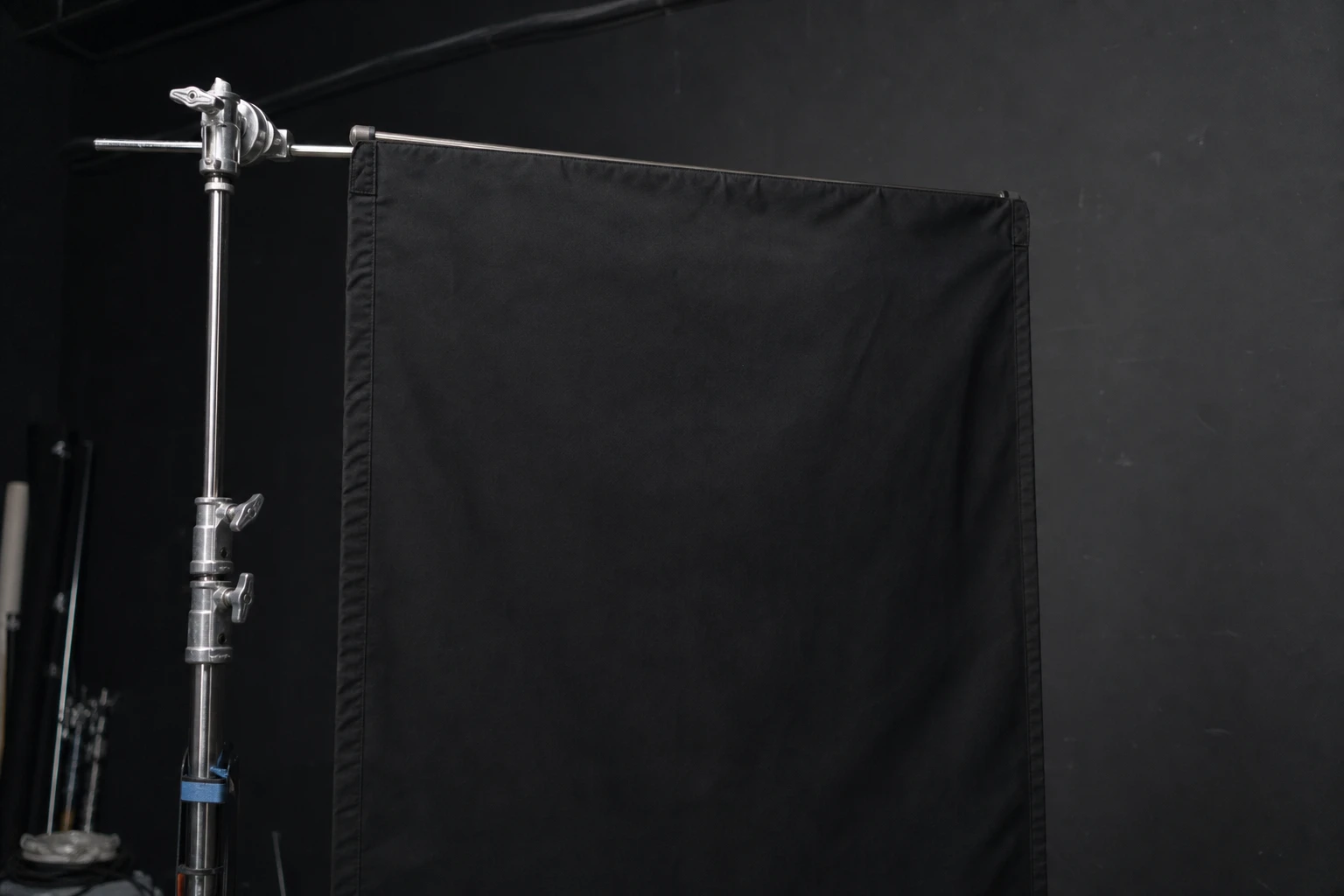
Flags (cutters, barn doors, black flats) block light — they subtract instead of add.
Strongest matches for this tool — 8 of 10 shown. Browse all in the library →
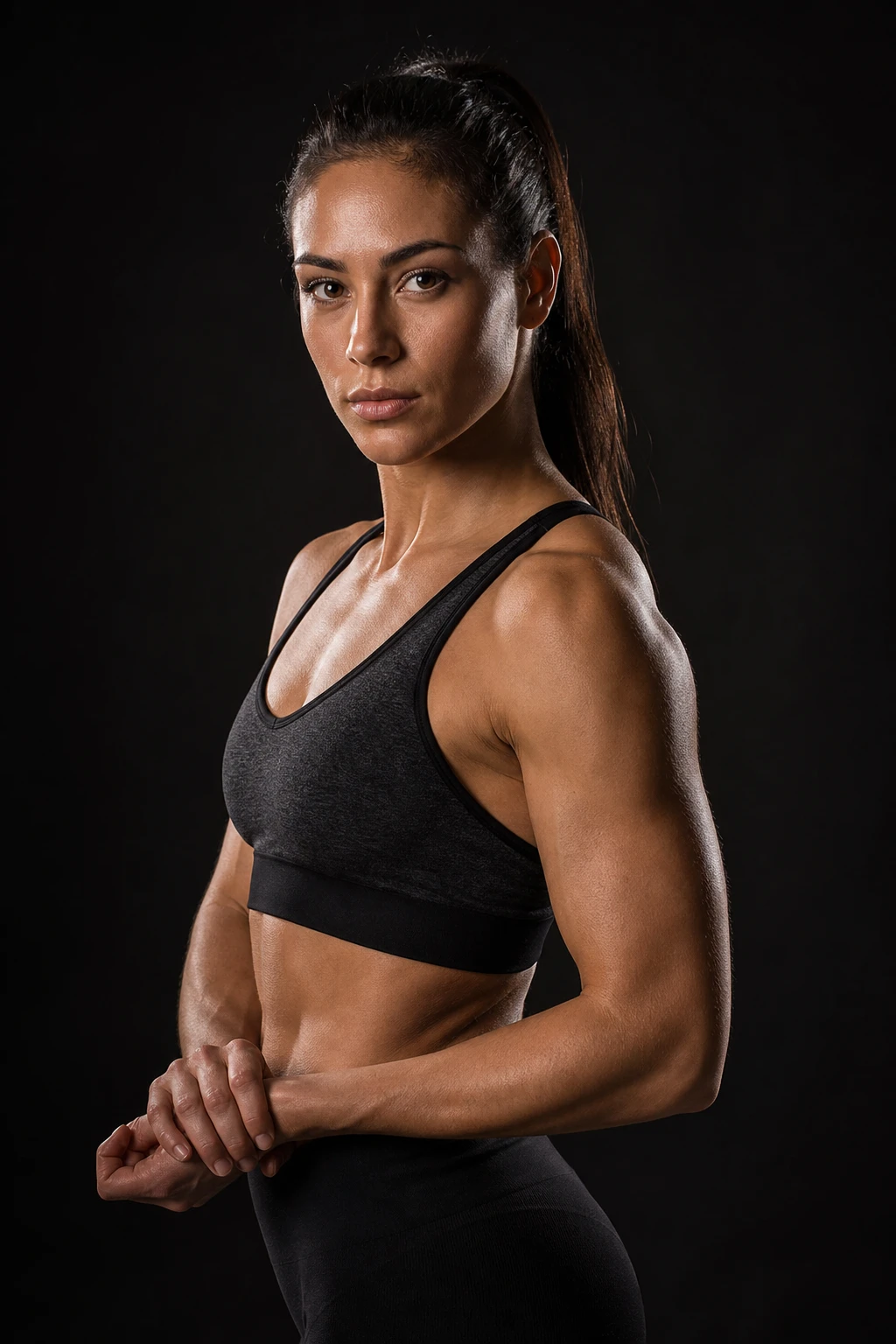
Athlete
A studio athlete portrait keyed by a gridded softbox — controlled muscle definition and a soft shadow transition on skin, without background spill washing the frame gray.
2 lights
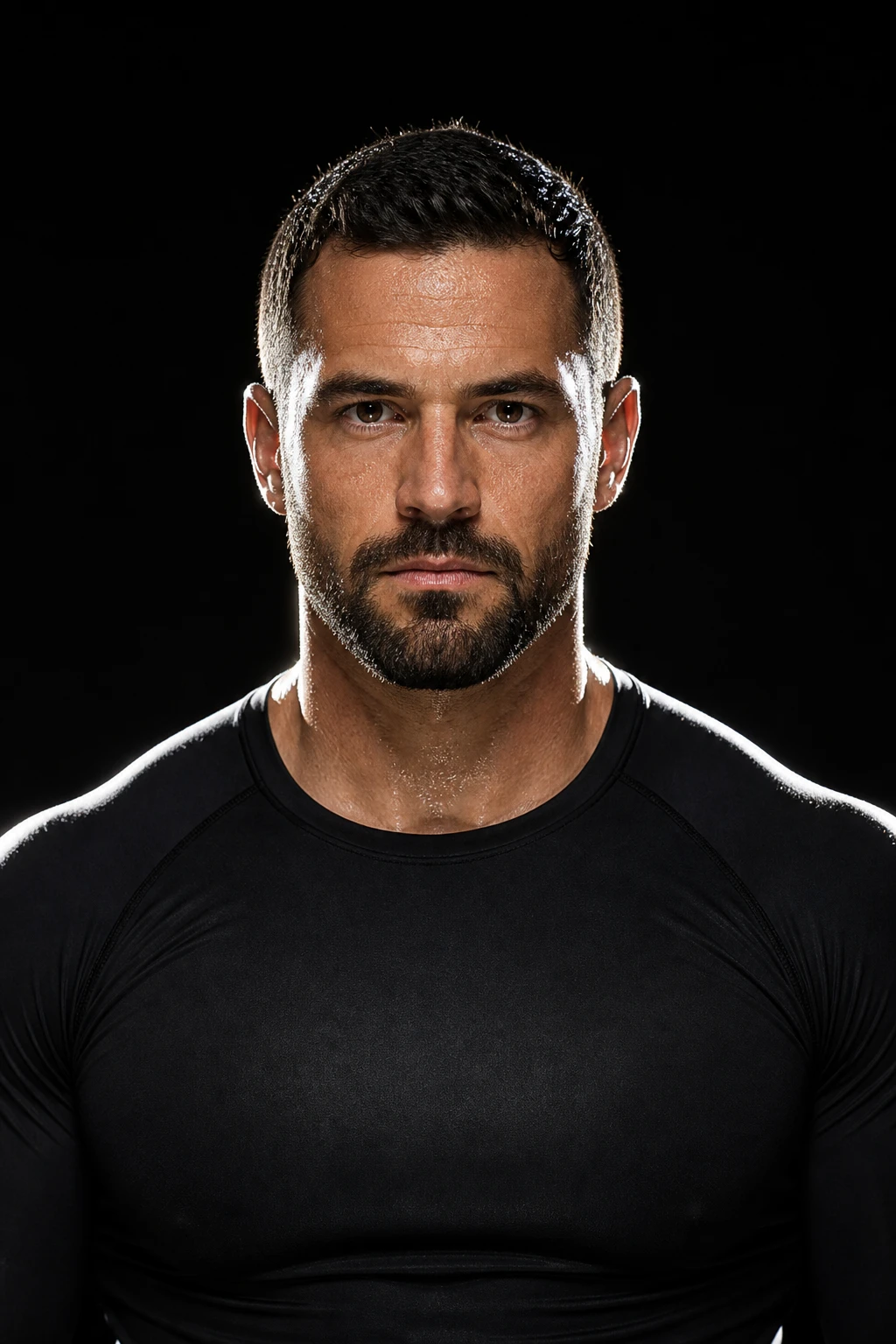
Sports
Hard gridded edges sculpt muscle definition against black. Power and grit.
2 lights

Fashion
A compact off-camera speedlight with a honeycomb grid keys a female fashion editorial portrait — directional, controlled spill, and separation without event bounce or ceiling flash.
1 lights

Events
At a busy outdoor night reception, a wall-bounced speedlight keys the face while a second speedlight with a tight honeycomb grid paints a hard one-sided knife-edge on hair and shoulder. Separation without washing the festoon lights behind him.
2 lights
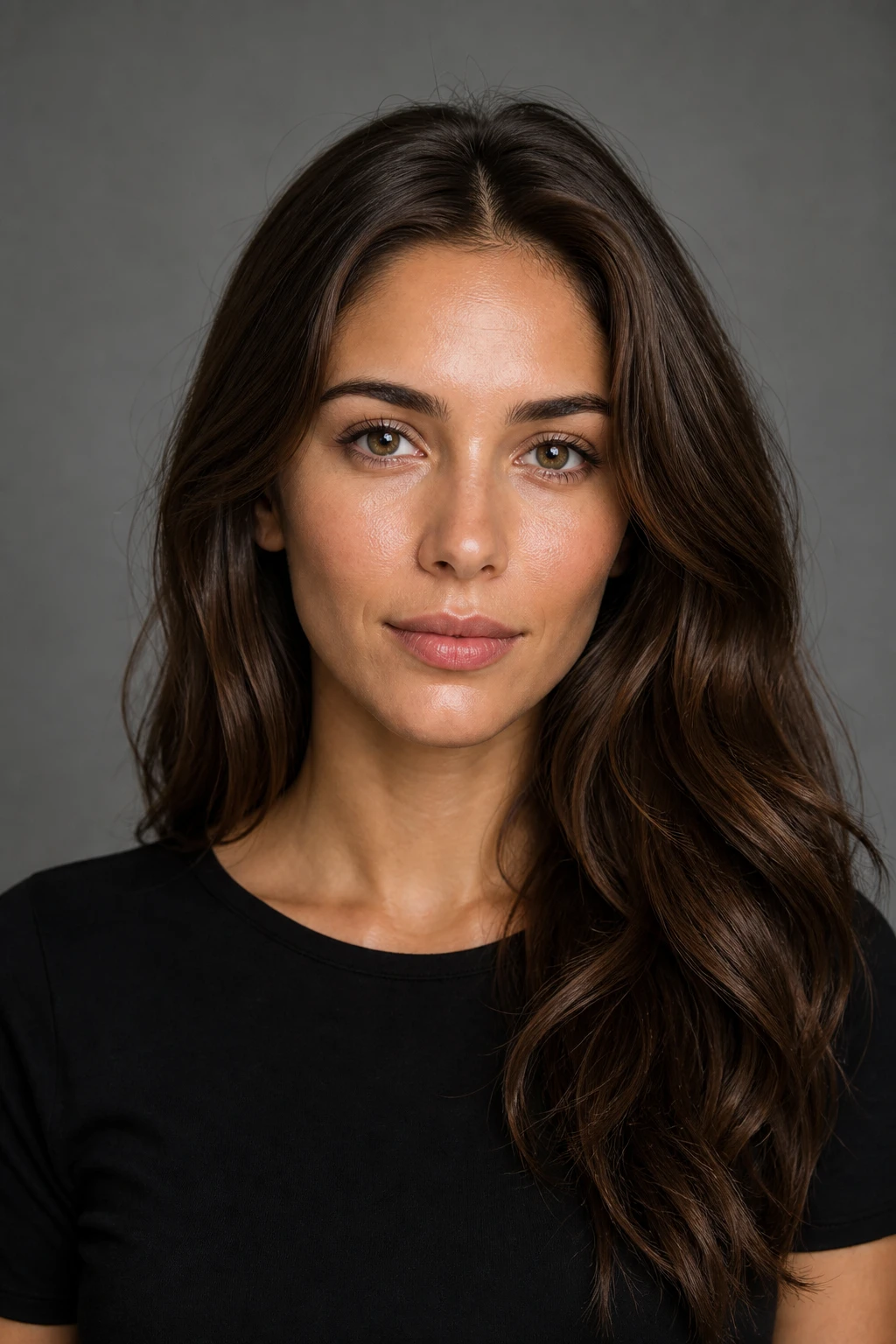
Beginner
The same medium softbox at close, far, and gridded distances on a plain headshot — teaching how source size and distance change softness, contrast, and background spill.
1 lights
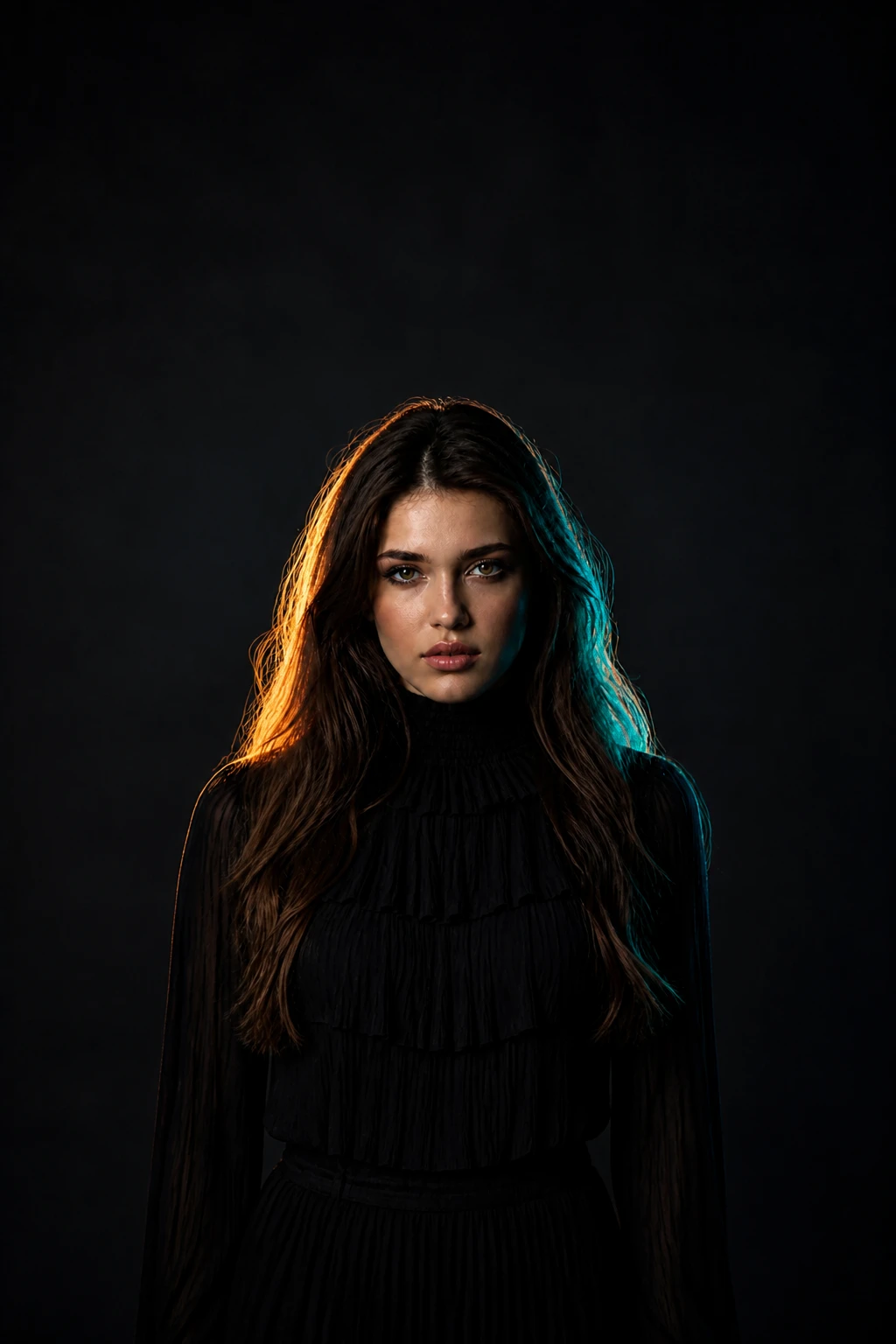
Advanced
A complex fashion portrait balancing a neutral soft key against opposing gelled rim lights — the hard part is keeping skin clean while color screams at the silhouette.
3 lights
Commercial
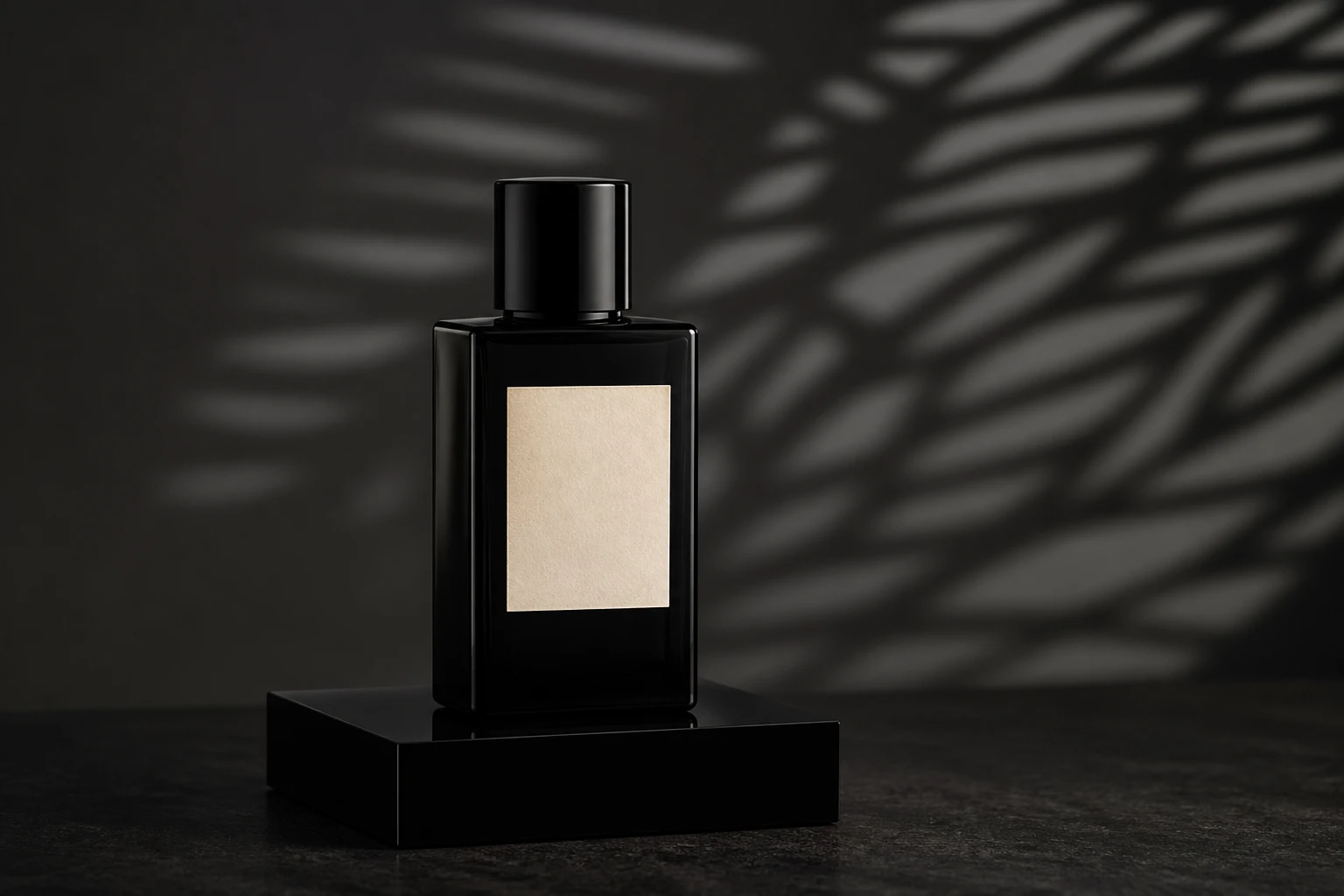
A premium product on a plinth with a projector throwing graphic texture onto the background only, while a small gridded softbox keys the product face and flags stop pattern spill across the label.
2 lights
Automotive
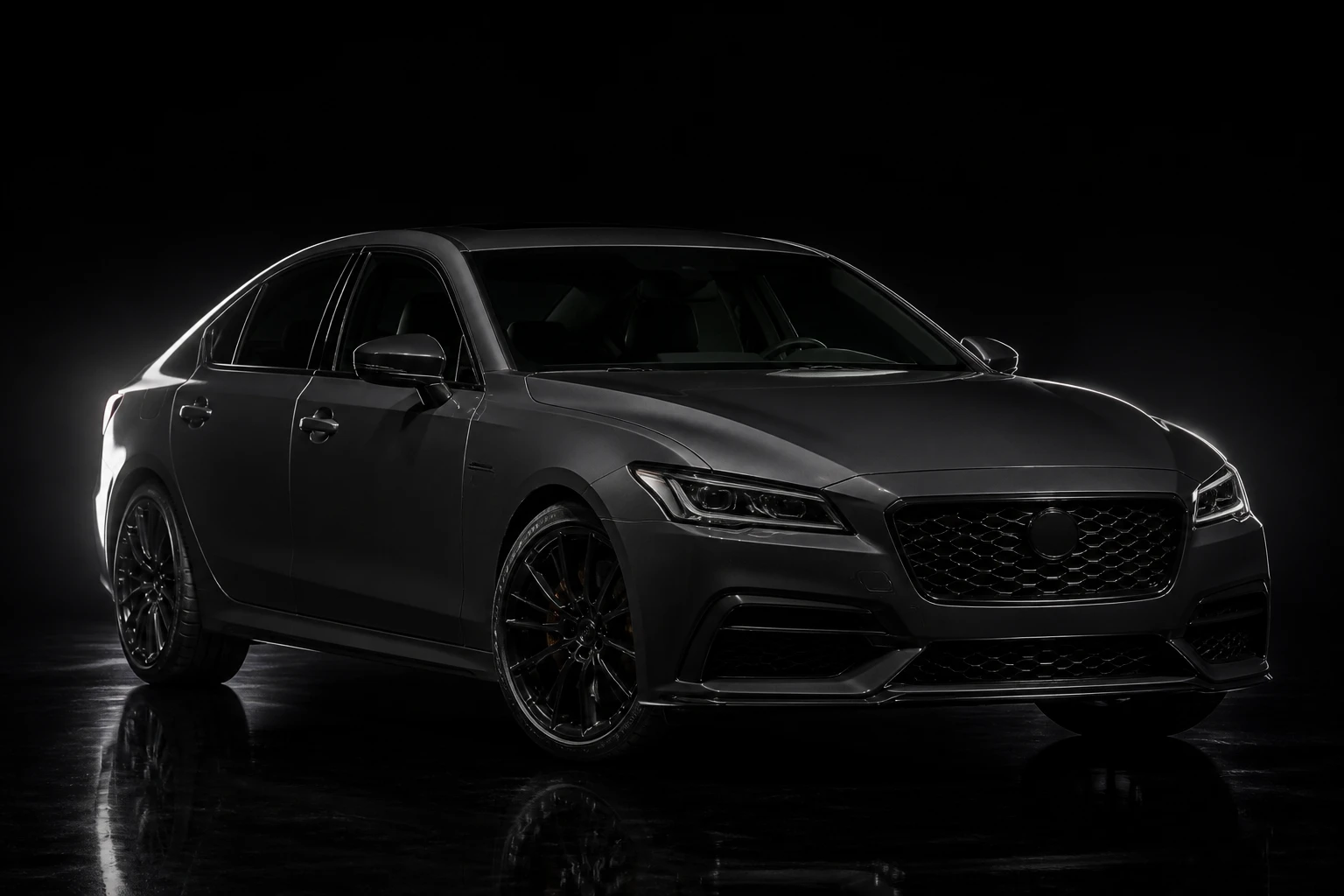
A car in a dark studio edged by two stripboxes — a bright strip wrapping the tail and roofline, a fainter one tracing the far bonnet and fender — a simpler showroom hero than light painting.
3 lights