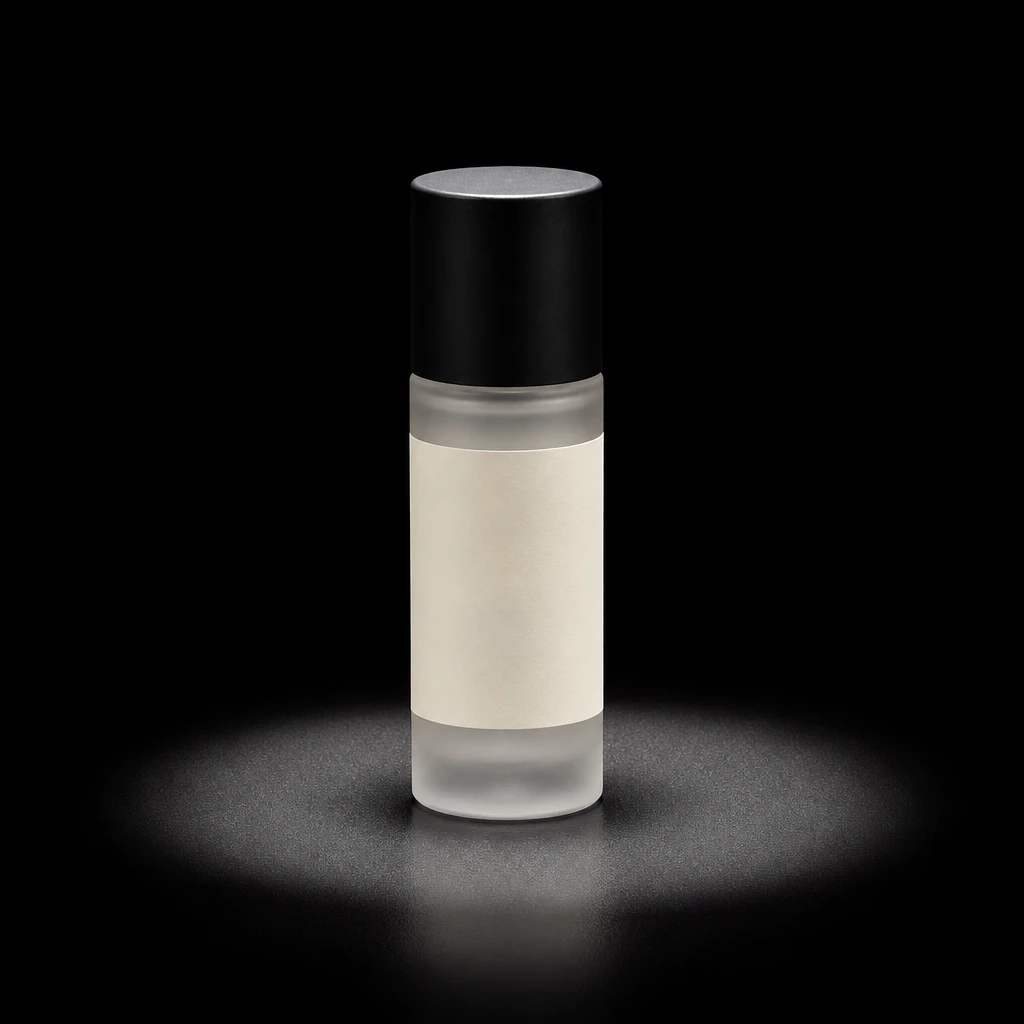
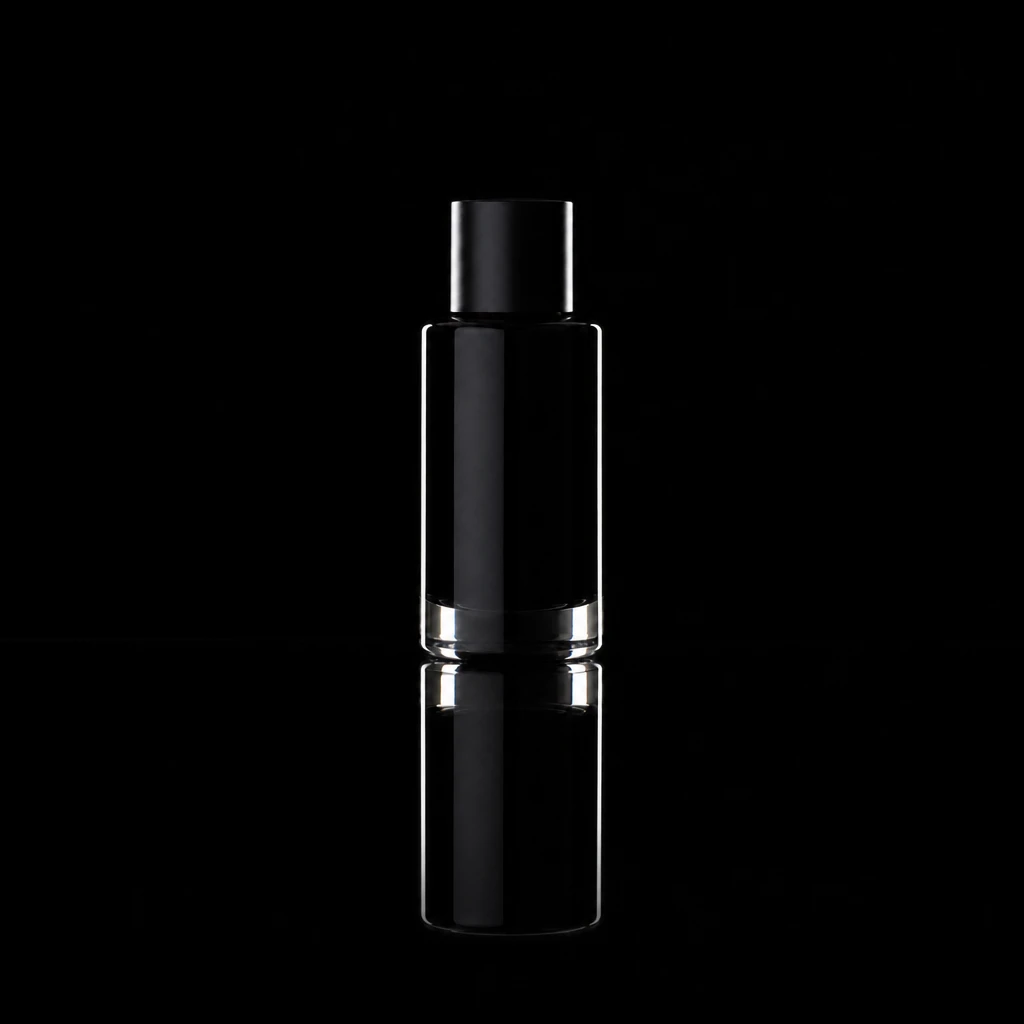
Commercial
Projector Texture Product Background
Lighting setup
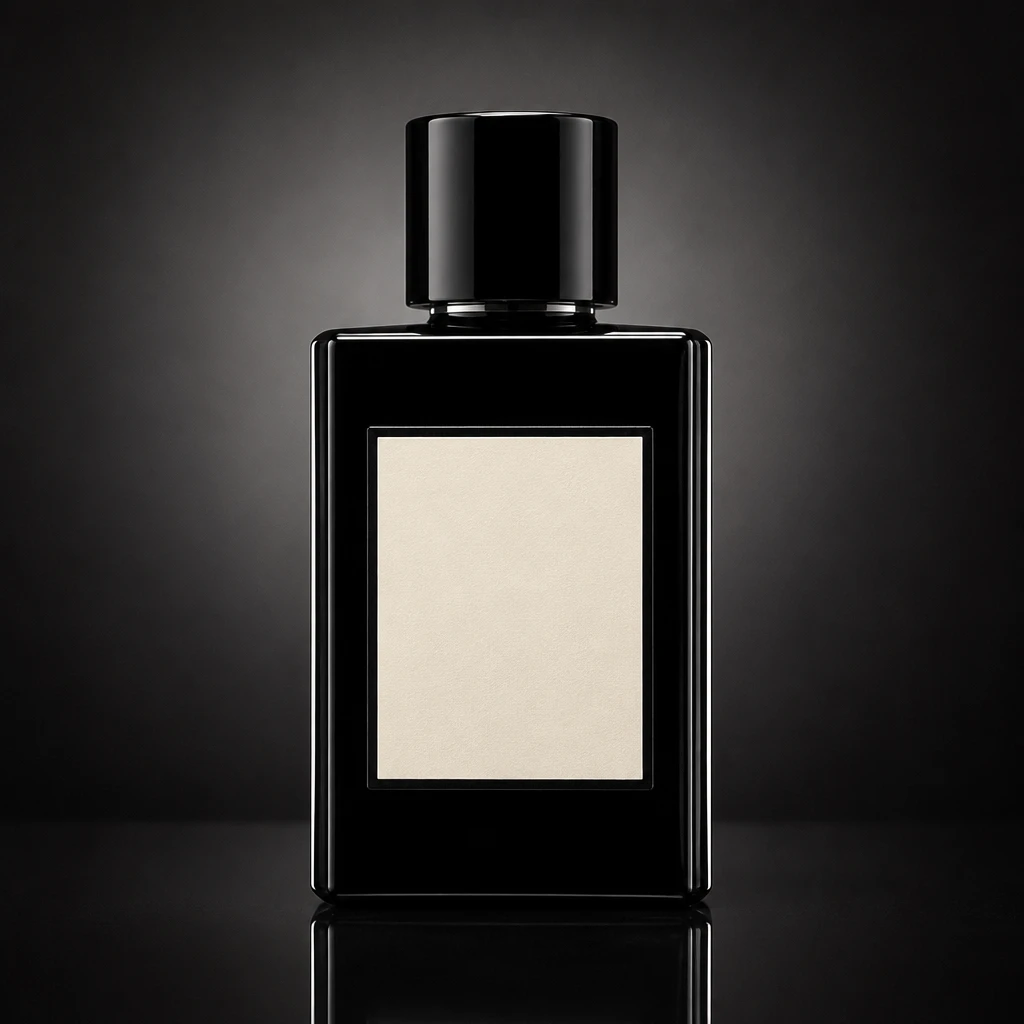
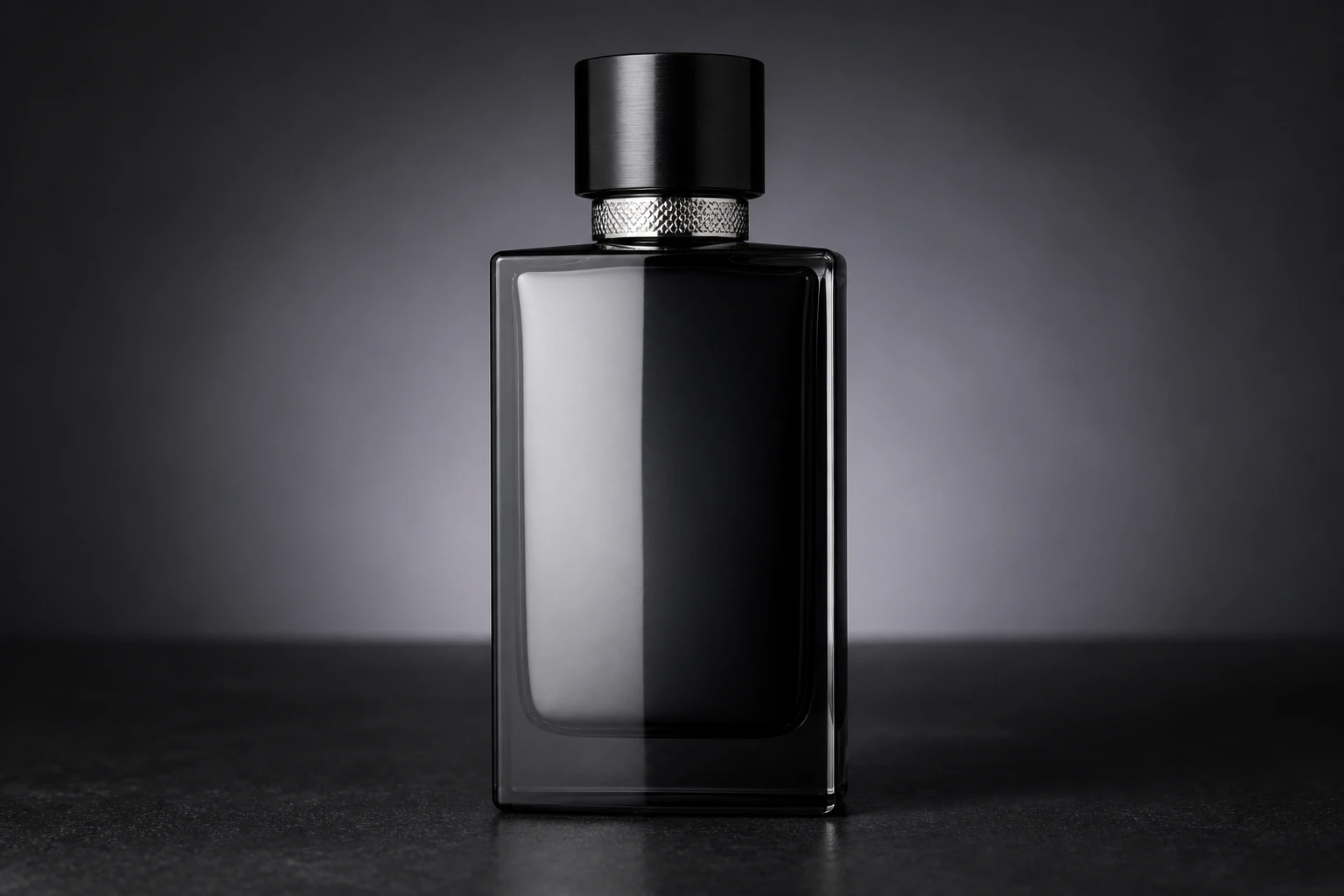
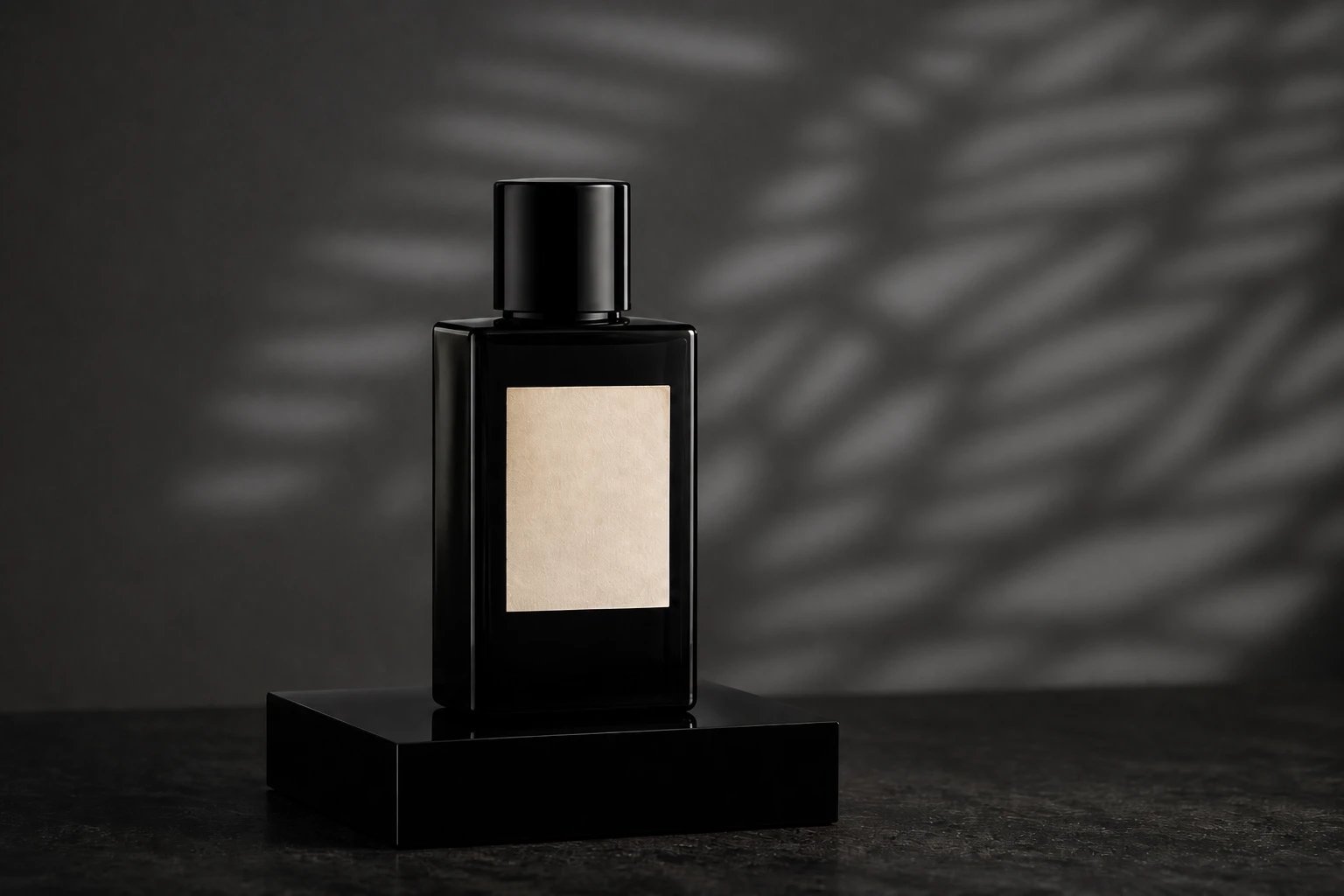
A premium product on a plinth with a projector throwing graphic texture onto the background only, while a small gridded softbox keys the product face and flags stop pattern spill across the label.
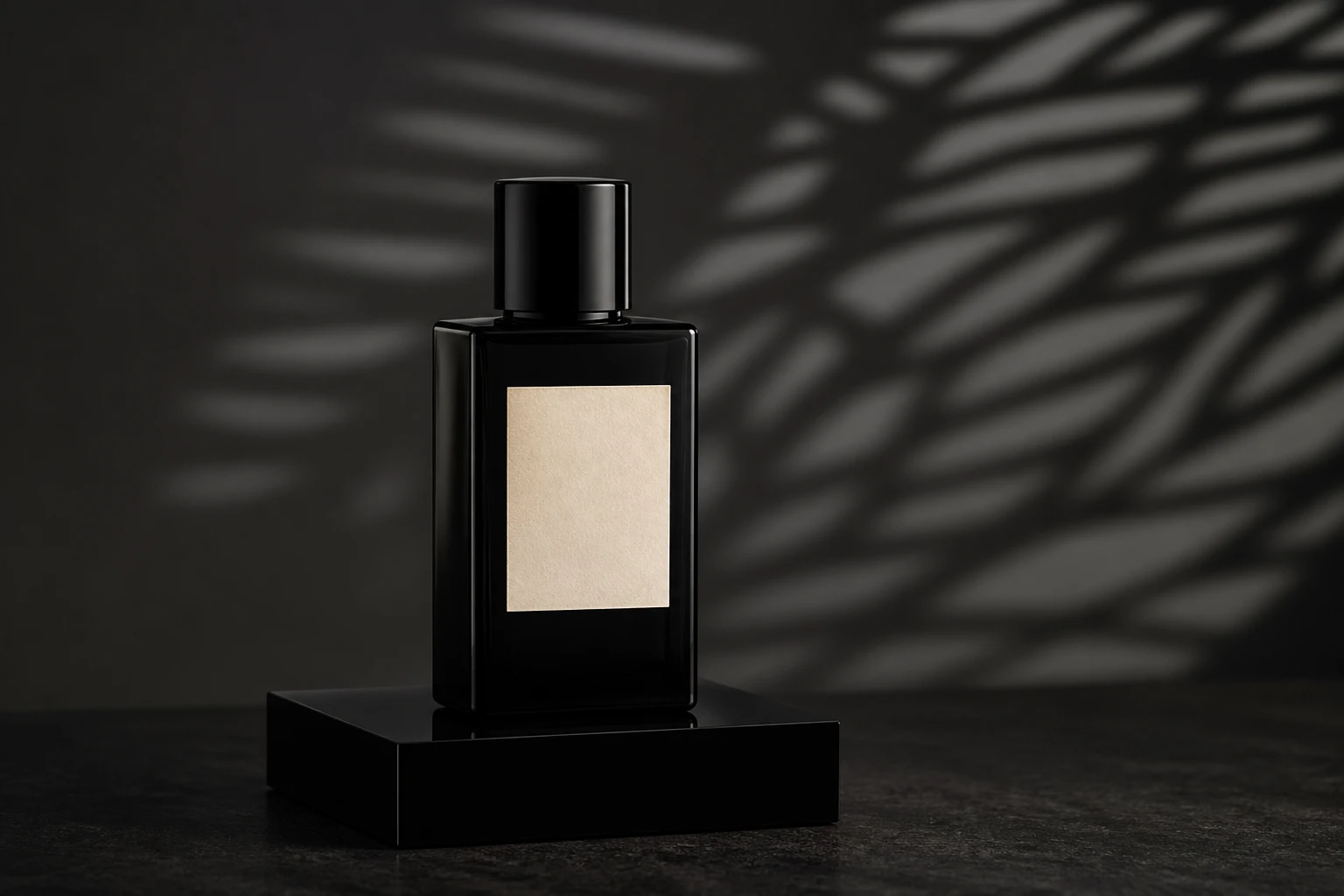
Pattern the wall. Protect the label.
- Lights
- 2
- Contrast
- 5:1
- Catchlight
- Small soft rectangle on product face
- Key position
- Gridded softbox camera-left on product; projector rear-right on background
- Technique
- Background light
- Mood
- Luxury / Commercial / Fashion
- Quality
- Hard Light / Soft Light / Gridded
- Subject
- Product
- Environment
- Studio / Dark Background
Mood variations
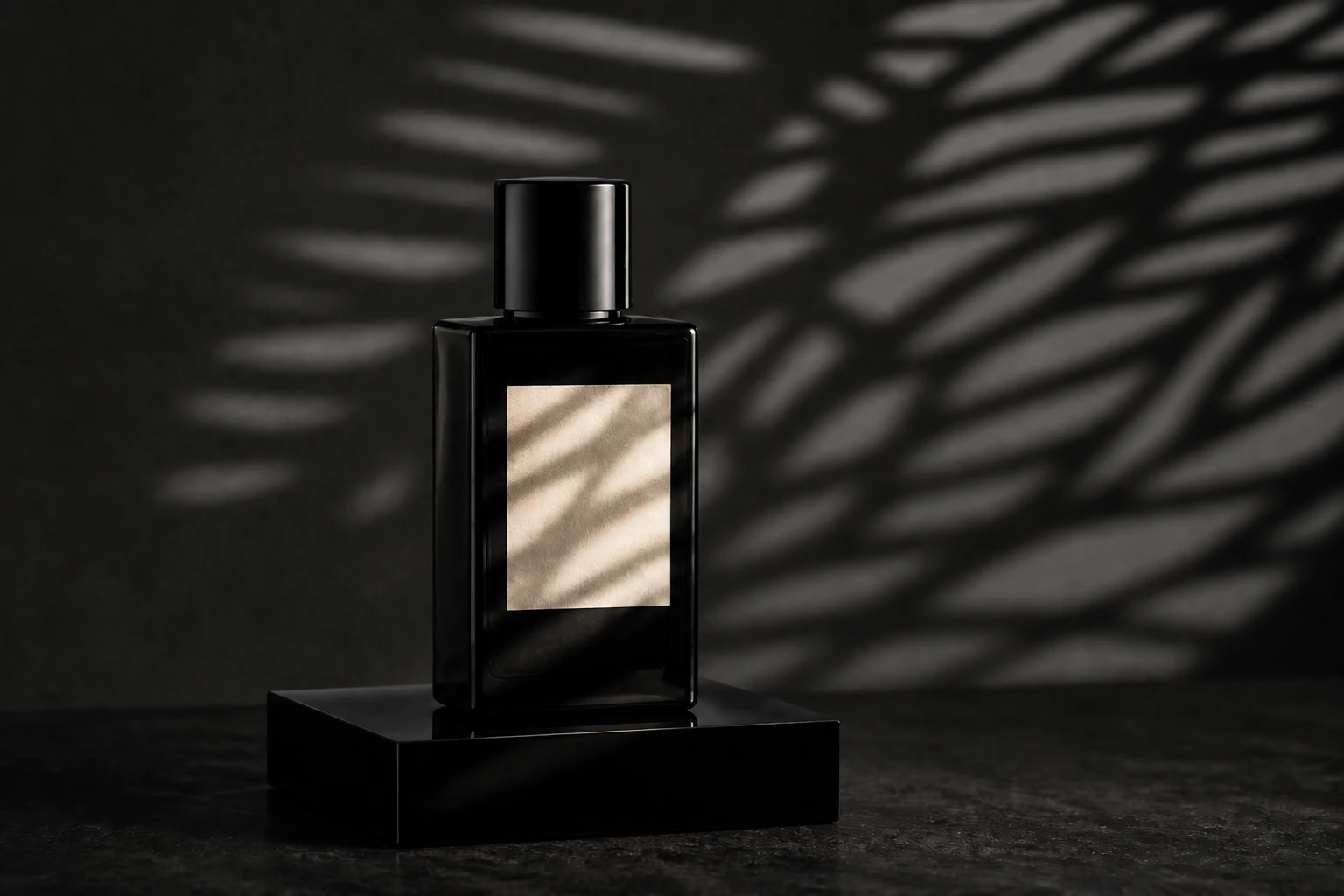
Spill Contamination Warning
Remove spill flags so the gobo pattern crawls across the label — the failure mode that ruins a commercial read.
Softened Pattern Distance
Pull the projector back or soften focus so the background texture gentles while the product key stays clean.
Final look
Base setup
Projectors and optical snoots can paint sharp patterns on a background plane, but spill across a product label ruins a commercial read. Separating planes — projector aimed at the backdrop, gridded key on the product, flags between them — keeps the hero graphic and the label independently controllable.
Camera & framing
ISO
ISO 100
Shutter
1/125 – 1/160s
Aperture
f/8 – f/11
Exposure
Lens
90 – 100mm macro or short tele
Camera height
Slightly above table height, parallel to label plane
Framing
Hero product fill, label readable, minimal distortion
Lens & framing
Key notes
- 1Focus the projector on the background plane first — the pattern should be sharp behind the product, not on the label.
- 2Use a gridded or flagged softbox on the product so the key stays neutral and label-readable.
- 3Place flags between projector and product to kill spill when the pattern starts crawling across the front face.
- 4Stop down to f/8–f/11 so both the product and the projected texture stay sharp.
Gear alternatives
Same lighting job — budget, mid, and pro tools. Highlighted cells match what this setup names.
Soft key
softbox
Soft wrap with controllable edges
- Budget
- Shoot-through umbrella
- Mid · this setup
- Rectangular softbox
Patterned projection
projector
Throw gobo / window patterns onto subject or bg
- Mid · this setup
- Optical snoot / projector attachment
- Pro · this setup
- Ellipsoidal / gobo projector
Spill control
grid
Narrow the beam without changing source size much
- Mid · this setup
- Honeycomb grid
- Pro · this setup
- Grid + eggcrate / skirt
Negative fill / cutter
flag
Kill spill and deepen shadow side
- Budget · this setup
- Black foamcore / cardboard
- Mid · this setup
- Solid flag on stand
- Pro · this setup
- Flag + C-stand / arm