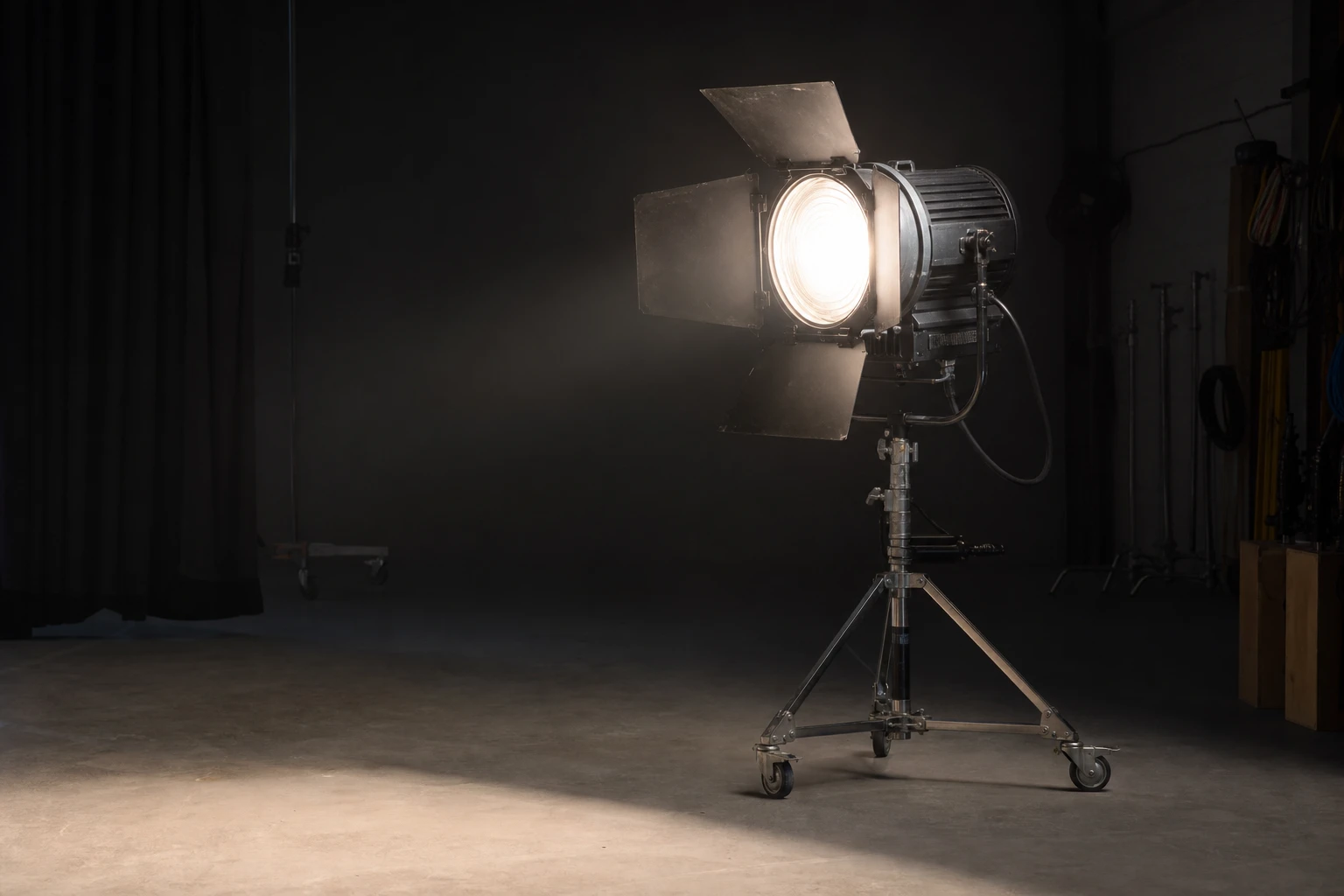
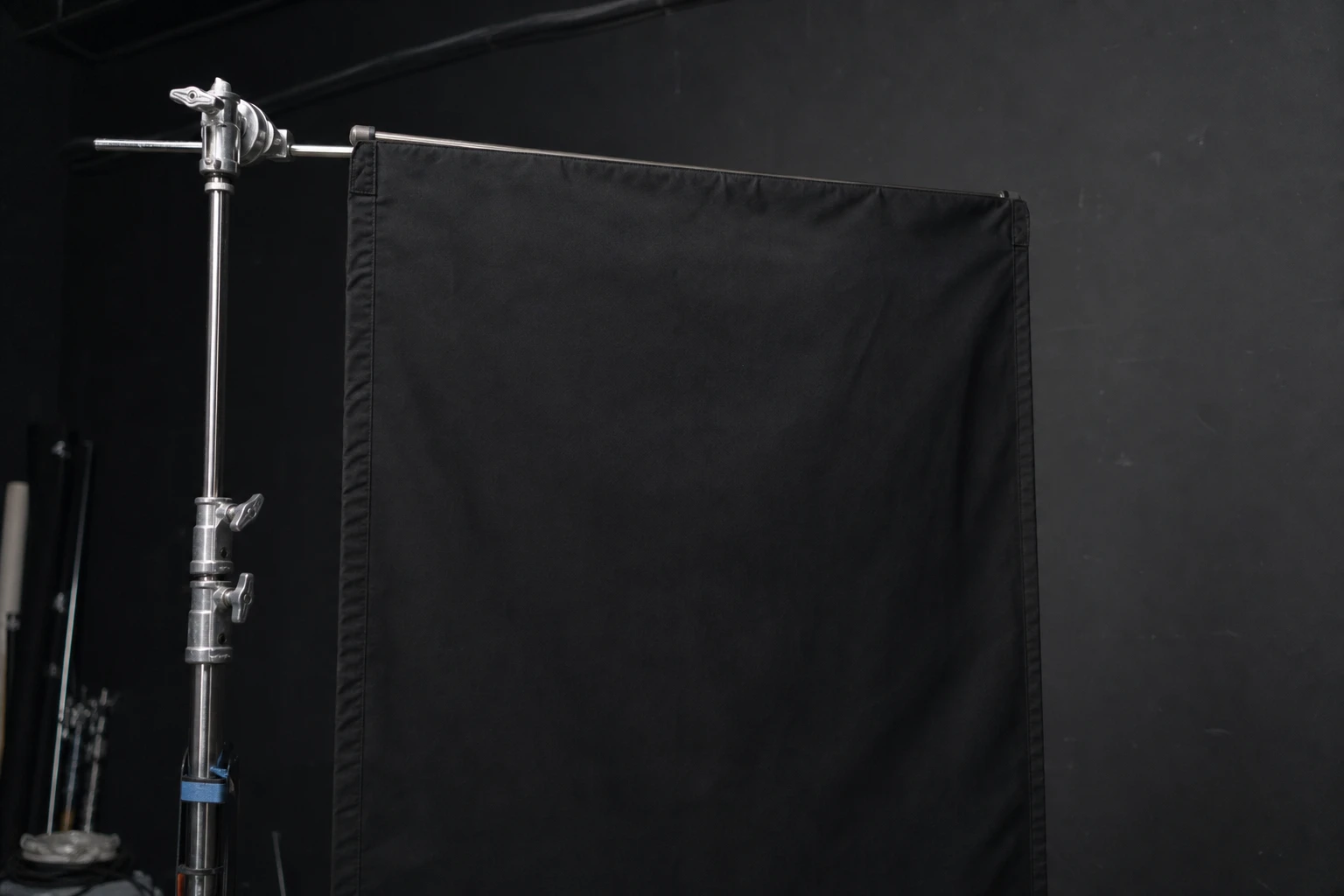
What it does
Turns a hard beam into graphic shape by blocking parts of it. Focus and distance control pattern sharpness; larger distance = sharper pattern edges until falloff.
Light sources
A focusing optical spot with a metal or glass gobo — a cut stencil, not a cinema projector. The template decides where light is missing; it cannot throw a photograph, gradient, or ornament from a laptop.
See it in a real setup
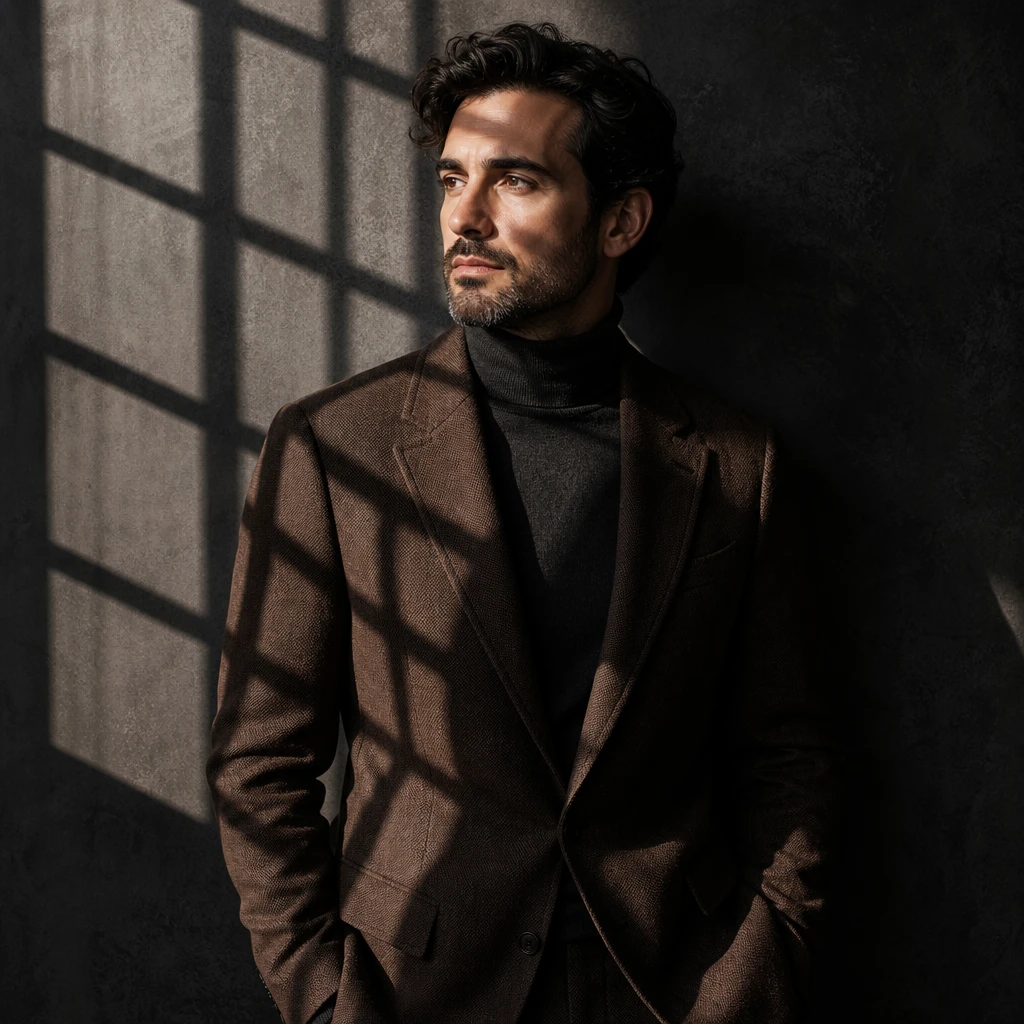
Best example in this library
An optical projector throws a hard patterned shadow across the subject and set.
Open setup board →
What it looks like
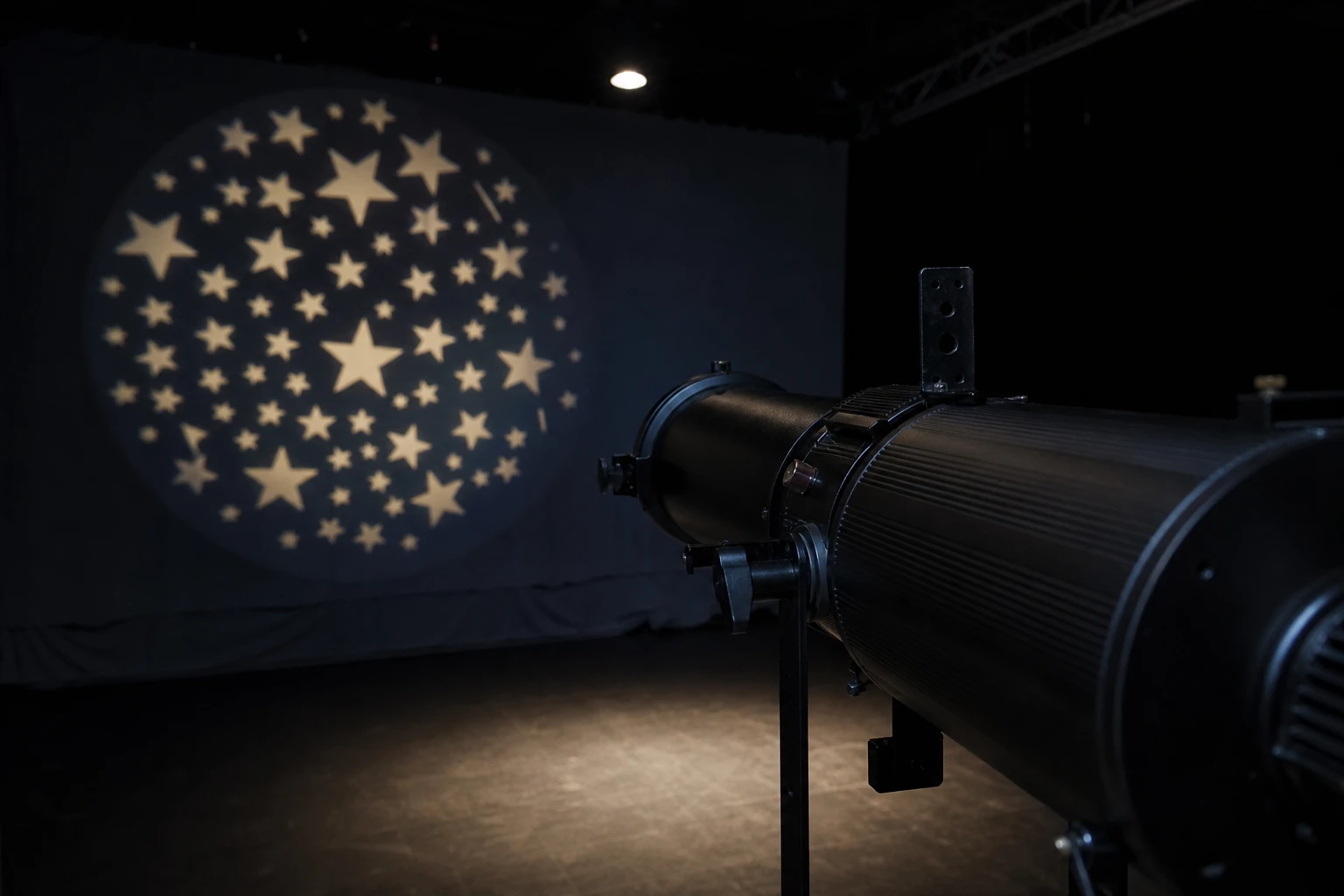
Turns a hard beam into graphic shape by blocking parts of it. Focus and distance control pattern sharpness; larger distance = sharper pattern edges until falloff.
Fashion backgrounds, noir blind bars, themed campaigns, and separating pattern-on-background vs pattern-on-face lessons. Reach for a video projector instead when the light itself must carry a picture.
Sharp or soft bars/leaves on wall; face may stay clean while background carries story; watch for pattern crawling if subject moves.
Focus pattern on background with subject slightly forward so spill does not muddy face. For face patterns, spot down and accept higher contrast.
Projector farther from surface = sharper pattern; closer = larger scale. Meter pattern highlight separately from skin when possible.
Accidental pattern across eyes when lesson is background-only. Fix: flag projector spill or move subject forward.
A dedicated soft key on face + projector on background is the cleanest teaching combo.
Strongest matches for this tool — 3 of 4 shown. Browse all in the library →
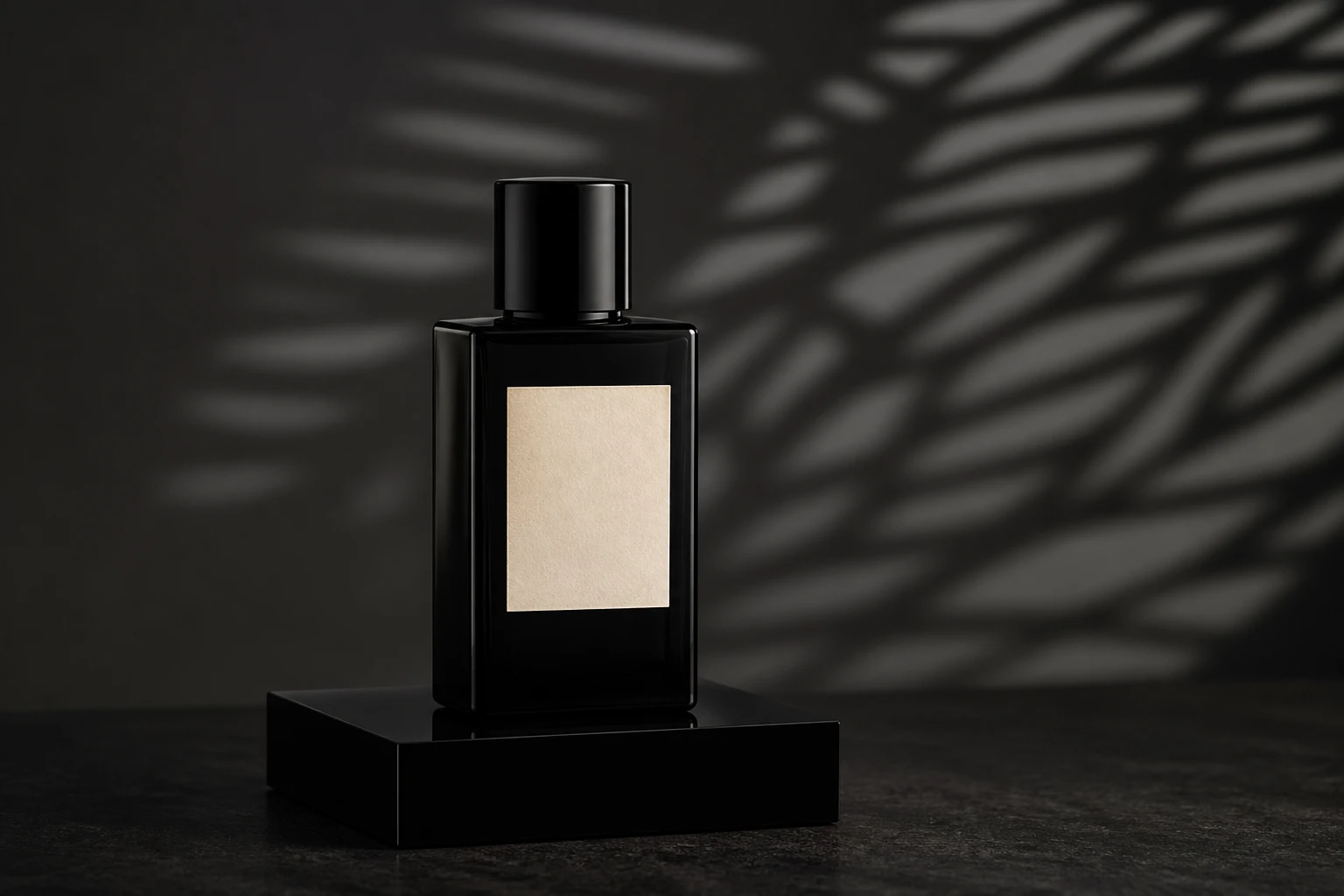
Commercial
A premium product on a plinth with a projector throwing graphic texture onto the background only, while a small gridded softbox keys the product face and flags stop pattern spill across the label.
2 lights
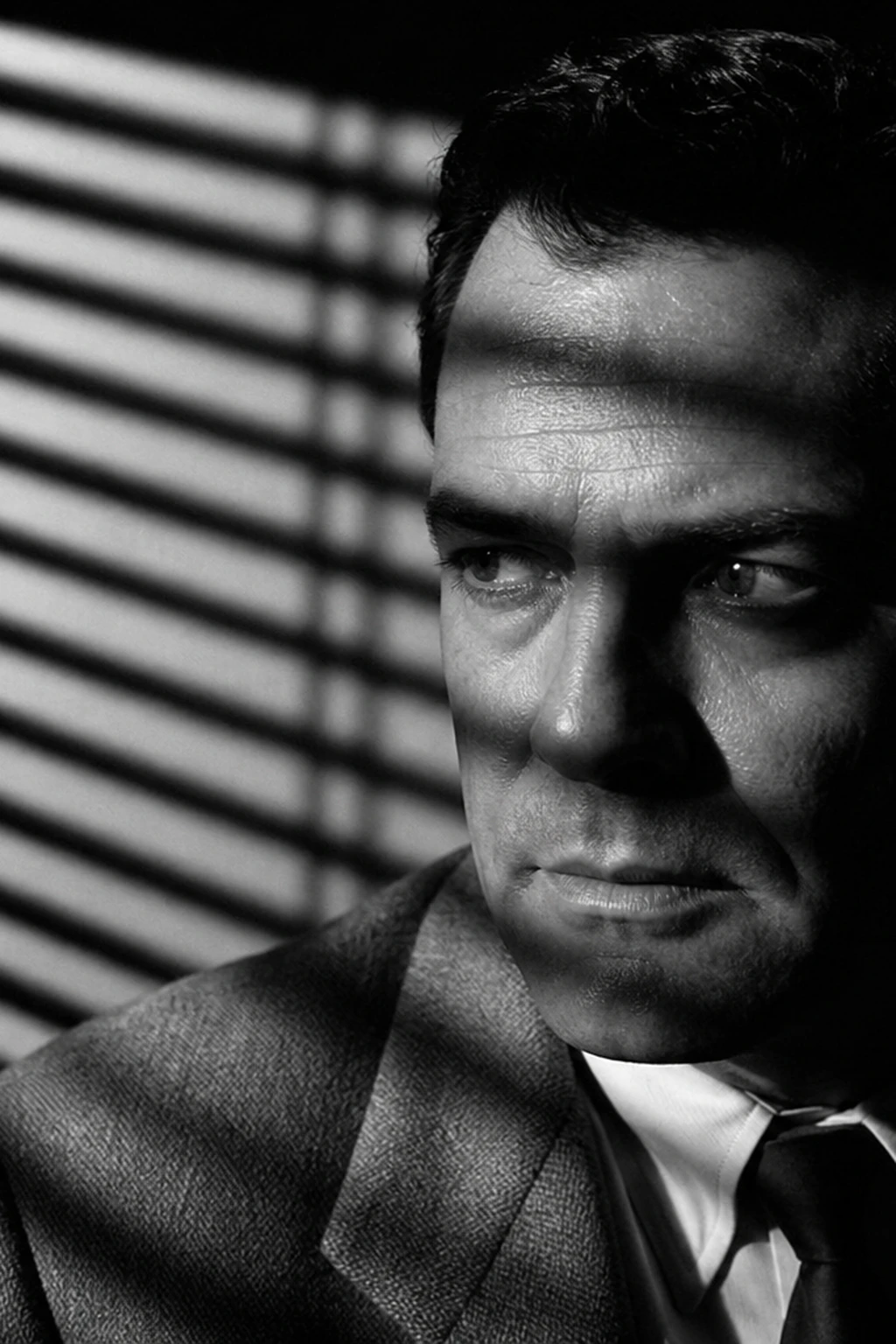
Noir
A spotted Fresnel throws venetian-blind shadow bars across the background while the face keeps a clean hard key — a graphic noir portrait with rapid falloff.
2 lights
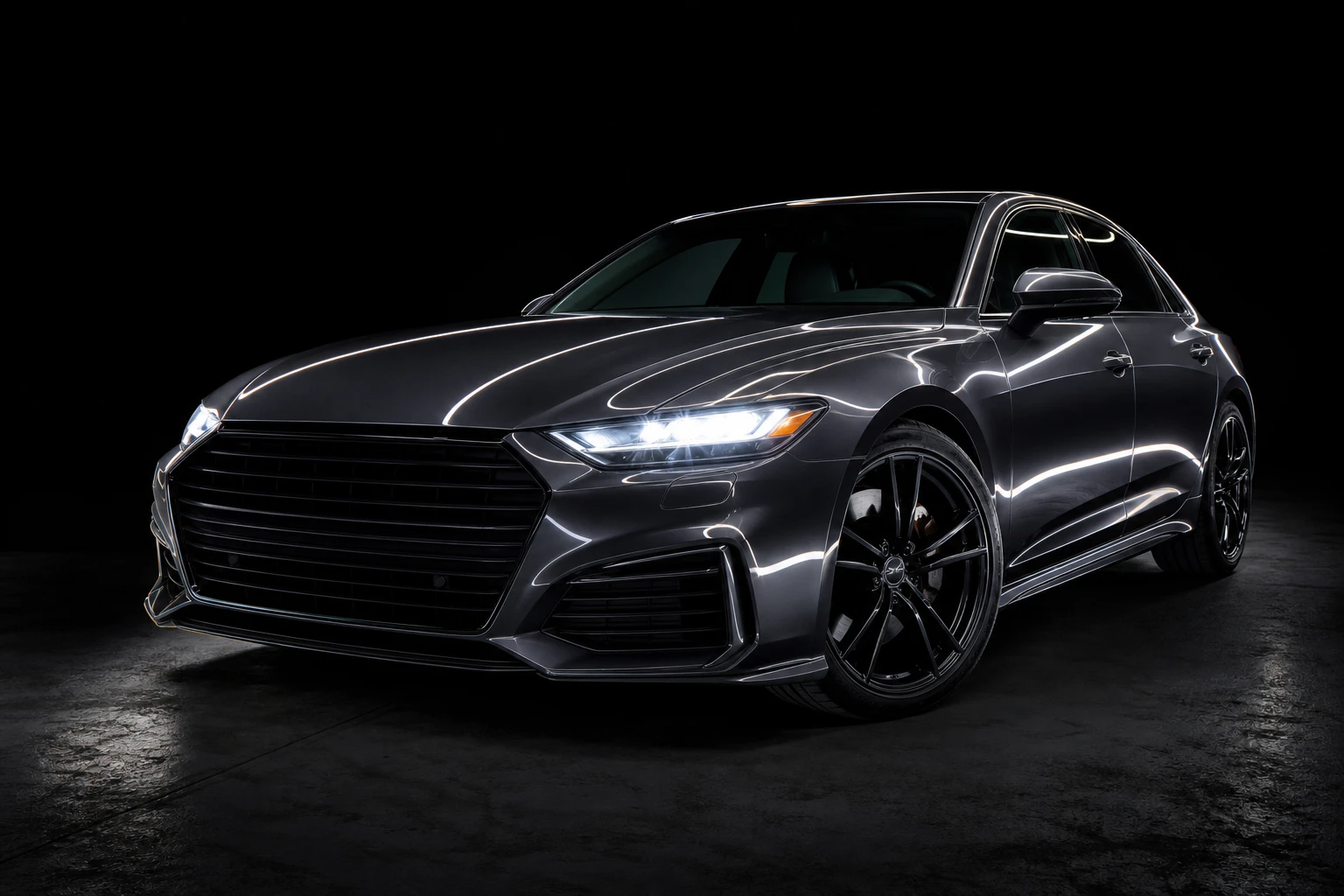
Automotive
Long exposure, multiple passes brushing the body panels. A complex hero composite.
2 lights