Interview
Continuous Hair Light Interview
Lighting setup
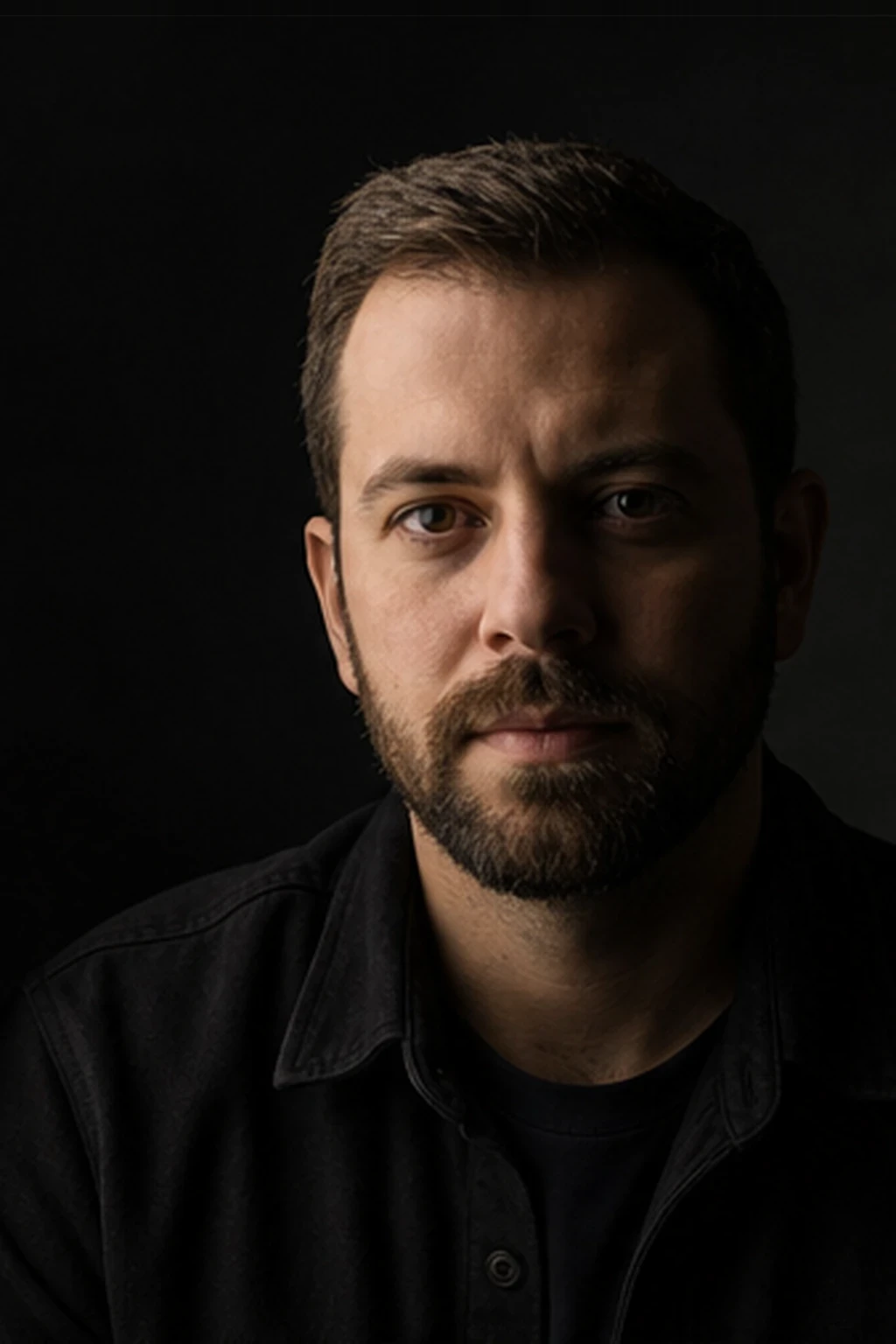
A soft LED panel key plus a continuous strip or small Fresnel hair light — standard three-point video grammar with continuous sources only.
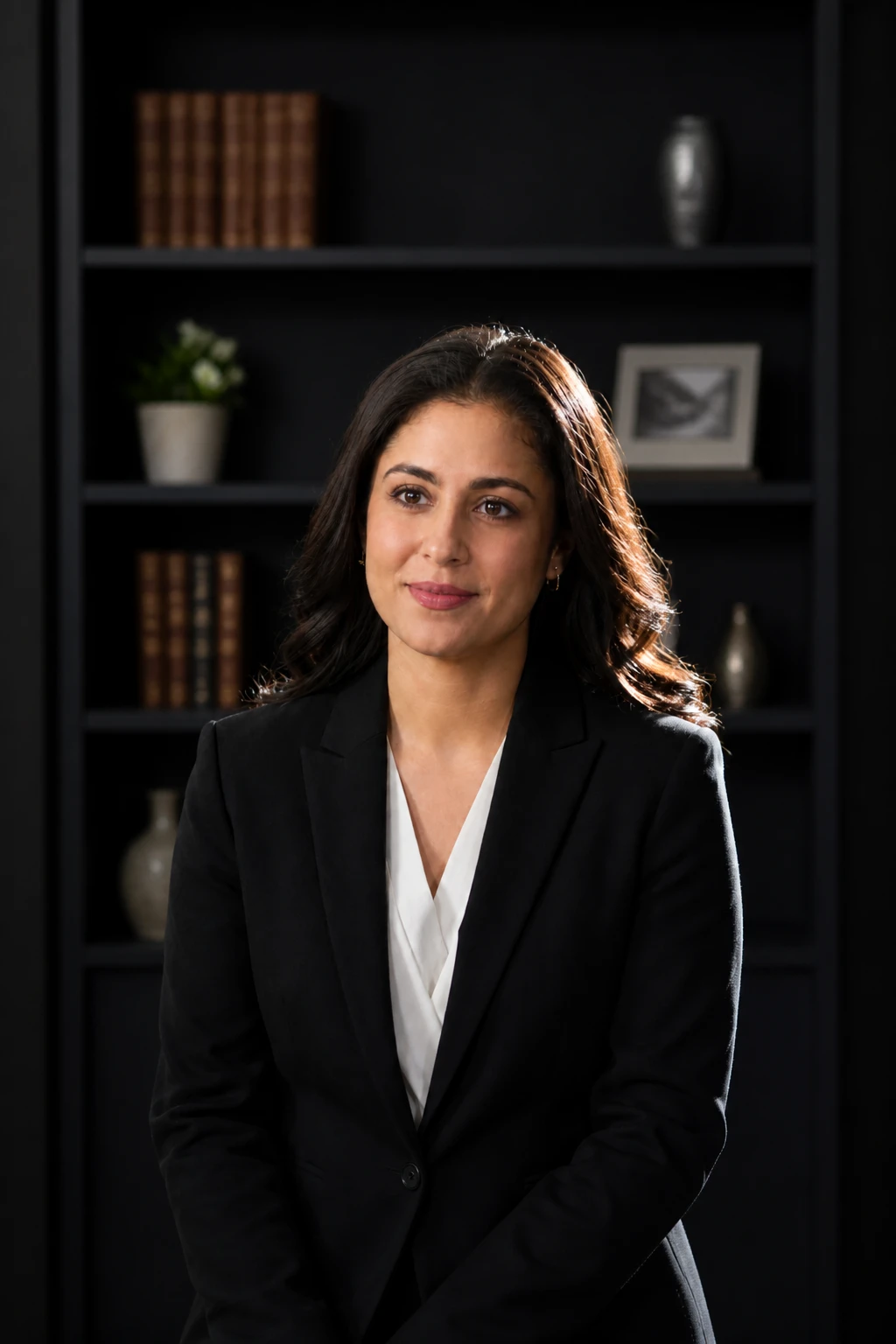
Soft key. Hard edge. Clean separation.
Learning path
This setup appears in curated assignments — continue the sequence when you are ready.
- Step 11/13Cinema & continuous light
Add a continuous hair/rim light for subject separation on corporate interviews.
- Lights
- 2
- Contrast
- 4:1
- Catchlight
- Soft panel catchlight plus thin edge highlight
- Key position
- Panel 30° camera-left; strip or Fresnel behind camera-right
- Technique
- Hair light
- Mood
- Cinematic / Soft / Commercial
- Quality
- Soft Light / Gridded
- Subject
- Pending
- Environment
- Studio / Small Room
Mood variations
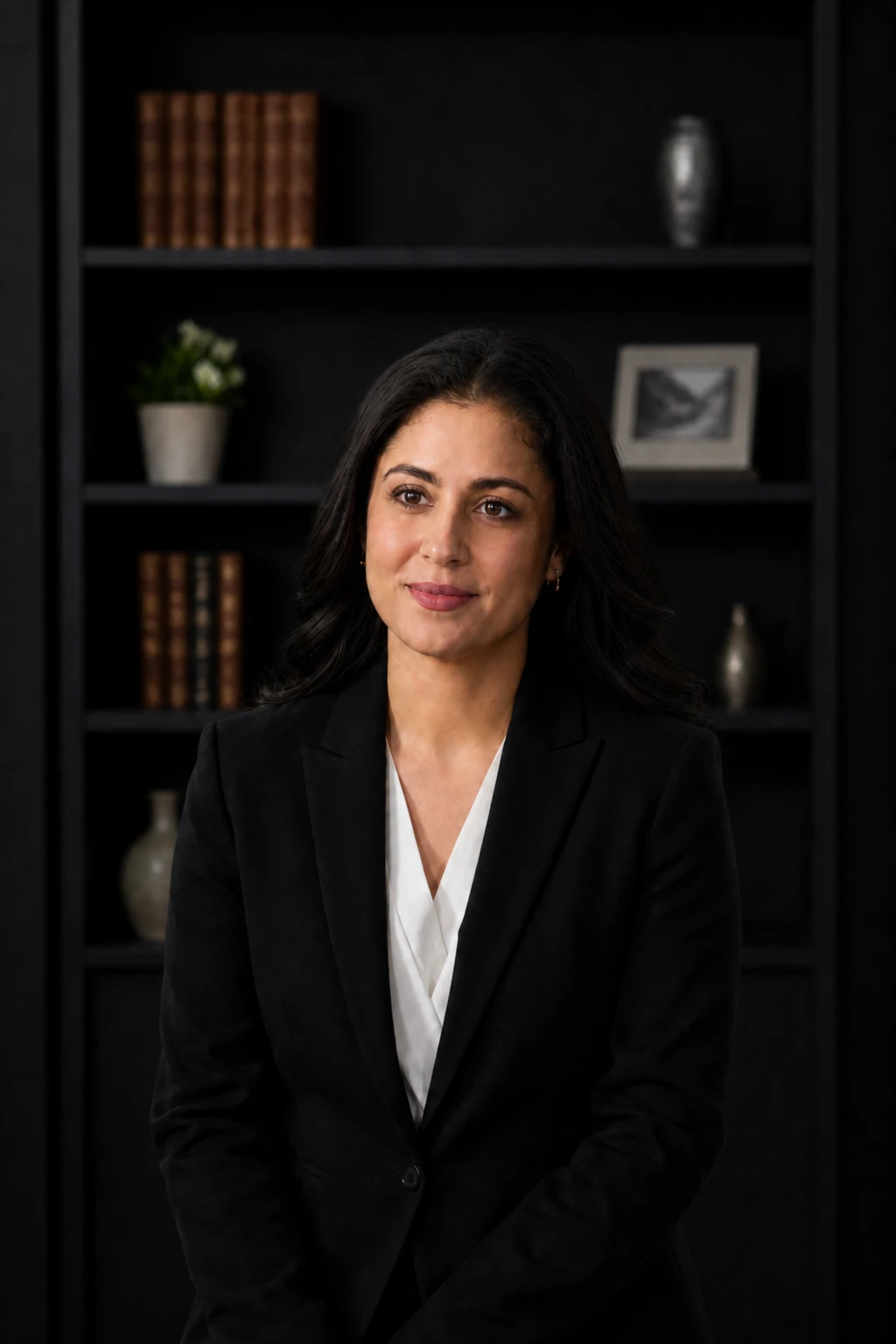
Key Only Flat
Hair / Edge Light off — she sinks into the shelf; the panel key alone shows why separation matters.
Final look
Base setup
Interview frames need separation from background without a second soft source flattening the face. A low-power edge light behind the subject rims hair and shoulder while the panel keys the eyes.
Camera & framing
ISO
ISO 500
Shutter
1/50 – 1/100s
Aperture
f/2.8 – f/4
Exposure
Lens
85 – 105mm portrait
Camera height
Eye level
Framing
Classic head-and-shoulders interview crop — modest distance so the camera-right hair/shoulder rim reads against the shelves; full hair with comfortable headroom; not extreme close-up, not a tiny distant figure
Lens & framing
Key notes
- 1Set hair light 1–2 stops under key so it separates without becoming a second key.
- 2Flag the hair light from the lens if flare appears — edge only, not spill on cheek.
- 3Use grid or barn doors on the rim so the background does not brighten.
- 4Continuous sources let you walk talent and see separation live.
Gear alternatives
Same lighting job — budget, mid, and pro tools. Highlighted cells match what this setup names.
Edge / rim strip
stripbox
Tall narrow highlight for rim or accent
- Mid · this setup
- Strip softbox
- Pro · this setup
- Stripbox + grid
Continuous key / fill
led-panel
See the light live; shape with diffusion or barn doors
- Budget · this setup
- Small LED panel or desk lamp + diffusion
- Mid · this setup
- Bi-color LED panel
Negative fill / cutter
flag
Kill spill and deepen shadow side
- Budget · this setup
- Black foamcore / cardboard
- Mid · this setup
- Solid flag on stand
- Pro · this setup
- Flag + C-stand / arm