Events
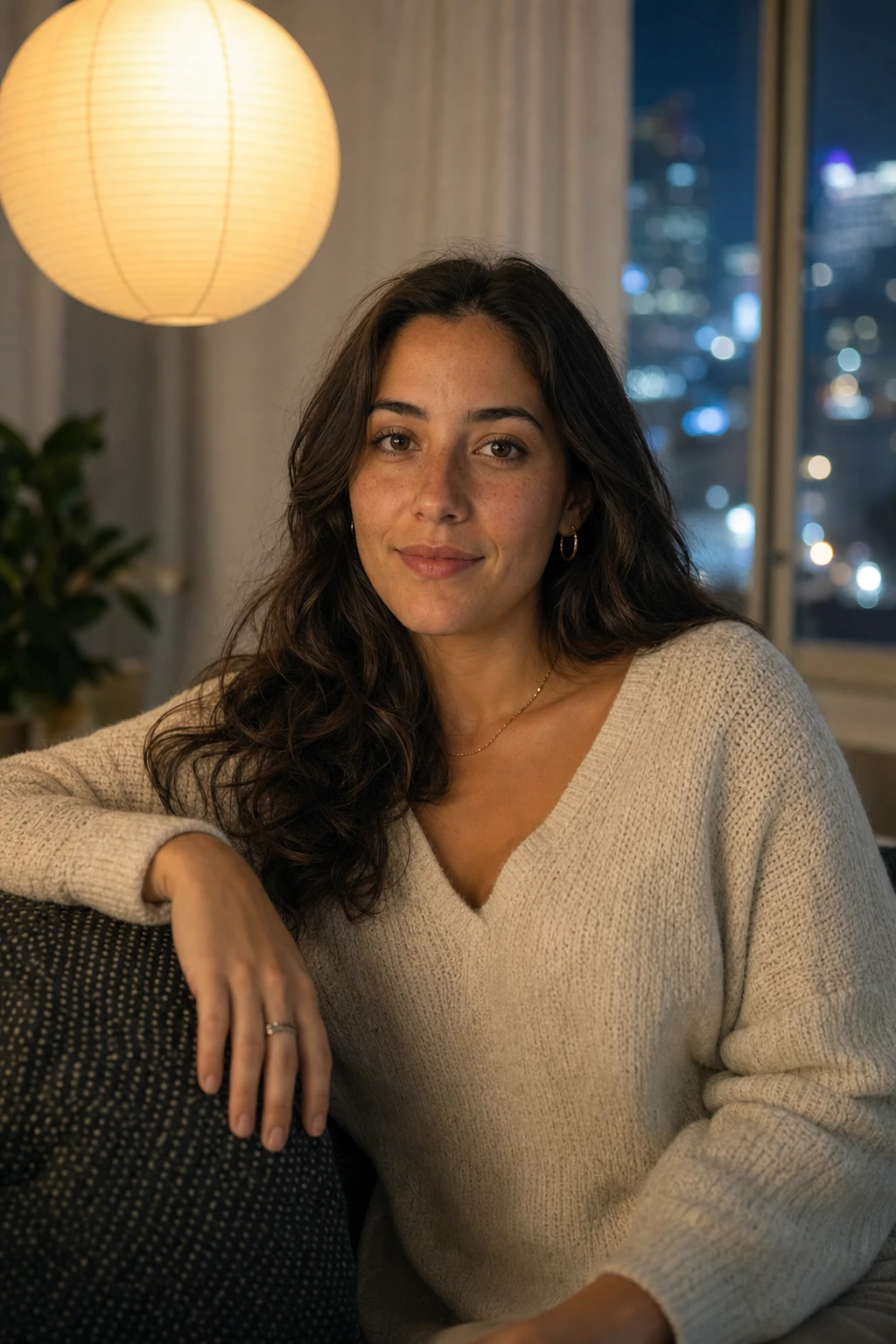
Speedlight Bounce Event Portrait
Lighting setup
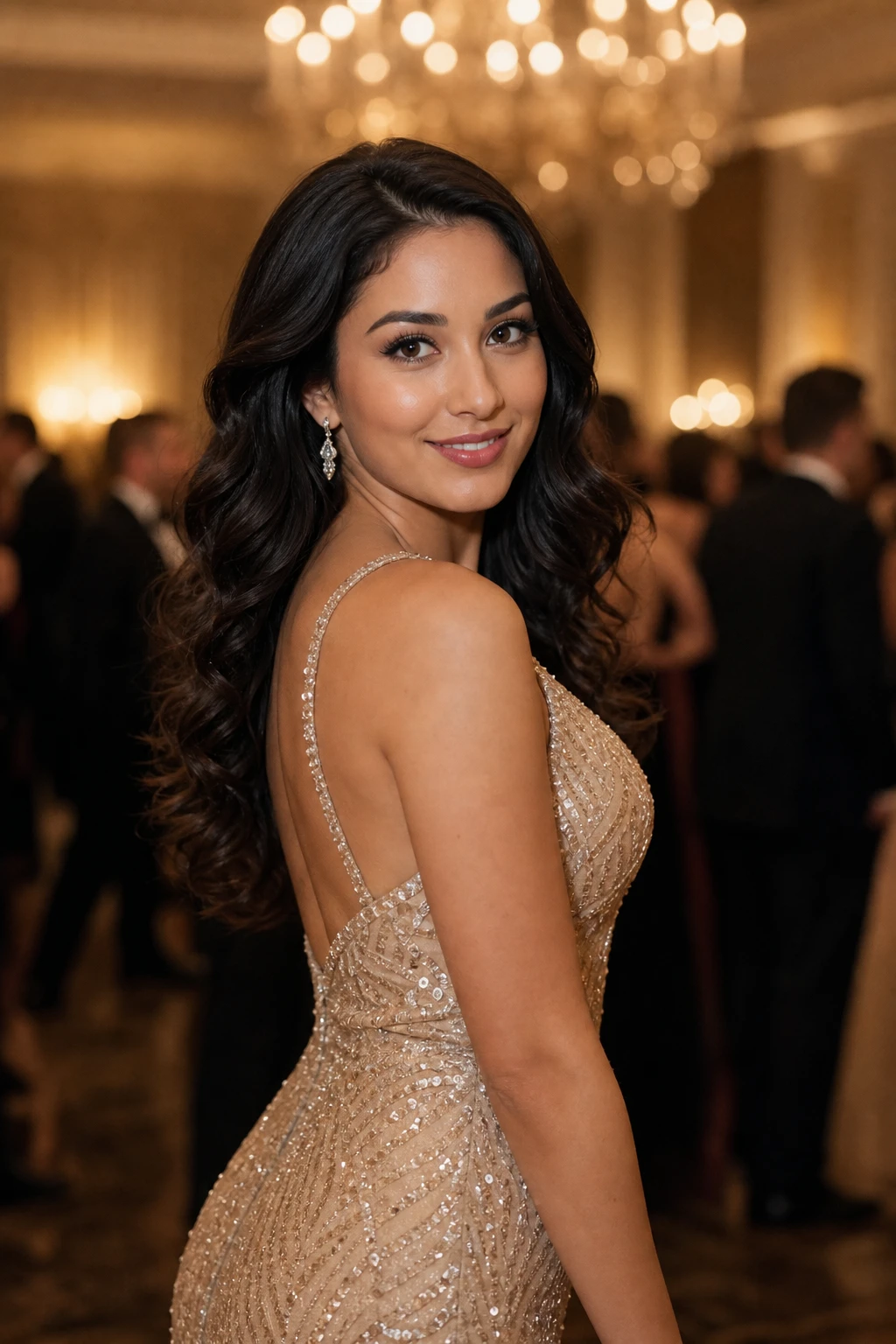
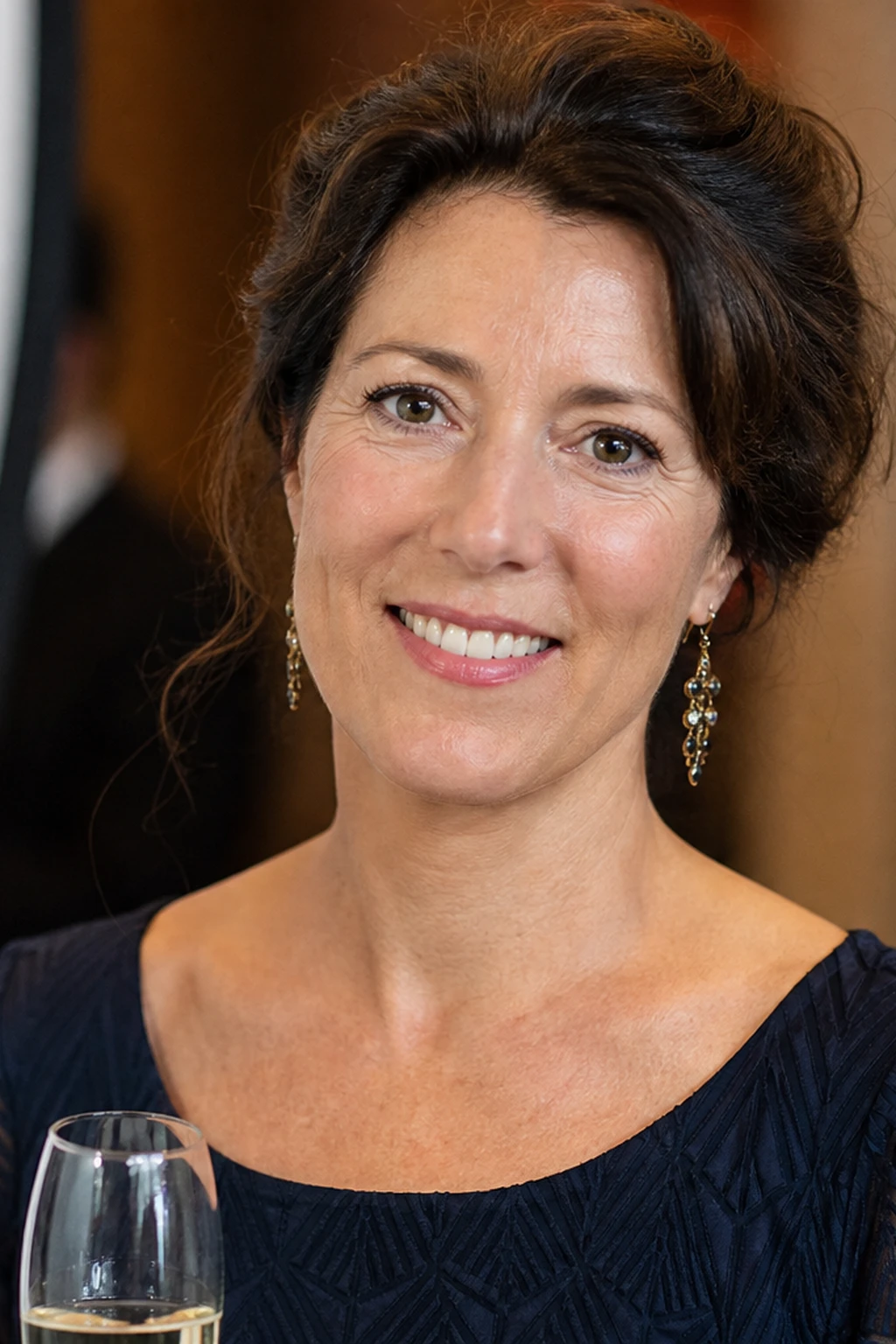
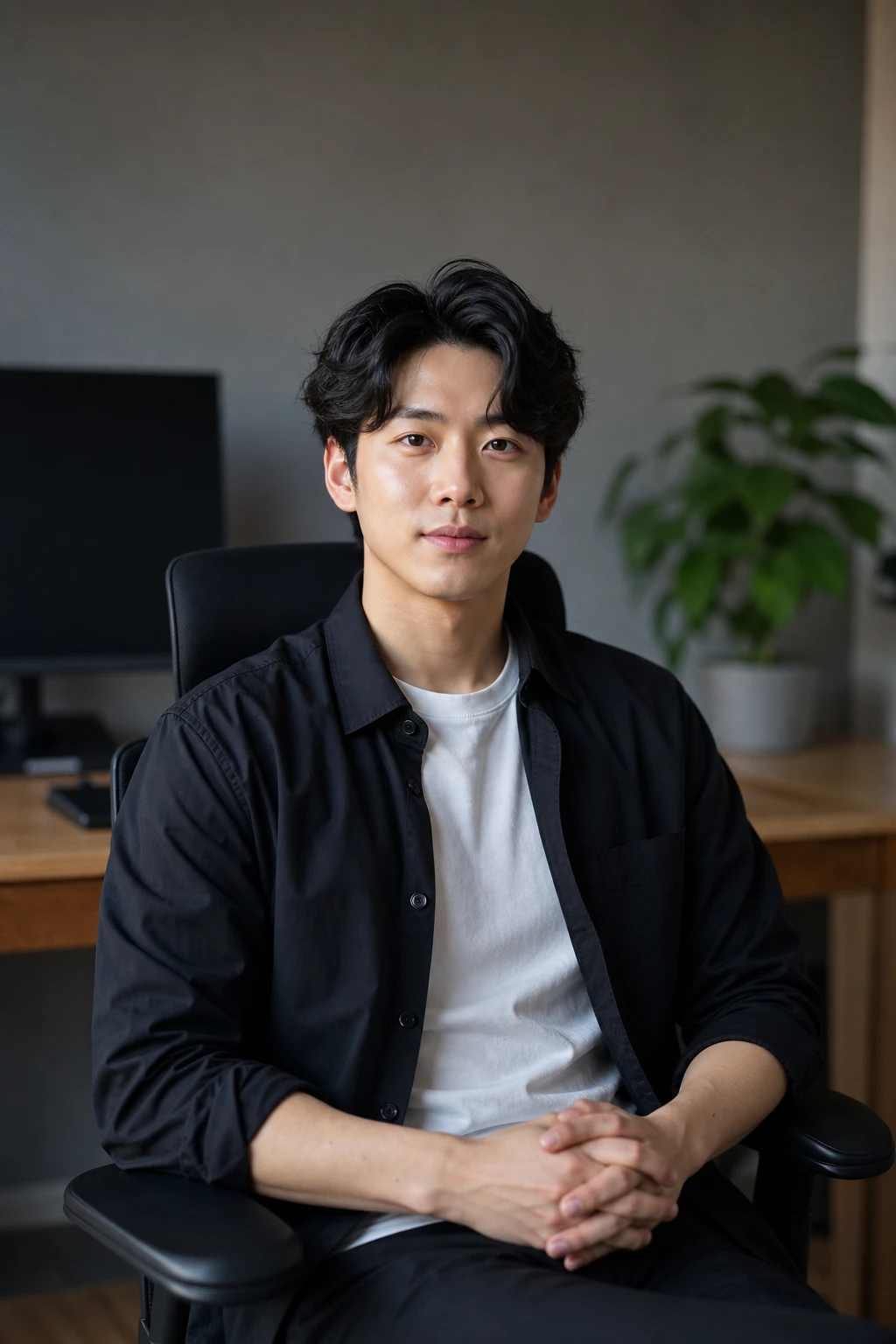
A single on-camera speedlight bounced off a nearby wall turns a hard little flash into a large soft source for receptions and events — Ambient Only shows the warm room without that bounce.
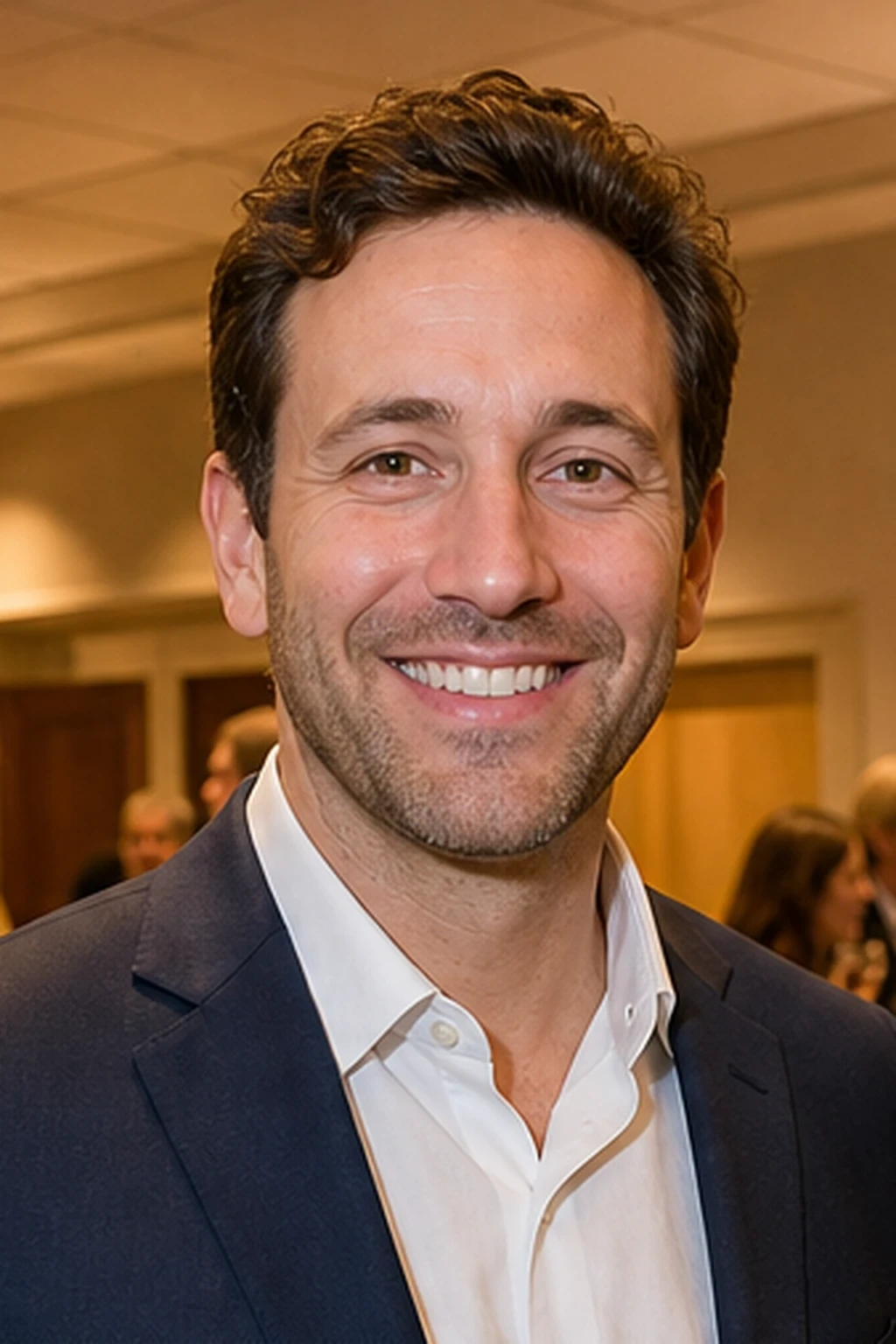
One small flash, a big wall, soft light anywhere.
Learning path
This setup appears in curated assignments — continue the sequence when you are ready.
- Step 5/5Strobist Lighting 101
The move that needs no stand: aim the flash away from the subject and the wall becomes a source many times larger than the flash ever was.
- Step 2/8Speedlight on location
Off-camera bounce — soften flash by aiming at a neutral wall or ceiling.
- Lights
- 1
- Contrast
- 3:1
- Catchlight
- Soft broad reflection
- Key position
- Bounced off a wall camera-left, elevated soft wrap
- Technique
- Bounce
- Mood
- Soft / Commercial / Documentary
- Quality
- Soft Light / Bounced
- Subject
- Male Portrait
- Environment
- Apartment / Small Room
Mood variations
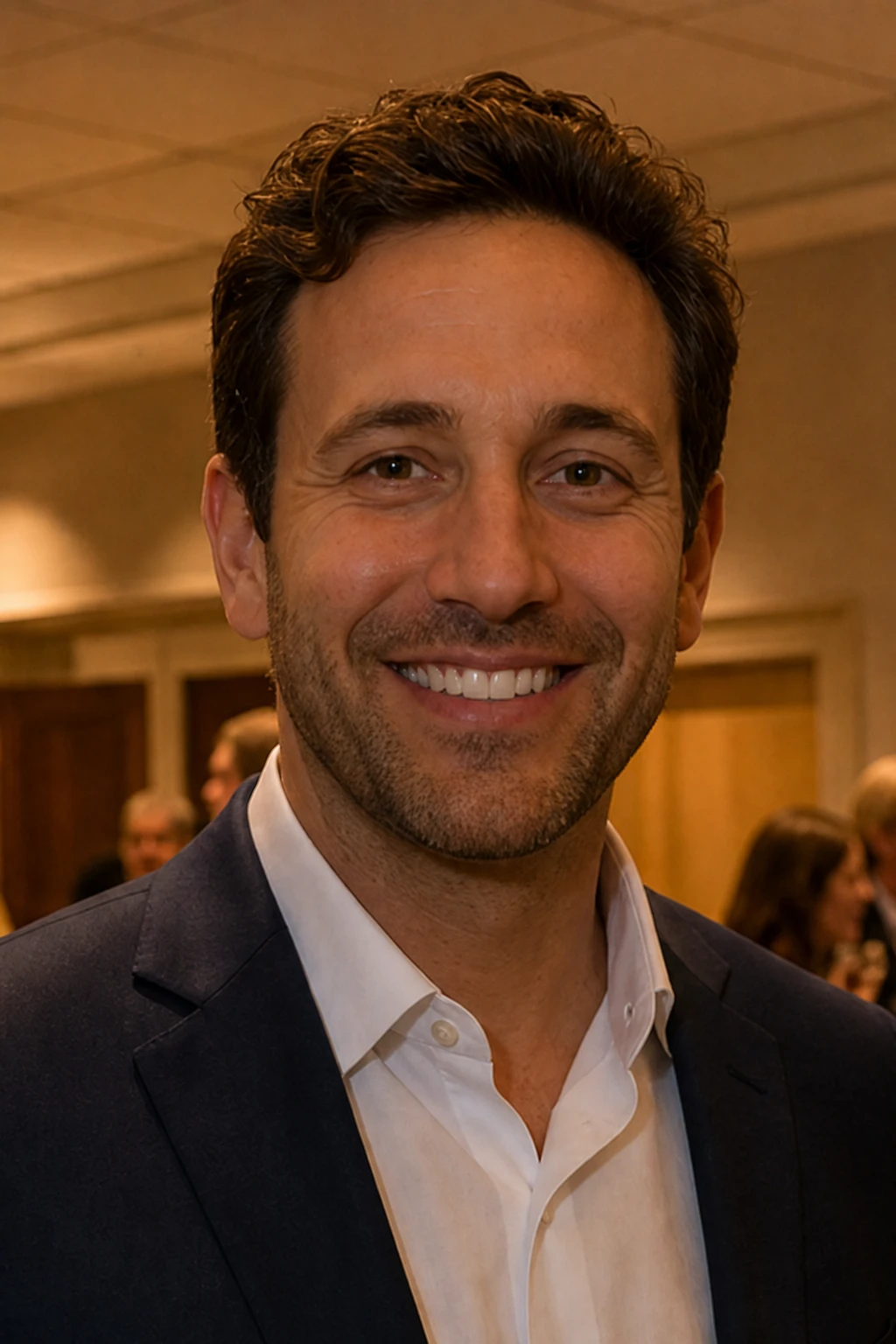
Ambient Only
Kill the bounced speedlight — face falls into warm reception ambient so you see what the wall bounce was doing.
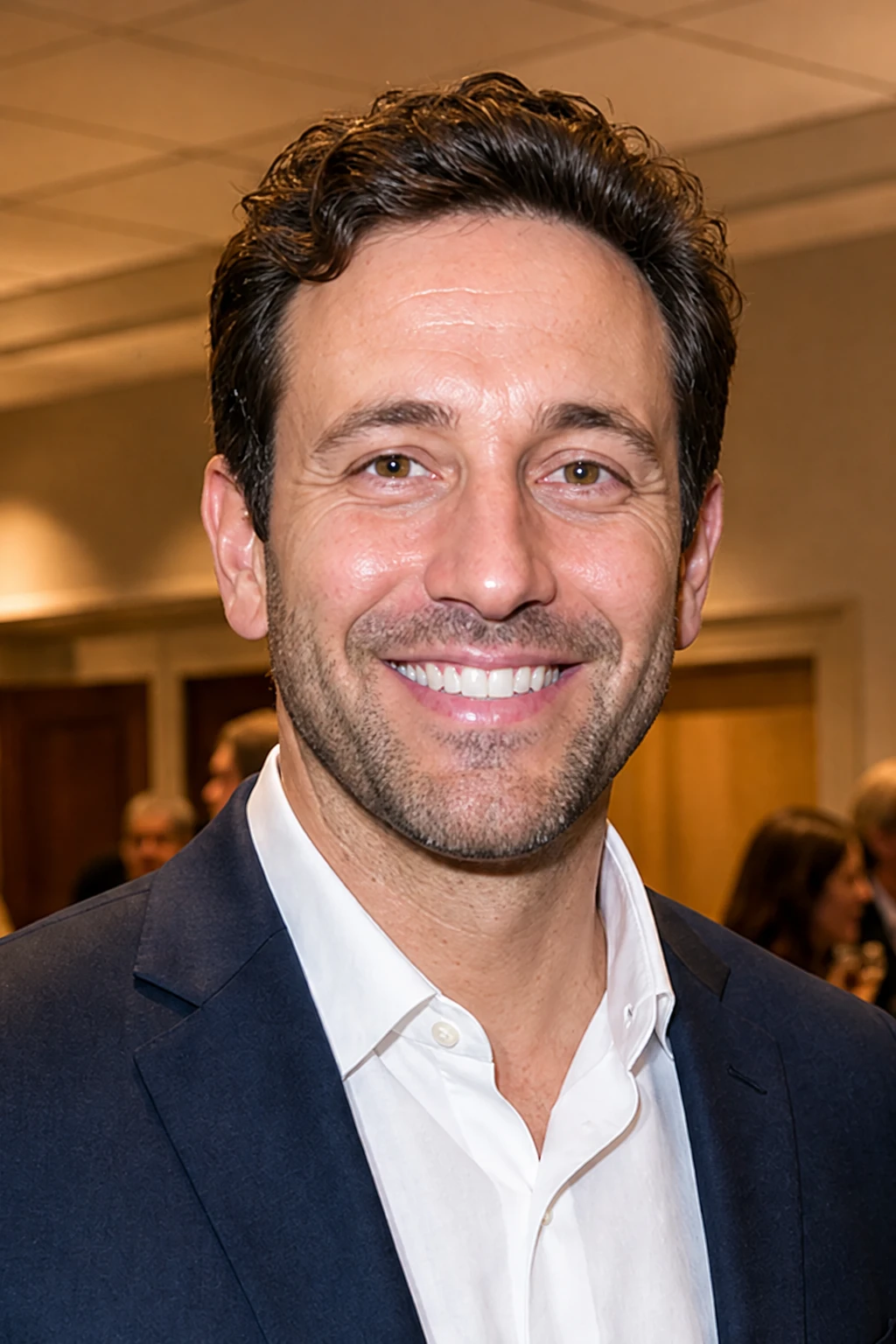
Direct Flash Fallback
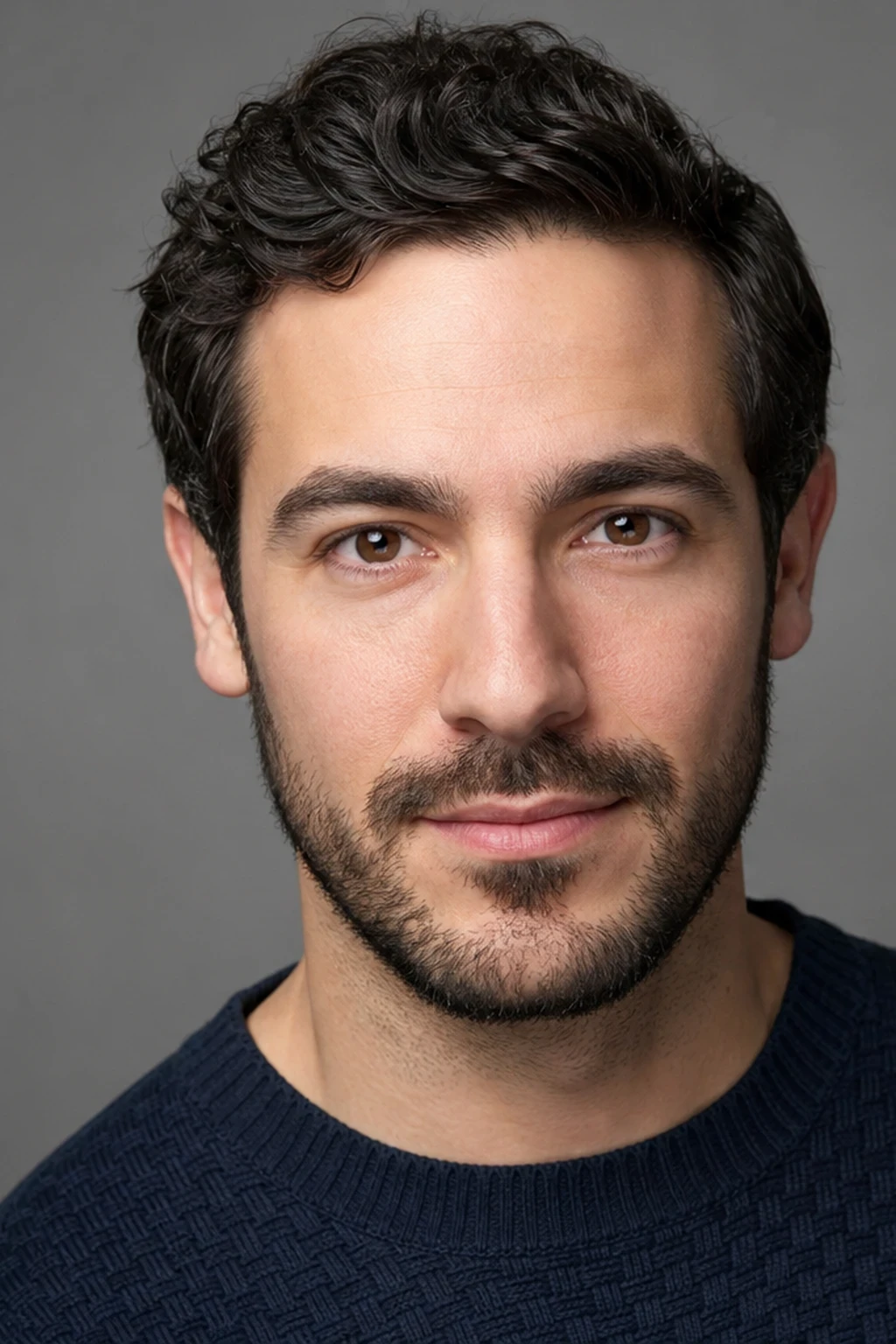
When walls are too far or ceilings are black, aim the flash straight at him through a diffuser — the face gets brighter and shinier, with hot highlights on forehead and nose, and loses the bounce's soft glow.
Final look
Base setup
Bouncing the flash off a nearby surface enlarges the effective source and shifts it off-axis, so the light wraps and gains direction instead of the flat, hard look of direct flash. Kill the flash and the face falls into reception ambient — that is how much the bounce was doing. Direct flash is the honest fallback when ceilings are black or walls are too far.
Camera & framing
ISO
ISO 800
Shutter
1/100 – 1/200s
Aperture
f/2.8 – f/4
Exposure
Lens
85 – 105mm portrait
Camera height
Eye level
Framing
Head and shoulders, full face in frame — chin, forehead, and both ears visible; comfortable headroom; no edge crop
Lens & framing
Key notes
- 1Aim the flash head at a nearby white wall rather than the subject; the surface becomes the real, much larger soft source.
- 2Bounce off neutral surfaces only — colored walls cast a colored tint across skin that is hard to correct.
- 3Drag the shutter a little and lift ISO so ambient room light fills behind the subject and the frame does not go black.
- 4Compare Base → Ambient Only: kill the bounce flash so the face falls into reception ambient — that is the wrap lever. Direct flash is the last-resort fallback.
Gear alternatives
Same lighting job — budget, mid, and pro tools. Highlighted cells match what this setup names.
Portable flash
speedlight
Battery flash for bounce, OCF, and small modifiers
- Budget · this setup
- Single speedlight
- Mid · this setup
- Speedlight + small softbox / umbrella