Control
Black Flag Portrait Control
Lighting setup
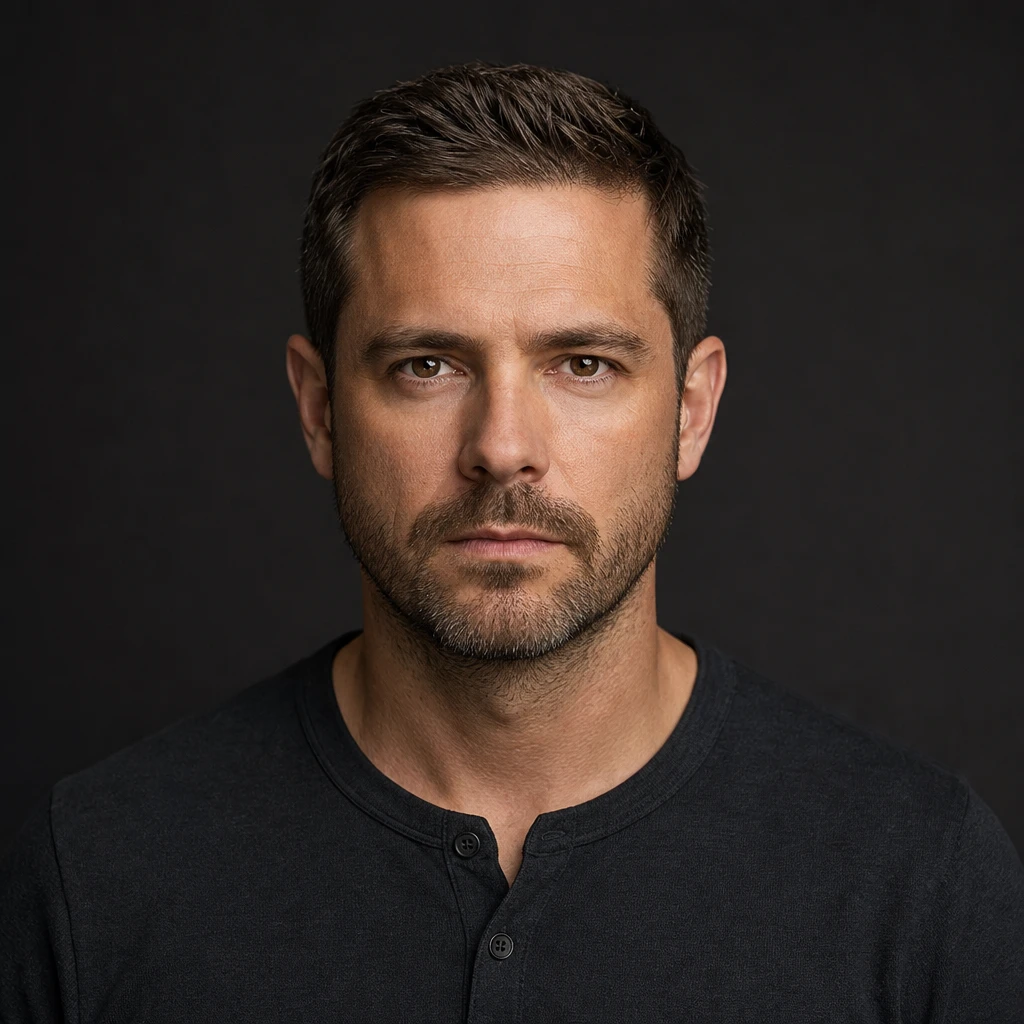
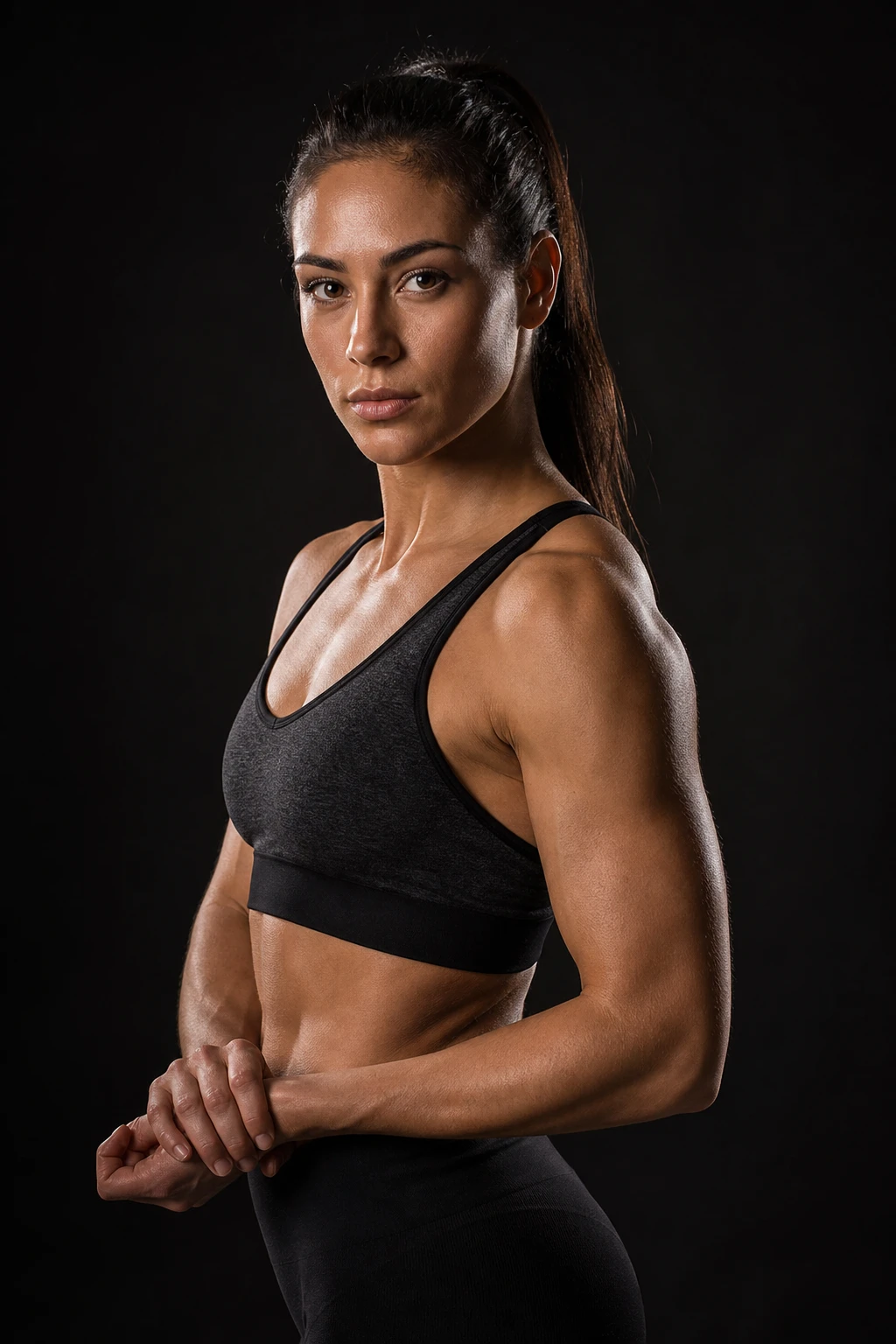
A soft portrait key paired with a close black flag to absorb spill and deepen the shadow side without changing the key light.
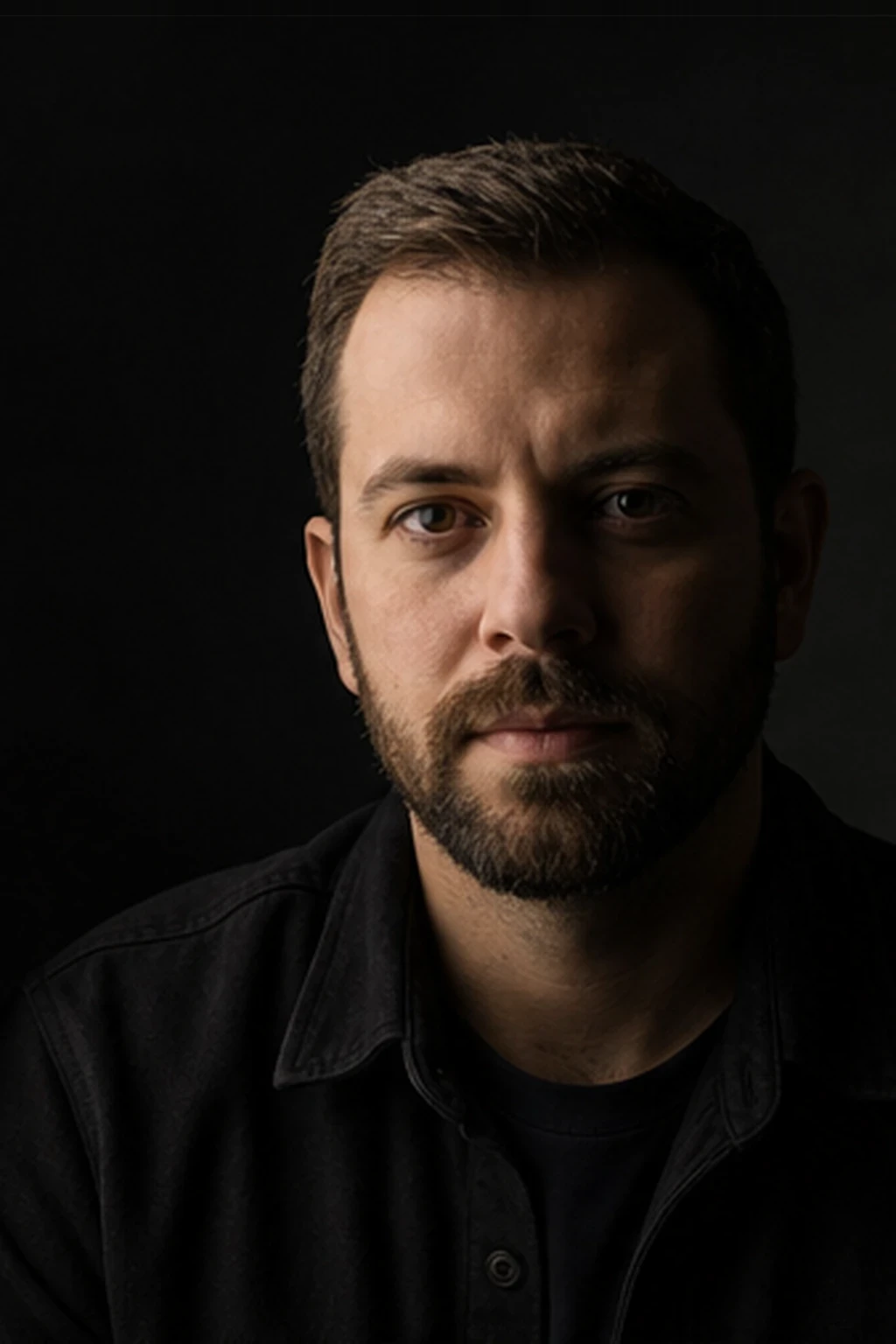
Add darkness with intent, not exposure.
Learning path
This setup appears in curated assignments — continue the sequence when you are ready.
The smallest move in lighting: bring black close to the shadow cheek and it deepens by about a stop while the key side barely shifts — contrast without touching a single light.
- Lights
- 1
- Contrast
- 6:1
- Catchlight
- Large soft rectangle
- Key position
- 45° camera-left, feathered across face
- Technique
- Negative fill
- Mood
- Dramatic / Dark / Commercial
- Quality
- Soft Light / Gridded
- Subject
- Male Portrait
- Environment
- Studio / Dark Background
Mood variations
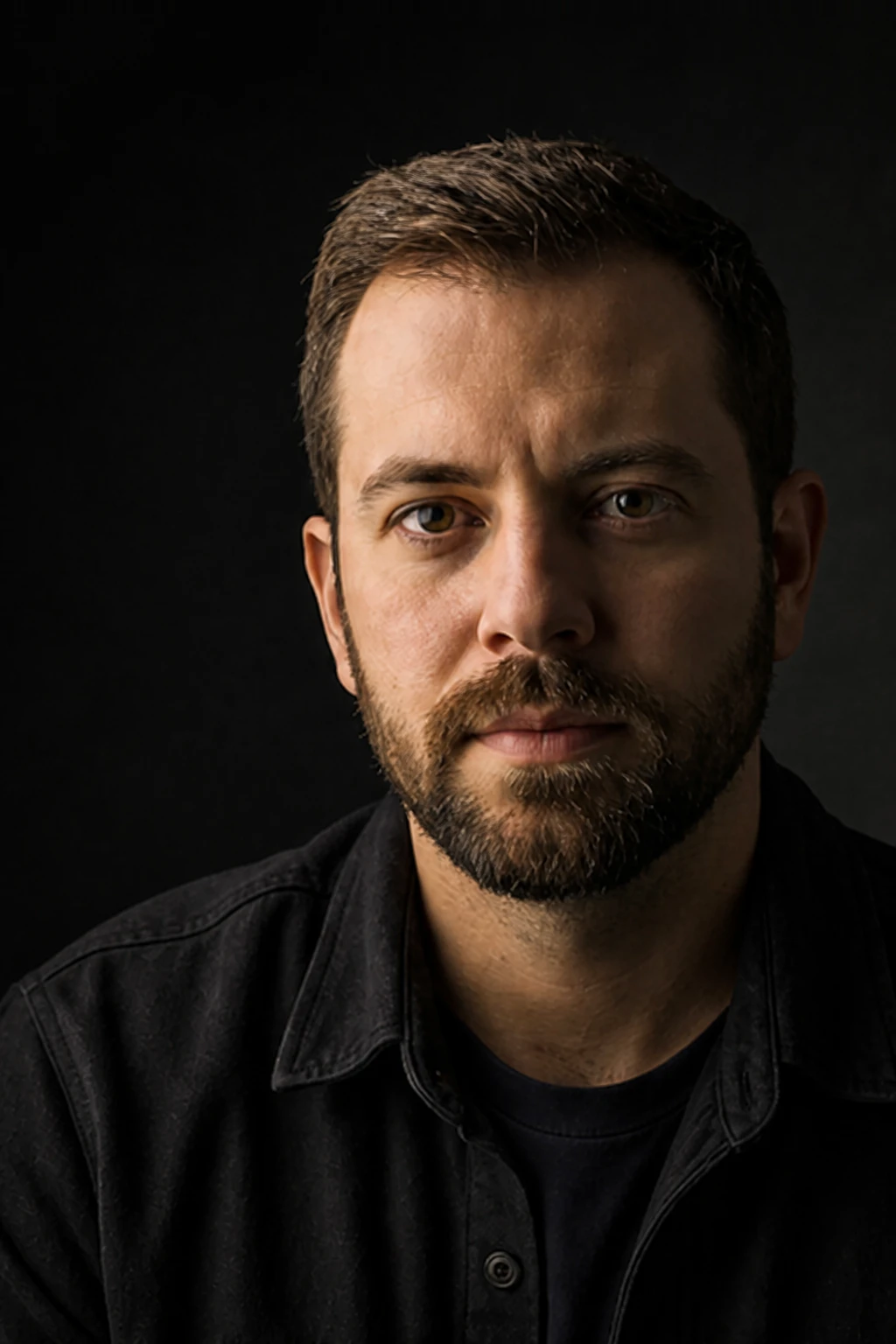
Open Shadow
Remove the flag and let studio bounce lift the shadow side for a flatter, friendlier portrait.
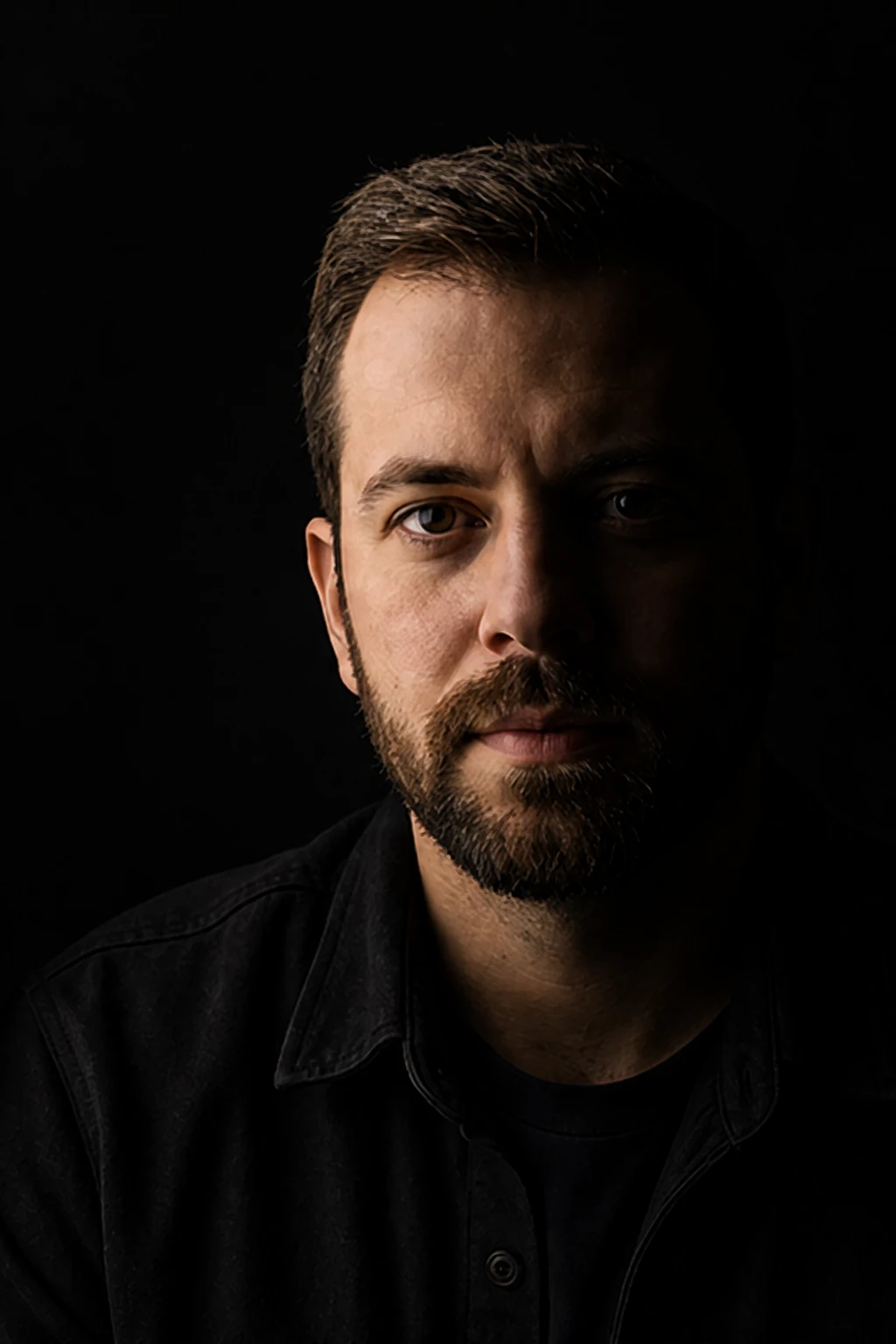
Close Flag Drama
Move the flag closer and reduce fill so the face goes more sculptural and the background drops darker.
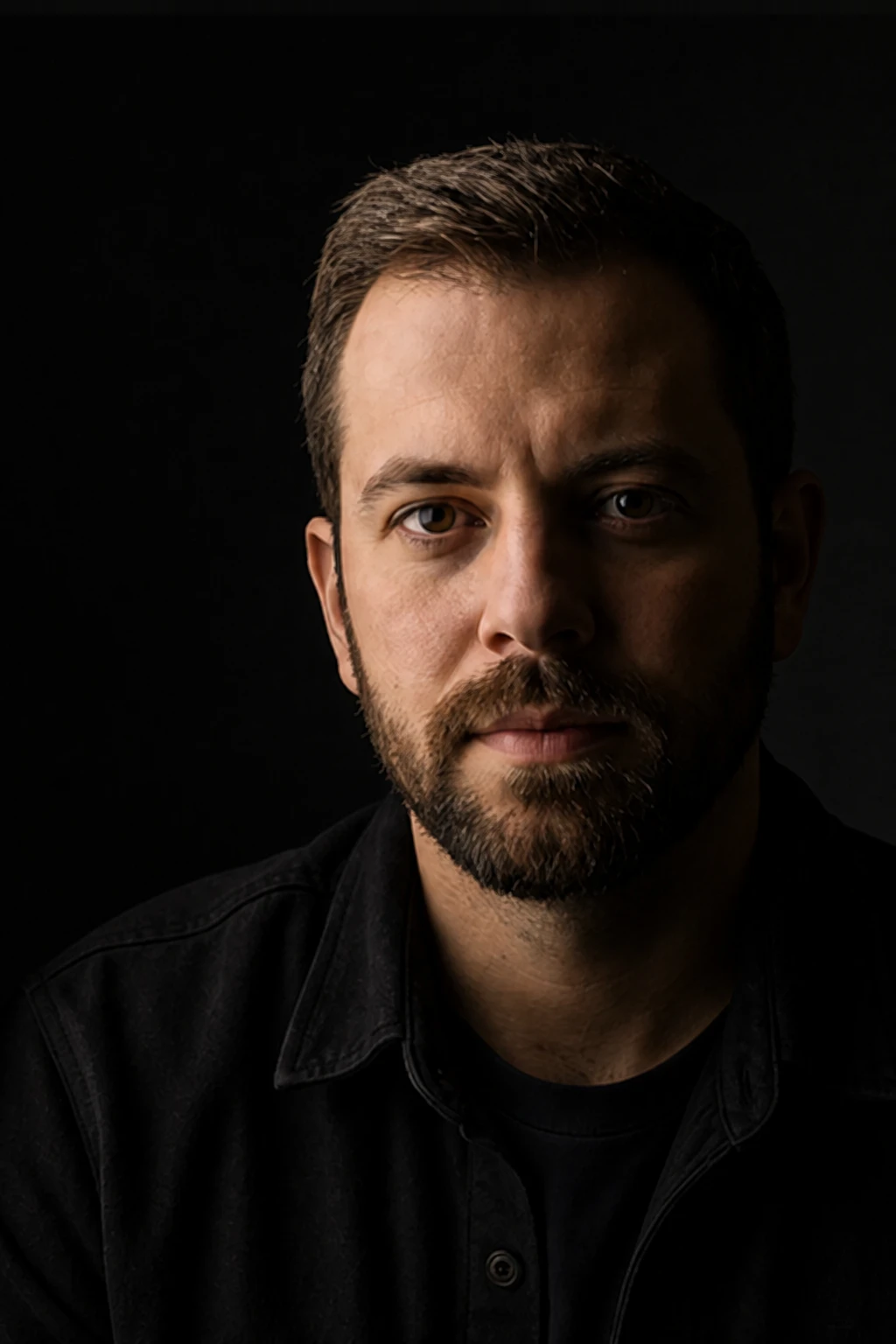
Reflector Rescue
Keep the flag but add a small white card below lens height to recover catchlights without flattening the cheek.
Final look
Base setup
Soft light bounces around a studio and can make portraits look flat even when the key is well placed. A black flag close to the shadow side removes that bounce, so cheek shape and background separation return without needing a harder source.
Camera & framing
ISO
ISO 100
Shutter
1/160 - 1/200s
Aperture
f/5.6 - f/8
Exposure
Lens
85 – 105mm portrait
Camera height
Eye level
Framing
Head and shoulders, full face in frame — chin, forehead, and both ears visible; comfortable headroom; no edge crop
Lens & framing
Key notes
- 1Place the softbox first, then add the flag; the flag should change shadow density, not key direction.
- 2Move the black flag close to the face or shoulder because far-away black fabric absorbs very little useful spill.
- 3Watch the shadow-side eye; if it dies completely, add a tiny low reflector rather than moving the flag away.
- 4Keep the flag out of frame but clear in the diagram logic so users understand this is controlled darkness.
Gear alternatives
Same lighting job — budget, mid, and pro tools. Highlighted cells match what this setup names.
Soft key
softbox
Soft wrap with controllable edges
- Budget
- Shoot-through umbrella
- Mid · this setup
- Rectangular softbox
Bounce fill
reflector
Lift shadow side without a second lamp
- Mid · this setup
- 5-in-1 reflector
- Pro · this setup
- Large collapsible or frame reflector
Negative fill / cutter
flag
Kill spill and deepen shadow side
- Budget · this setup
- Black foamcore / cardboard
- Mid · this setup
- Solid flag on stand
- Pro · this setup
- Flag + C-stand / arm