Cinematic
Cutter Slash Light Cinematic Face
Lighting setup
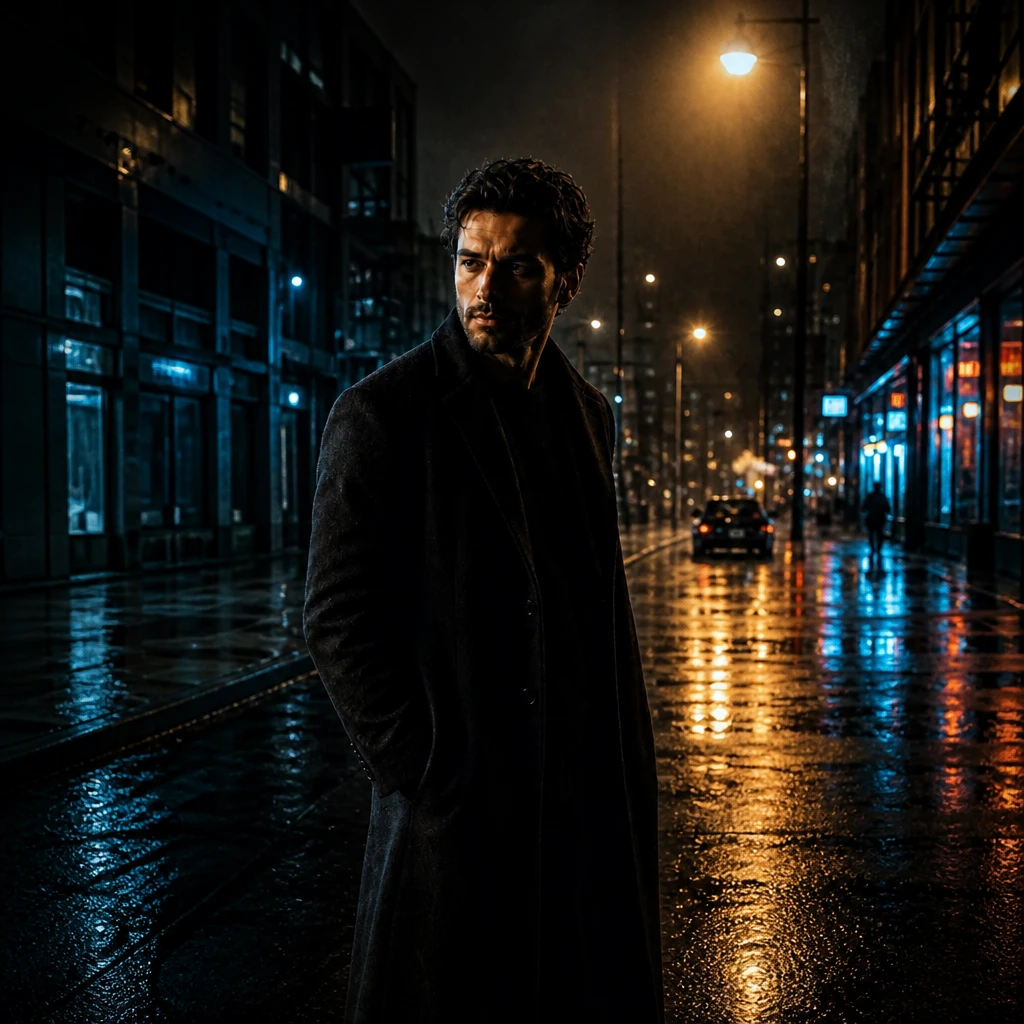
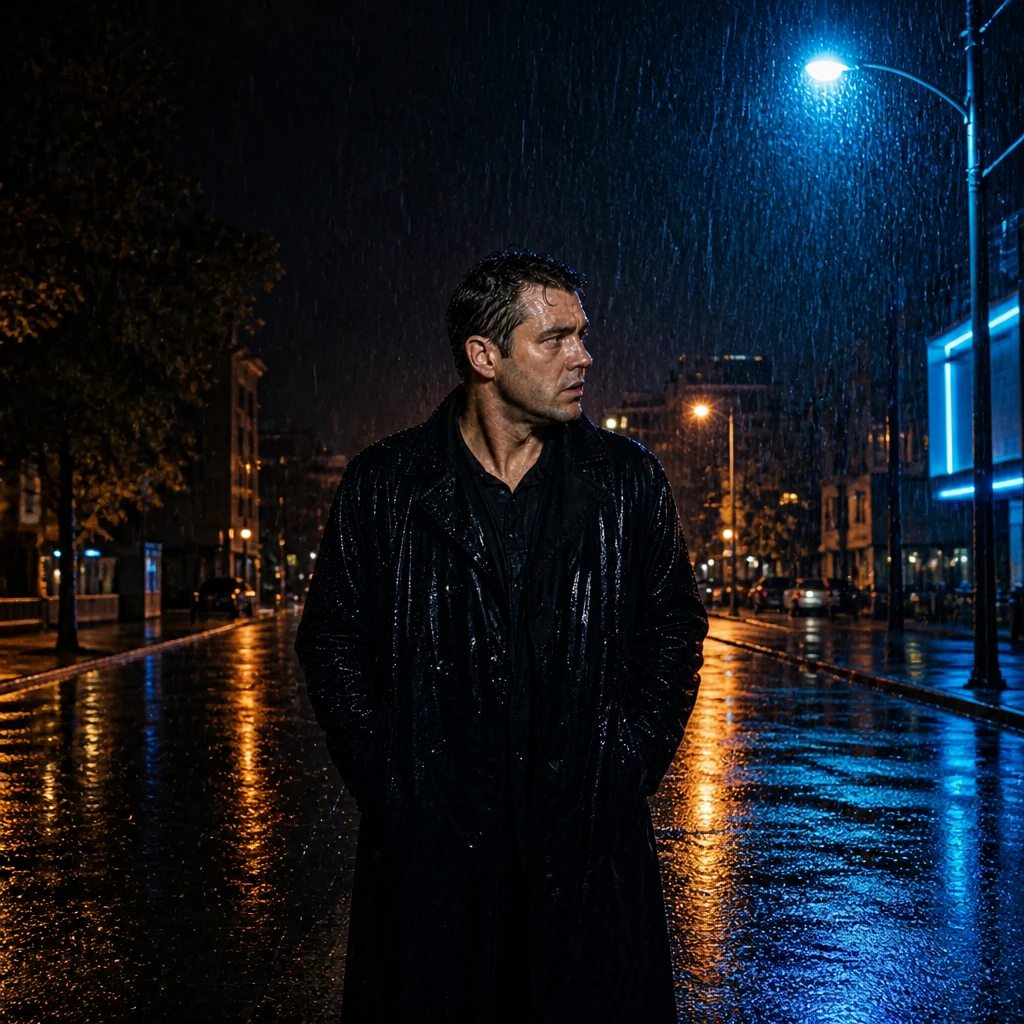
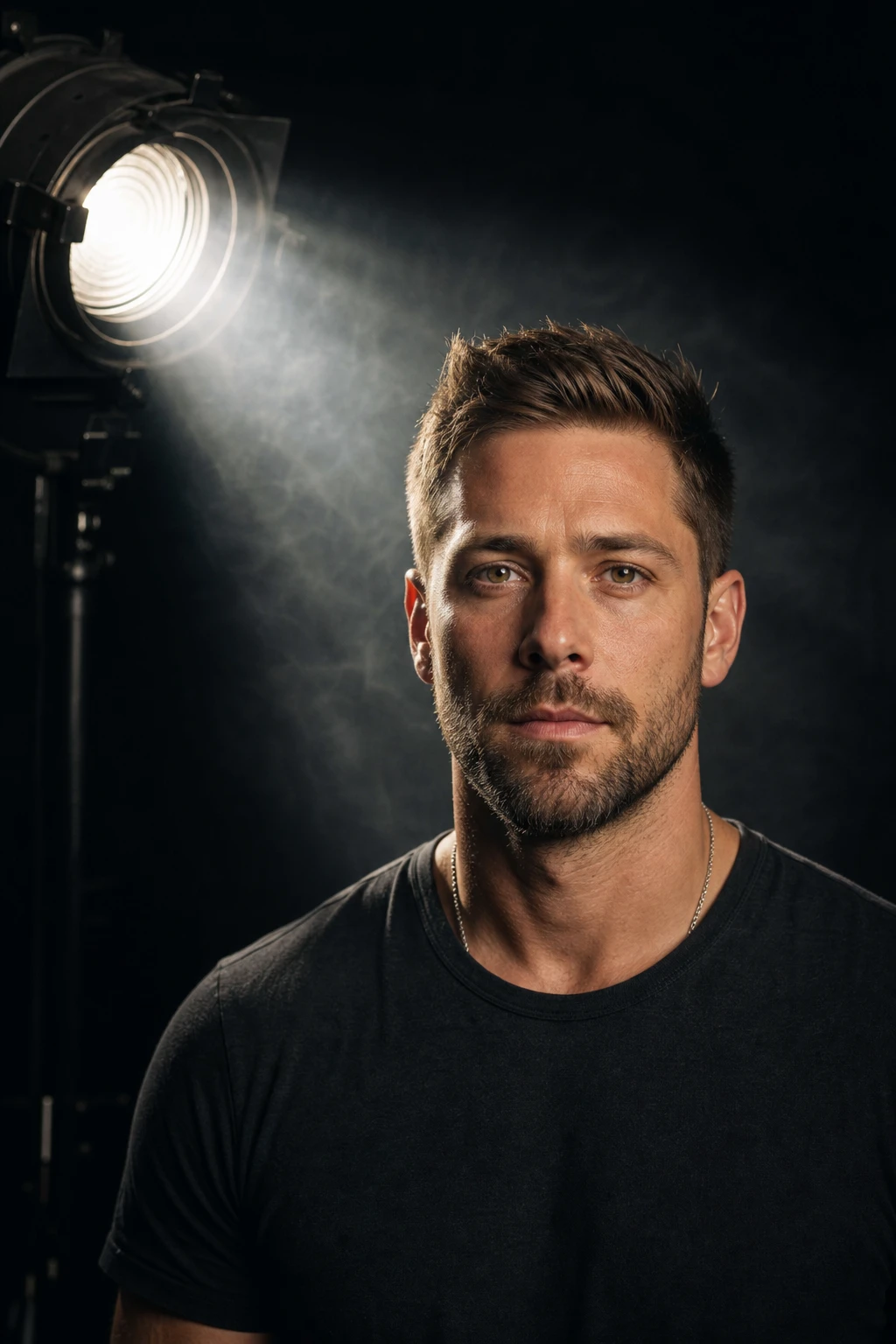
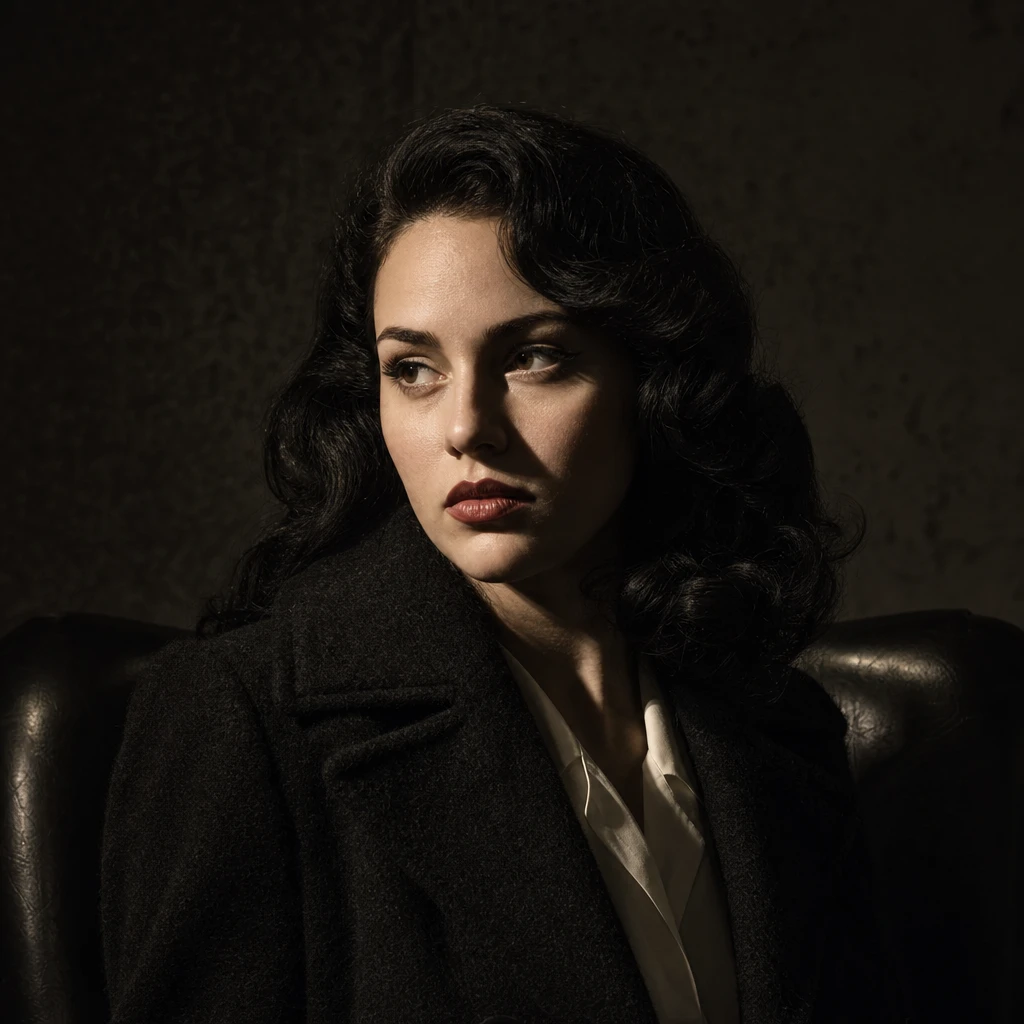
A hard Fresnel beam shaped by flags into a narrow slash across the face for noir-style cinematic drama.
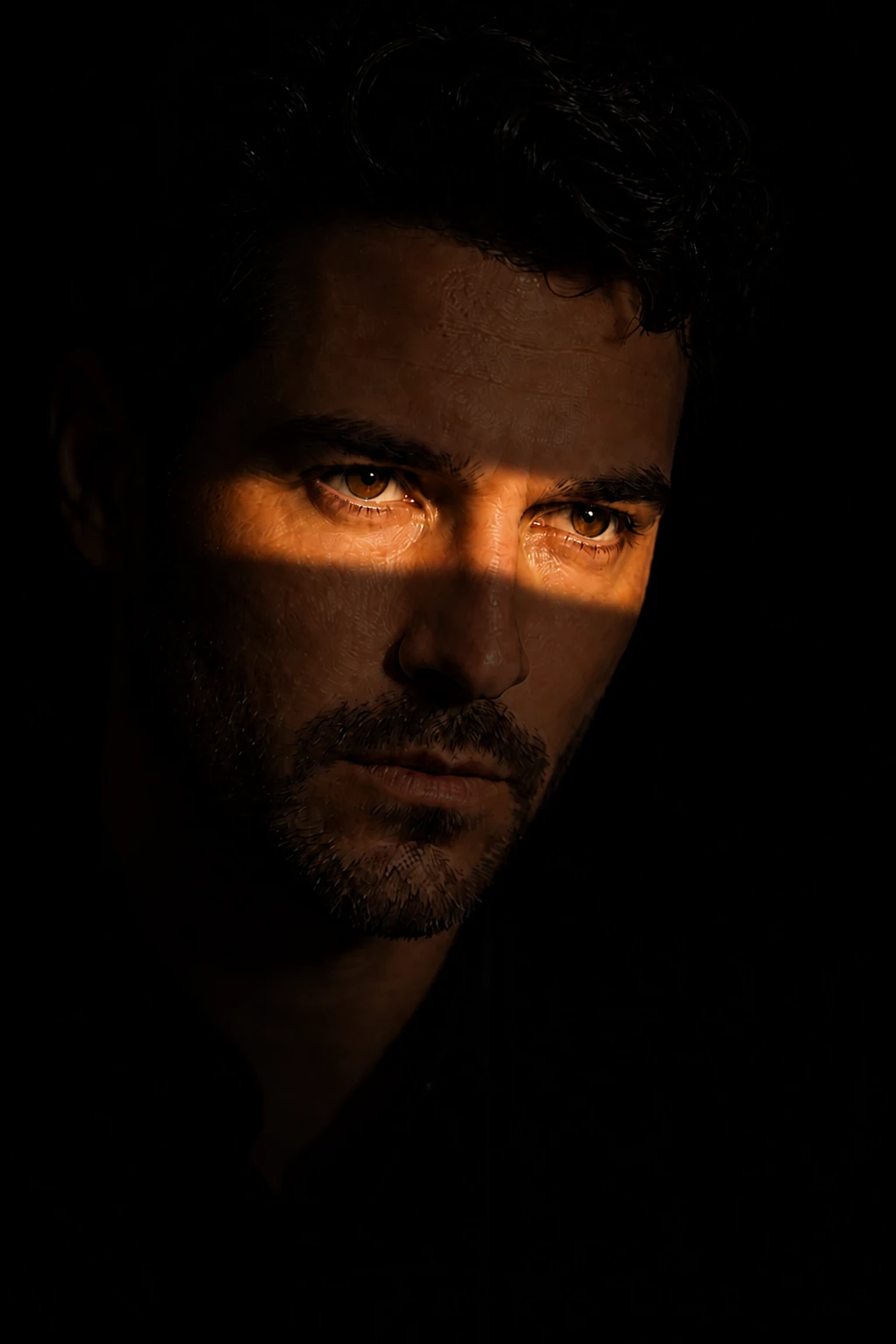
Cut the beam until the story fits through it.
Learning path
This setup appears in curated assignments — continue the sequence when you are ready.
- Step 3/7Cinematic mixed light
Hard fresnel slash across the face — flags shape a cinematic key without extra sources.
Stop subtracting from the subject and start subtracting from the beam — flags either side of a hard source draw a band you can lay exactly across the eyes, and everything outside it is simply light you refused to let through.
- Lights
- 1 + 1 optional
- Contrast
- 12:1
- Catchlight
- Tiny hard slit
- Key position
- Hard key high, just off the lens axis, cut to the eye line
- Mood
- Dramatic / Cinematic / Dark
- Quality
- Hard Light / Specular
- Subject
- Male Portrait
- Environment
- Studio / Small Room / Dark Background
Mood variations
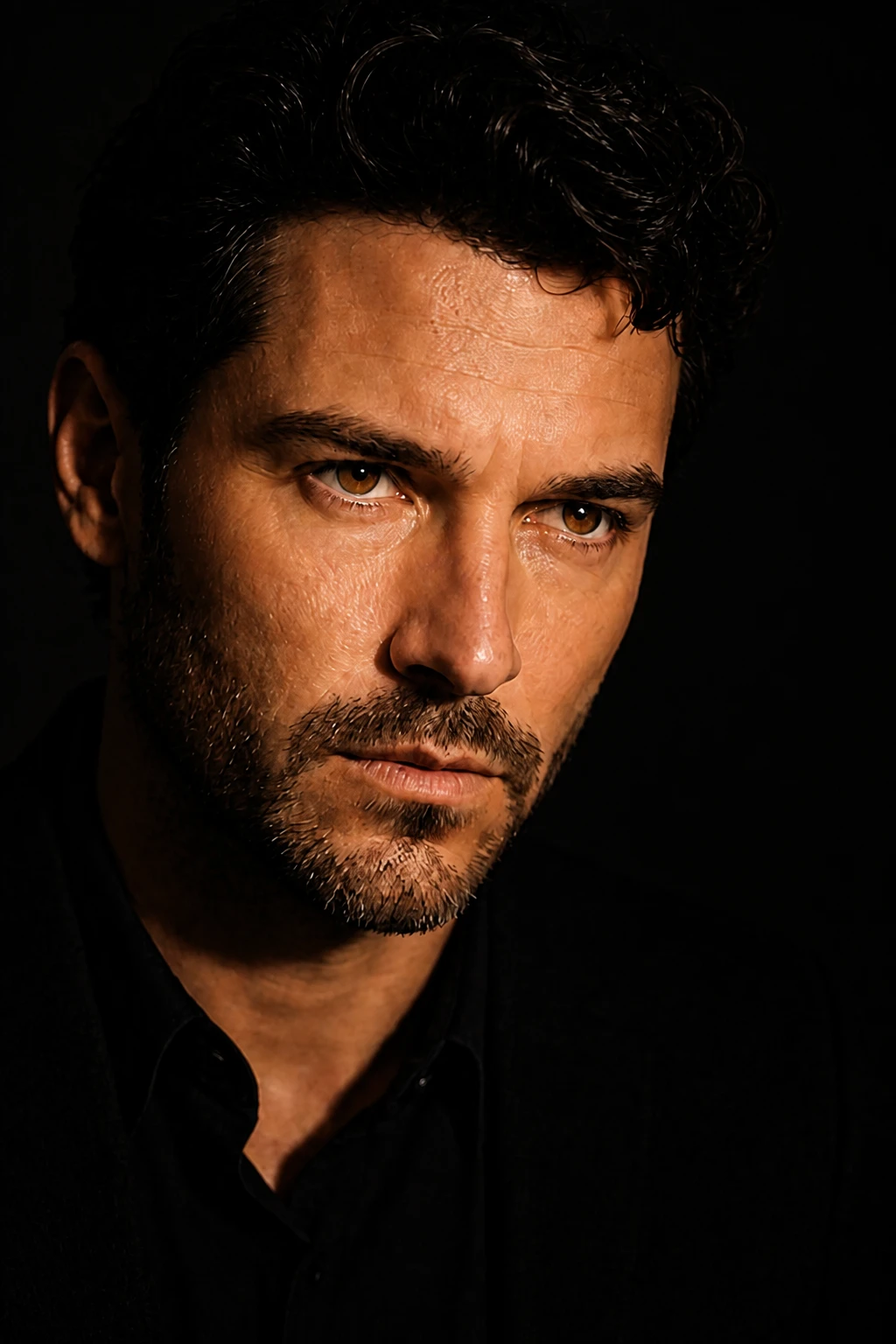
Open Beam
Pull the cutter away and let more of the Fresnel hit the face for a less graphic, more classic hard-key portrait.
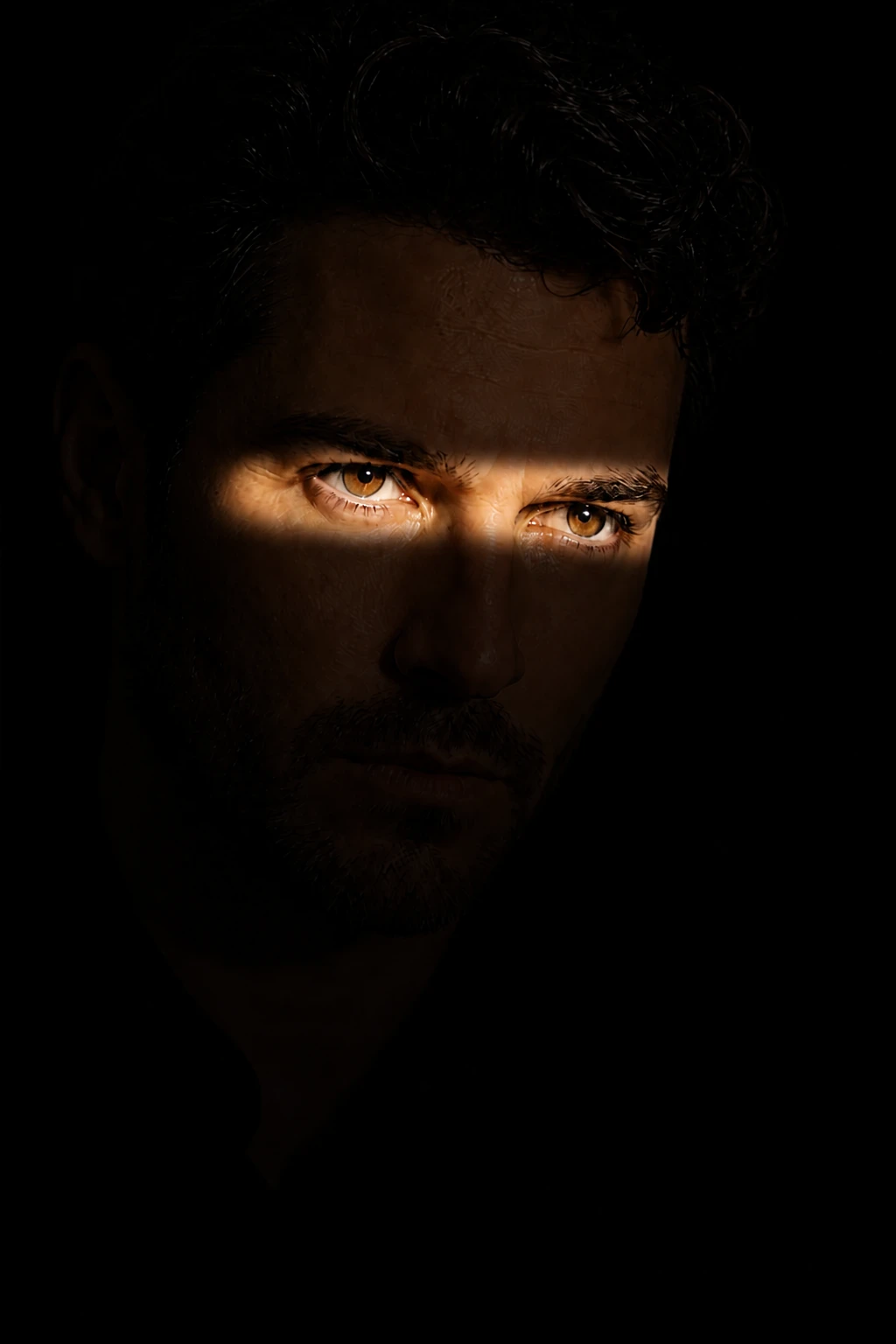
Eye Slit Only
Tighten the cutters until only the eyes catch light and the rest of the face drops into near-black.
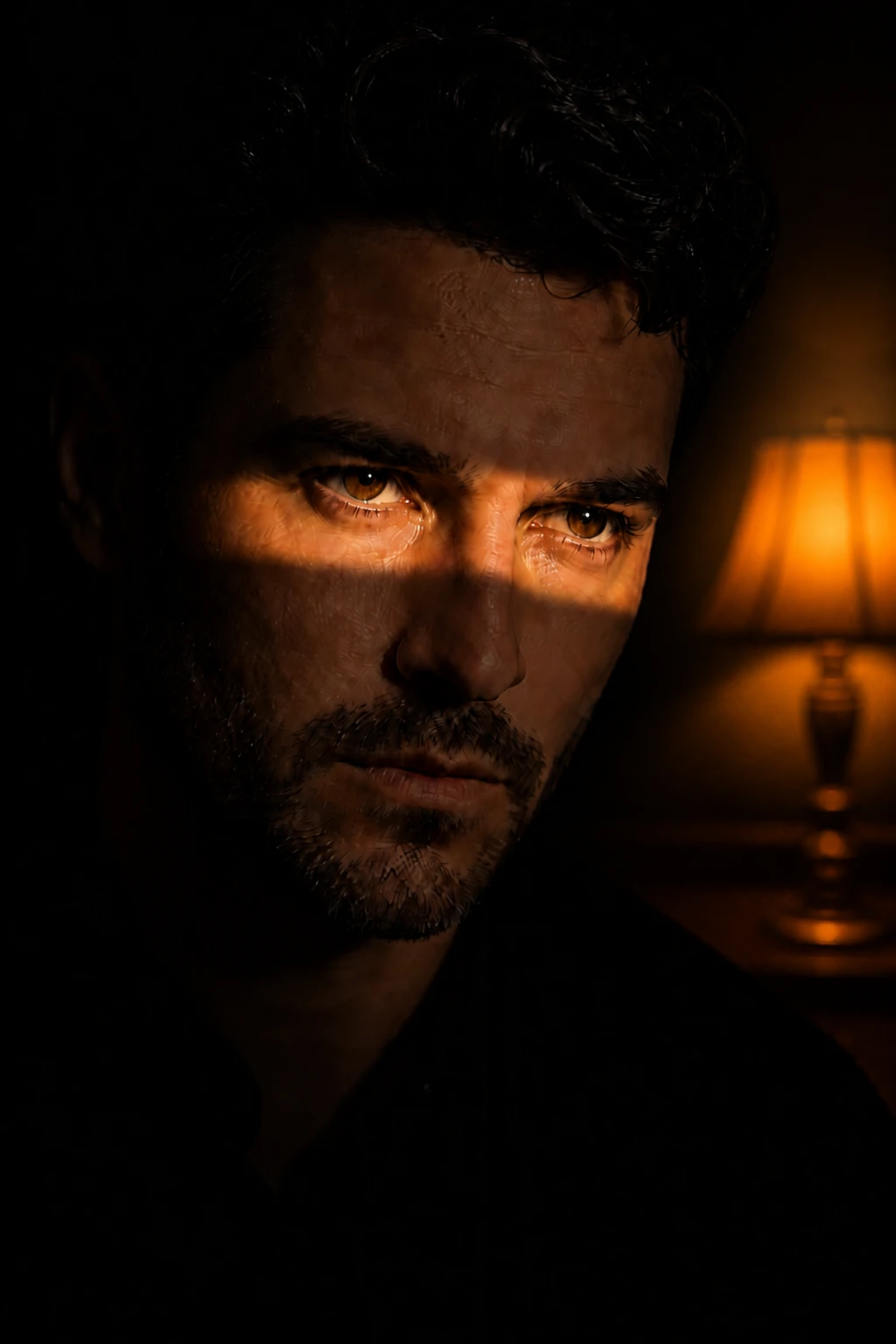
Practical Story
Add a warm background lamp so the hard slash feels motivated by an interior scene rather than a studio test.
Final look
Base setup
Hard sources become graphic when their spill is cut away. The cutter turns a broad Fresnel into a precise band, so the eyes and cheek carry the story while the rest of the frame falls into controlled darkness.
Camera & framing
ISO
ISO 400
Shutter
1/125 - 1/200s
Aperture
f/2.8 - f/4
Exposure
Lens
85 – 105mm portrait
Camera height
Eye level
Framing
Head and shoulders, full face in frame — chin, forehead, and both ears visible; comfortable headroom; no edge crop
Lens & framing
Key notes
- 1Set the Fresnel first, then introduce the cutter until only the eye line and cheek catch the beam.
- 2Use two flags or barn doors for a clean slit; one flag usually makes a messy wedge instead of a deliberate slash.
- 3Expose for the highlight on the face and let the unlit side go nearly black.
- 4A warm practical in the background can add story, but keep it dim enough that the slash remains dominant.
Gear alternatives
Same lighting job — budget, mid, and pro tools. Highlighted cells match what this setup names.
Hard focused beam
fresnel
Spot-to-flood hard light with clean falloff
- Mid · this setup
- LED Fresnel
- Pro · this setup
- Tungsten / HMI Fresnel
In-frame practical
practical-lights
Motivated glow that reads in the photograph
- Budget · this setup
- Household lamp / string lights
- Mid · this setup
- Dimmable practical with warm bulb
- Pro · this setup
- Practical + hidden accent strobe/LED
Negative fill / cutter
flag
Kill spill and deepen shadow side
- Budget · this setup
- Black foamcore / cardboard
- Mid · this setup
- Solid flag on stand
- Pro · this setup
- Flag + C-stand / arm